



Download free, customer-ready menu templates in minutes
Make elegant menus with our free, professional-looking restaurant menu templates. Each template gives you a clean, ready-made layout so you can quickly list your restaurant name, menu items, and prices. The well-planned structure keeps the focus on your food and drinks, making the menu easy to read whether you’re printing it or sharing it digitally with customers.
Full-service menus
Get your hands on our full-service restaurant menu templates and easily create polished menus built around a classic full-service structure. The menus include sections for drinks, starters, mains, and sweets. The familiar layout presents a complete dining menu, making it easy for guests to move from one course to the next while viewing item names and prices.
Fast-casual menus
Streamline your fast-casual restaurant’s menu offerings with our curated and user-friendly menu templates. A straightforward layout with sections such as burgers, pizza, sides, and drinks supports quick scanning and decision-making. This layout works well for counter-service restaurants where speed and clarity matter.
Drinks menus
Download our drinks menu templates for a professional presentation of your beverage offerings. Designed specifically for drink-focused menus, the layout separates cocktails, wine, beer, spirits, and non-alcoholic options into clear sections. This makes it easier for guests to browse offerings and understand pricing at a glance.
Café menus
Discover the perfect café menu template for your establishment. Our café menu templates are ideal for coffee shops, bakeries, and cafés that offer a mix of drinks and light food. The clean, readable format makes it easy for your customers to scan options and for your staff to keep item names and prices up to date.
Brunch menus
Elevate your brunch presentations with our convenient and customizable brunch menu templates. These templates are a good fit if you offer weekend or limited-time brunch service. The layout helps separate brunch items from other offerings so guests can quickly understand what’s available during that window.
Lunch menus
Enhance your lunch service with our downloadable and editable lunch menu templates. Our lunch menu templates are designed for midday service and are especially useful for restaurants offering express lunches or simplified daytime menus with straightforward pricing.
What’s included in these restaurant menu templates
Each menu template includes a professionally formatted menu layout designed to help you present your offerings clearly and consistently. The templates come with predefined menu sections, such as drinks, starters, mains, and desserts, already arranged in a clean, easy-to-read format.
You can add your restaurant name, list menu items under each section, and enter prices where needed. Because the layout and section structure are already set, there’s no need to worry about spacing, alignment, or overall design. The result is a simple, polished menu that’s ready to use once filled in.
How to customize your menu for your brand
To customize your menu, include the details that matter most to your guests: your restaurant name, your offerings, and your pricing. Match the template to your business by using item names and descriptions that reflect your restaurant’s tone and style, whether that’s casual, refined, playful, or traditional. Clear naming and thoughtful grouping of items all help reinforce what your restaurant is about and what guests can expect from the experience.
By starting with a simple, professional layout, the focus stays on your food and drinks. This makes the menu easy to read and update, especially if you want a polished presentation without overcomplicating the design.

Tips for effective menu design
Thoughtful menu design helps guests understand your offerings and guides their choices. Well-placed sections and spacing can draw attention to popular or high-margin dishes and make the menu easier to scan. Here are a few practical tips to keep in mind.
- Group items logically. Organize menu items into clear sections such as drinks, starters, mains, and desserts. Logical grouping makes the menu easier to scan and helps guests quickly find what they’re looking for.
- Use clear, descriptive item names. Choose item names that clearly communicate what the dish or drink is. Familiar language and specific descriptors help set expectations and reduce hesitation when ordering.
- Keep formatting consistent. Use consistent font sizes, spacing, and text treatment across menu items so the menu feels cohesive and easy to read. For example, if one item is listed as “$12.00,” don’t list another as “12” or “$12.” Using the same format throughout makes the menu easier to scan and more polished overall.
- Make important details easy to spot. Clear text, balanced spacing, and an uncluttered presentation make the menu easier to read, especially during busy service or in low-light settings. A readable menu reduces friction and helps customers make decisions faster.
- Don’t overcrowd the menu. A clean menu is easier to read. Limiting the number of items per section helps prevent decision fatigue and keeps the focus on your core offerings.
Menu templates FAQ
Here is everything you need to know about finding the right menu template for your restaurant.
What is a menu template?
A menu template is a preset, professional-looking template that you can update and customize as many times as you like. It is available in popular file formats like Word, Excel and PDF. A free menu template makes your life easier because you don’t need any design skills. Just add your restaurant name and list what you sell to make your new menu in minutes.
How do I fill out my menu template?
Because we’ve done most of the heavy lifting and design work for you, just download the templates and start filling them in. Edit the text to reflect your restaurant’s name, location, hours, specific menu items, and prices. Highlight any high-margin dishes with well-written menu descriptions to help drive more sales.
What are the features of a menu template?
The features of a menu template usually include:
- Your restaurant information (name, logo, email address, phone number)
- Drinks, starters, mains, and desserts with well-written descriptions
- Prices
- Any speciality items
- Children’s meals
- Allergens
- Discounts, deals, or happy hours
How often should I update my restaurant menu layout?
You should update your menu whenever your offerings or prices change. Since the layout stays the same, most updates involve editing item names or prices rather than redesigning the menu. This makes templates especially useful if you want a consistent look while keeping your menu information current.
Your new menu is just the beginning
Got a lot on your plate? Square for Restaurants gives you all the tools you need to manage your restaurant and connect with your customers, and it does it all from one POS.
Try Square for Restaurants for free ->
Explore Square for Restaurants features ->
Manage your staff
Care for your people from your POS, with the ability to import and split tips and set shift rotations without the added hassle.
Take more orders
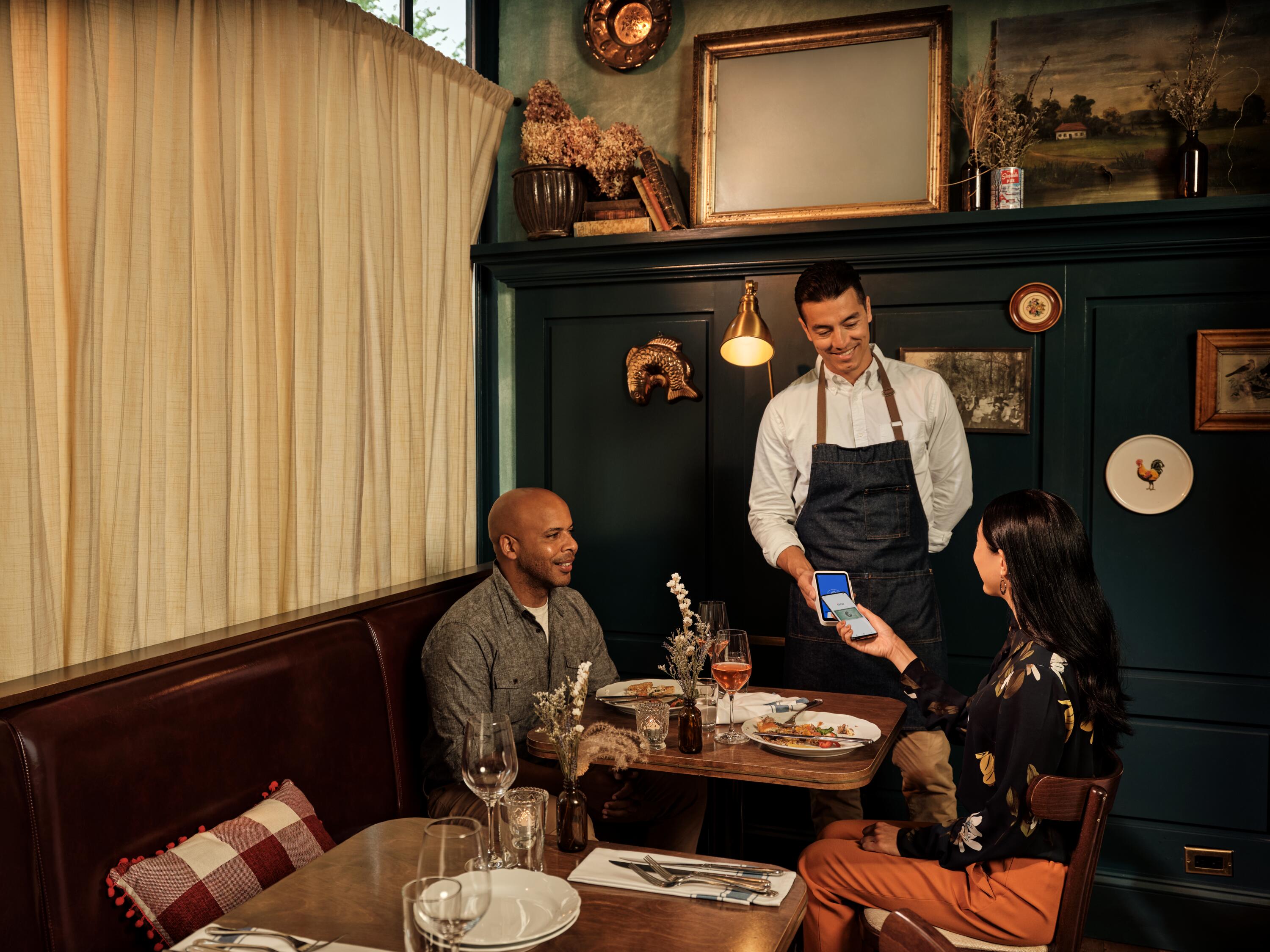
Add waiter-friendly handheld devices to your POS. Take orders and payments tableside or even while customers are in the queue. Free up staff for table touches.
Accept all major payment types
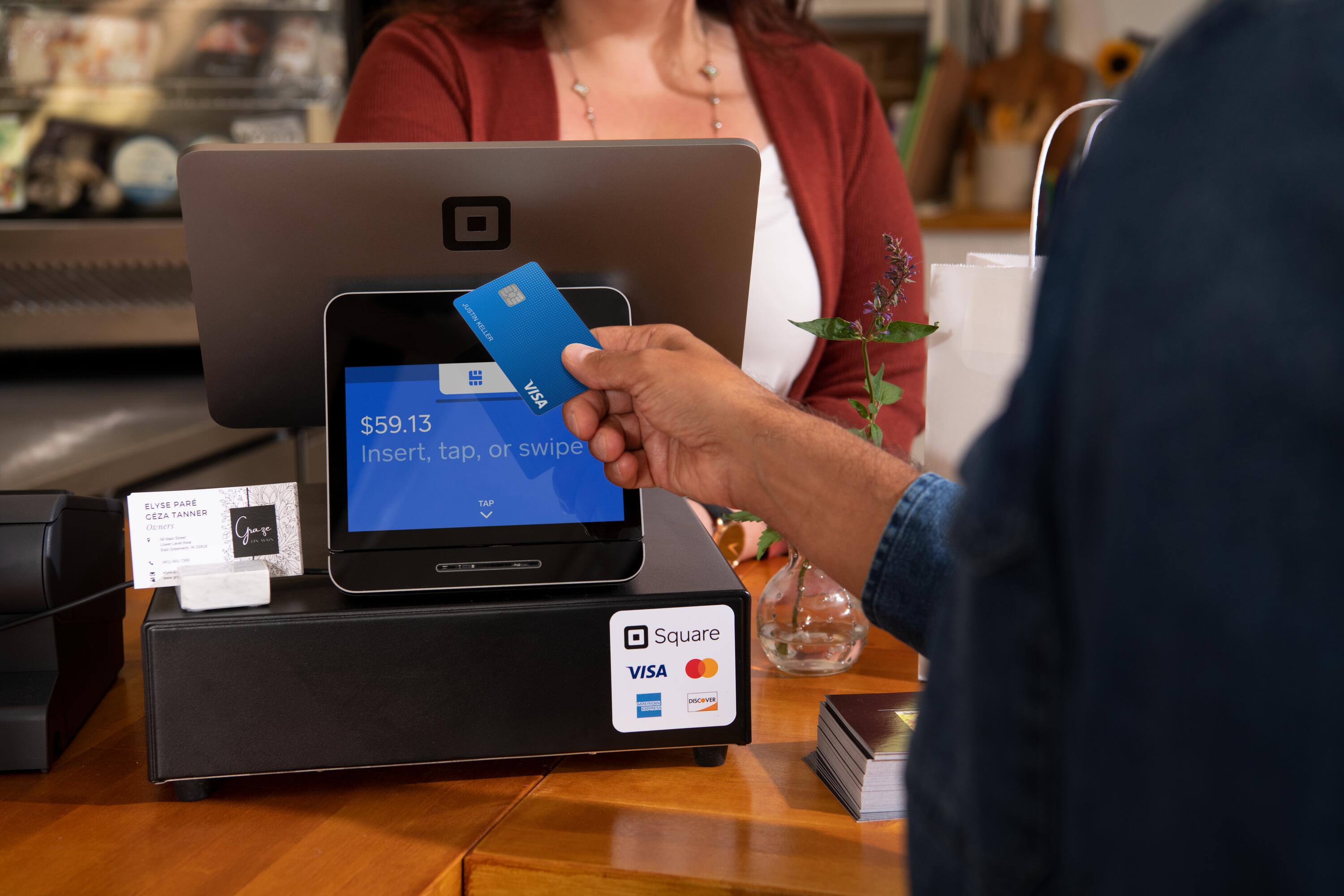
Do payment processing your way. Accept all major types of payments quickly and securely, whether you’re tableside, behind the counter, online or on the go.
Turn every diner into a regular
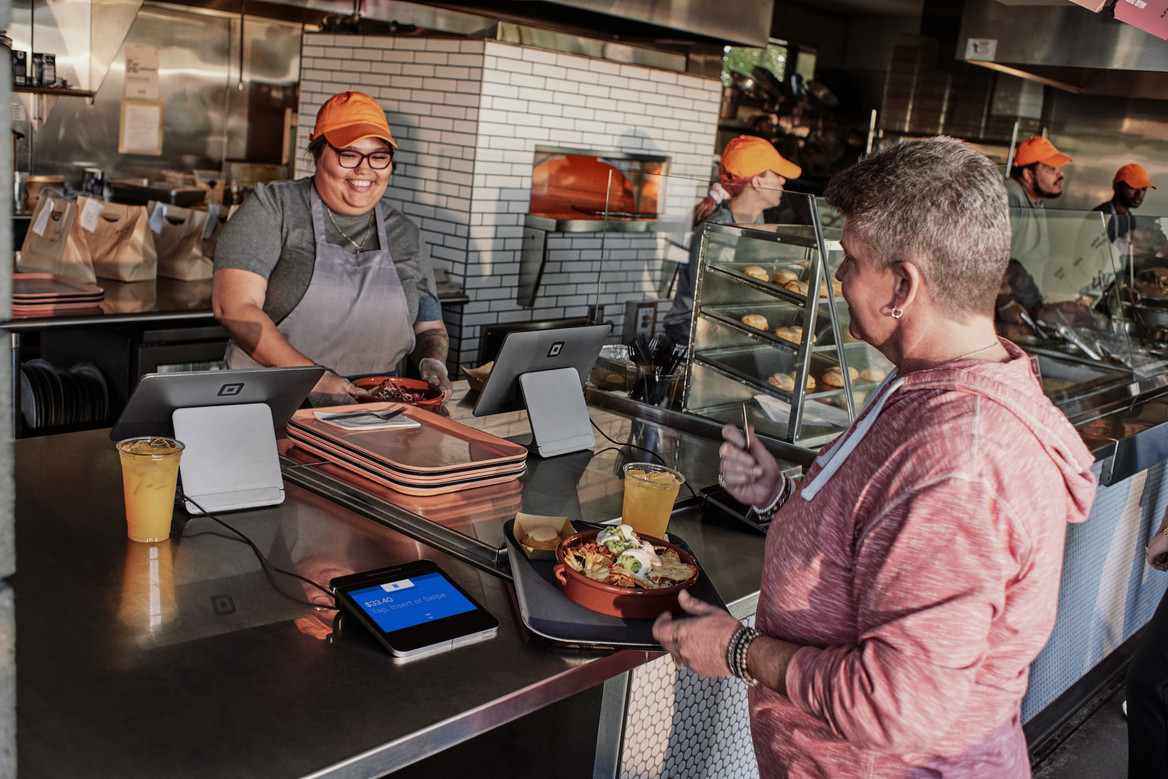
Cater to more diners with a free online ordering site that also connects to top delivery partners for takeout and pickup.
Resources
- How to Make a Restaurant Menu
- How to Create an Allergy-Sensitive Menu
- How to Build a Successful Prix Fixe Menu
- 5 Strategies to Help Restaurants Grow While Staying Grounded
- Restaurant Tableside Payments: What You Need to Create A Better Customer Experience
- How Restaurants Are Automating Back-of-House Operations
- 8 Subscription Ideas for Your Restaurant