




Table of contents
Ready to master small business cash flow? You need to master the art of the invoice. An invoice is essentially a document that tells clients what they owe you, how much to pay, and when payment is due.
If you’re wondering what to include on an invoice, this guide will show you actionable strategies and modern tools you need to create professional invoices. We’ll also walk you through how to automate your billing workflow and get paid faster, turning this basic billing task from an administrative chore into an efficient process for ensuring your small business always has working capital.
What is an invoice?
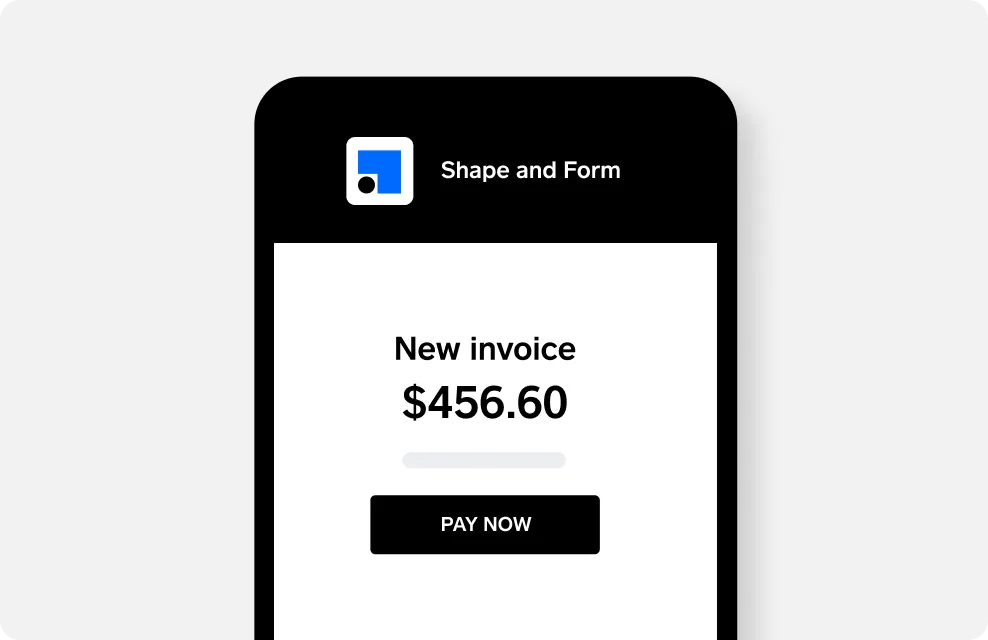
An invoice is a formal, itemized bill you send to a client following the delivery of goods or services. It specifies the amount owed, the payment terms and the due date. An invoice serves as a legal record of a transaction, ensuring clarity for both parties and facilitating accurate bookkeeping and timely payment.

Why is it important to invoice?
Professional invoicing is critical for your small business and your bottom line. Clear, timely invoices not only project competence and secure repeat business, but they are also the lifeblood of your cash flow. An efficient invoicing process gets you paid faster, simplifies accounting, and provides essential records for tax season. Mastering what to include in an invoice isn’t just a basic administrative task; it’s a critical component of ensuring the flow of capital into your small business enterprise.
Using invoicing tools like Square Invoices can help you create and send invoices more quickly and efficiently while also helping you maintain organized financial records.
Types of invoices
Using the right type of invoice is also key to ensuring clear communication and customer billing. The main varieties of invoices each serve a distinct purpose in the billing cycle:
- A proposal (or bid): If you’re doing a large job, you might want to create a proposal or bid for the work detailing what you expect the services to cost. Make it clear the proposal is an estimate, not the final charge.
- Interim (or progress) invoices: Interim invoices allow clients or customers to pay for chunks of work at a time, rather than in one big lump sum upon project completion.
- Timesheet invoices: This type of invoice comes into play if you charge customers by the hour. Consultants, therapists, lawyers, and other professionals frequently use timesheet invoices.
- Pro forma invoices: A preliminary invoice or bill of sale sent to buyers before a shipment, delivery, or work is completed, a pro forma invoice serves as a cost quote for delivery of upcoming goods or services.
- Recurring invoices: If your company performs regular, recurring work for clients (such as housekeeping or dog sitting), you may want to send recurring invoices at regular and agreed-upon intervals (weekly or monthly, for example). Recurring payments are easy to set up with Square Invoices and simplify billing by ensuring customers pay you on time.
- Final invoices: A final invoice details all the services or goods rendered for a particular job or project. If you issue interim invoices, your final invoice should list those, including amounts already paid, as well as the final amount due.
- Past-due invoices: If a client hasn’t paid an invoice, you may need to send another invoice or bill for any interest or penalty charges resulting from late payments.
Invoice vs. receipt
Invoices (and bills) are legally enforceable documents used to request payment from clients or customers. They often come with agreed-upon terms and conditions, such as the payment due date for the services rendered.
A receipt, on the other hand, provides documentation that payment has been received to authorize a sale and can also be used by a client or customer as proof of ownership or payment.
Invoice vs. bill
An invoice and a bill are often used interchangeably, but they differ depending on context. An invoice is a document a seller sends to a buyer, usually in business-to-business transactions, to request payment for specific goods or services provided. A bill is a document received by a buyer that states the amount owed for a purchase, and is typically less formal with fewer details than an invoice. Unlike invoices that might offer payment terms, a bill is usually due on receipt.
Online invoicing vs. paper invoicing
While paper invoicing is an option, online invoicing is far more efficient, eco-friendly, and easier to manage for small businesses. Here are some key advantages of using digital invoicing:
Faster payments
Digital invoices sent via email or mobile apps offer instant delivery and one-click payment options, speeding up your receipt of funds, sometimes as soon as the next business day.
Improved cash flow
Accelerated payments help maintain consistent cash flow and reduce financial uncertainty.
Easier to track and manage
Since online invoices will be stored and automatically organized in a digital dashboard, you can easily see which invoices have been paid, which are overdue, and which are outstanding.
Fewer materials to expense
Online invoicing eliminates ongoing expenses for postage, paper, printing, and envelopes. By switching to online invoicing, you can save time, reduce manual tasks, and get paid faster.

How to make an invoice
Getting started with invoicing is simpler than it seems and begins by establishing a clear, professional template that includes all the essential details to get you paid accurately and on time.
Start with a professional invoice template
One of the easiest ways to begin and to ensure your invoice has all the basic components is to use a professional invoice template. Square offers free invoicing templates for easy download. Square’s free invoice templates are fully customizable and available in Word, PDF, or Excel formats. All you have to do is enter the information outlined in the template and then share it with your customer.
What to include in an invoice
When it comes to what an invoice should include, the elements will vary from business to business, but there are some basics every invoice should have:
Heading and invoice numbers
Clearly label the document as an “invoice,” include a unique invoice number, and an issue date for easy tracking and reference.
Your business details
Make sure to include your company name, logo, physical address, phone number, and email address to establish your business identity, legitimacy, and options for your clients to contact you.
Client details
Also include your client’s complete business name and address to ensure the invoice reaches the right person or department.
Line-item breakdown
Provide a clear list of each product or service you’ve delivered, including descriptions, quantities, and rates per item or service.
Total amount due
Prominently display the subtotal for goods or services, any applied taxes or discounts, and the final amount your client owes.
Payment terms
To ensure you get paid on time, don’t forget to include an invoice due date, accepted payment methods (be that via bank transfer, credit card, or payment app), and any late fees or early payment discounts.
For information on what to include in your invoice based on the type of small business you own and operate, check out some examples of invoices by industry.

How to pay invoices
There are a variety of ways for small business owners to pay invoices from vendors quickly and efficiently:
- Electronic funds transfer (EFT/ACH) provides fast, secure, and low-cost bank-to-bank payment options.
- Online payment gateways, like Square, offer a convenient method for both payers and payees.
- Business credit cards offer a way to essentially defer payments and potentially earn points or rewards.
- Digital wallets, like Apple Pay or Google Pay, not only provide convenient payment tools for consumers but also for B2B transactions.
- Traditional checks, though slower, are still an option and provide a paper trail for payment.
- Financing is an option for large bills that may require a loan or business line of credit to pay.
Square Invoices provides your clients and customers a variety of convenient ways to pay the invoices you send — including credit card, Apple Pay, Google Pay, Cash App Pay, ACH bank transfer, or Cash App Afterpay.
Legal considerations
While the U.S. does not have a single, federal law dictating invoice format, businesses must adhere to legal and regulatory requirements that establish an invoice as a valid tax and accounting document. Key considerations include:
- Tax compliance: Invoices are crucial for sales tax collection. If you are a seller in a state that requires sales tax collection, the invoice is your proof of collection. It must clearly show the sales tax amount charged.
- Truthful representation: Invoices must accurately describe the goods or services provided, the quantity, and the agreed-upon price to avoid accusations of fraud.
- Recordkeeping: The IRS requires businesses to keep accurate records of income and expenses. Invoices serve as this primary evidence and must be retained for a minimum of three years, though many accountants recommend seven.
- Contractual obligations: An invoice can be considered a legal document that outlines the terms of a sale, including payment due dates, late fees, and payment methods, which can be enforced under contract law.
How to keep track of your invoices
To maintain healthy cash flow for your business, your invoicing process must be efficient, organized, and timely. Use these strategies to streamline your workflow and ensure you send invoices promptly and receive payments on time:
Send invoices quickly
The first rule of invoice management is to send invoices right after you’ve completed a job. This is easy to do with Square Invoices, which lets you create and send invoices straight from the Square invoicing app, whether you’re working on your laptop or in the field with your mobile phone.
Send the invoice to the right people
Sometimes your client does the bookkeeping, and sometimes it’s their accountant. With Square Invoices, you can email both your client and whoever handles accounts payable, so you can get your money as quickly as possible.
Use online invoicing
Online invoicing, or electronic invoicing, keeps your bills from getting “lost in the mail.” Since you send online invoices digitally, your clients and customers will receive them more quickly and you won’t risk having your invoice lost in a pile of unread paper mail.
Set crystal-clear payment terms
You need to clearly outline your terms and conditions of payment both ahead of time and on the final invoice you send your clients or customers. This includes any late fees associated with delinquent payments. Having everything in writing is key to getting paid correctly and on time.
Have an organizational system
Online invoices can be fundamental tools for tracking payments and managing cash flow. Each invoice acts as a digital paper trail, recording what you sold, when payment is due, and when you receive payment. (That means a digitally paid invoice can serve as proof of payment for your customers, too).
Having a system for monitoring which invoices are paid, pending, or overdue helps you more accurately forecast incoming revenue, identify late-paying clients, and maintain a clear view of your business’s financial health.
Meanwhile, real-time tracking helps ensure you have enough cash flow to cover business expenses while simultaneously simplifying accounting and tax preparation. Platforms like Square Invoices can ease the administrative burden of billing clients by automating the entire process.
How to get paid quickly
To date, millions of dollars have been paid through Square Invoices. Based on Square trends and data, here are some smart strategies to ensure your invoices are paid quickly and seamlessly.
- Send invoices to clients on Thursdays. Square found that invoices sent on Thursdays have the highest likelihood of being paid within two days.
- Customize the due date of each invoice. With Square Invoices, you can add a message for the recipient to request that the customer issue payment upon receipt. This can lead to speedier payment returns.
- Avoid invoicing clients on Sundays. People are least likely to pay an invoice received on Sunday — it’s the laziest day of the week, after all.
How to deal with late payers
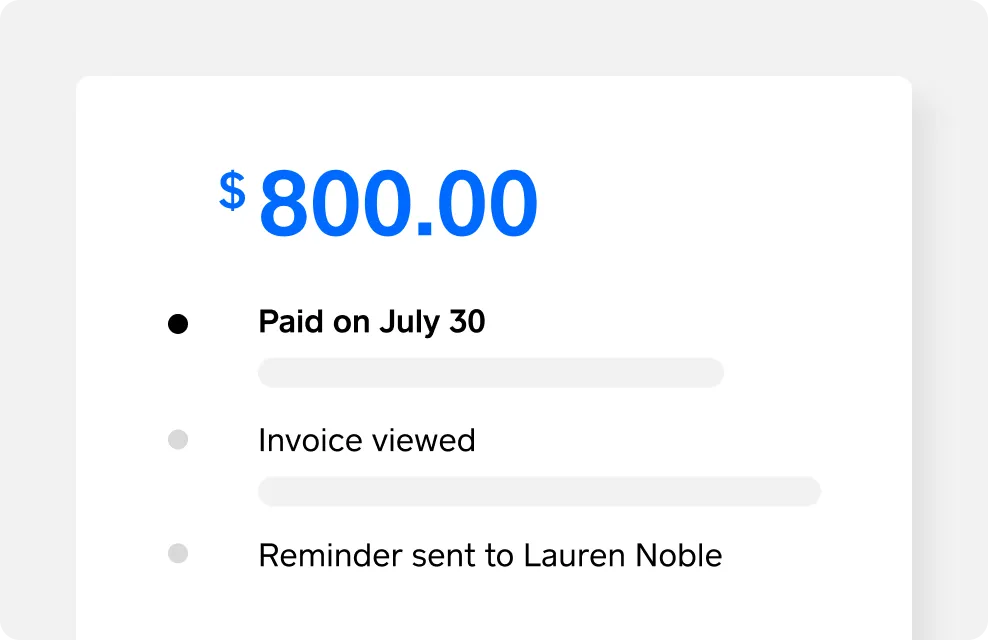
It’s par for the course — people forget to pay their invoices. But there are several ways to stay on top of your account receivables. Invoices are sorted in your Square Dashboard by what’s been paid and what hasn’t, so you can quickly go in and hit the Resend button for anyone who might need a reminder. That saves you from crafting awkward reminder emails.
By automating invoice creation, sending, tracking, and reporting, Square transforms billing from a manual administrative task into an efficient, integrated financial system.

What is an invoice FAQs
What is an invoice in simple words?
An invoice is a bill detailing provided products or services, the amount due, and how to pay. With a tool like Square Invoices, you can create, send, and track electronic invoices, allowing for full or installment payments, directly from your online dashboard or point-of-sale app.
Does an invoice mean I have to pay?
Yes, an invoice is a formal request for payment, so it means you have an obligation to pay according to the agreed-upon terms.
When should I send an invoice?
You should typically send an invoice immediately after you deliver goods or complete a service, unless you have a pre-arranged billing schedule like upon project milestones or at the end of the month.
Can I use an invoice as proof of payment?
No, an invoice is a request for payment, not proof that payment has been made; a receipt or proof of payment is required for that.
Is an invoice a bill or a receipt?
An invoice is functionally the same as a bill, but it is not a receipt. A receipt is a document provided as proof that payment for an invoice or bill has been completed.