






Please update your browser.
Download the latest version of a supported browser below to get the most out of this website:
Squaremates




















Introduction
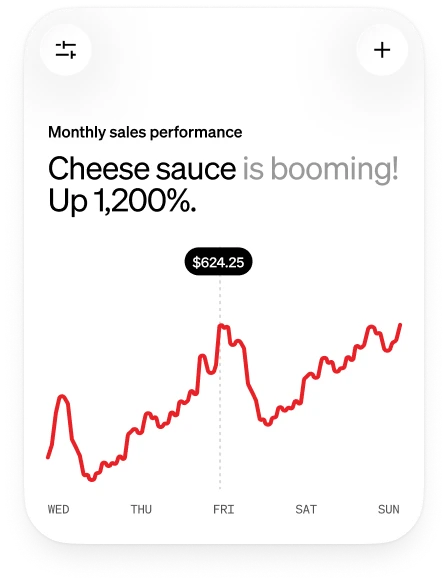
Squaremates is built right into Square, so it already knows your sales, customers, and team. Ask it about your business and it’ll show you what’s going on and help get the work done.







Use Cases
Staff smarter
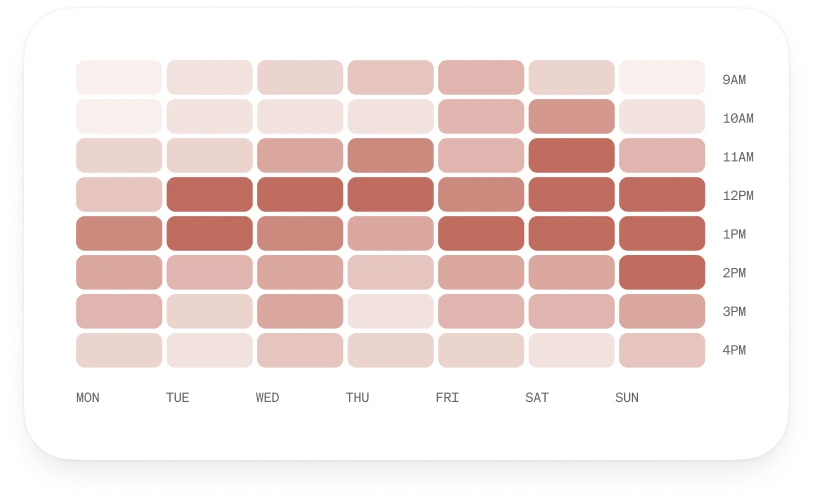
Match your team to your busiest hours. Use Square to compare your staffing against your sales and flag shifts that need support. It can also build next week’s schedule around expected demand and your team’s availability.
Win-back regulars
Keep customers coming back. See which regulars haven’t been in lately, starting with your highest-value ones. Our AI can then create a campaign to win them back.
Stay stocked
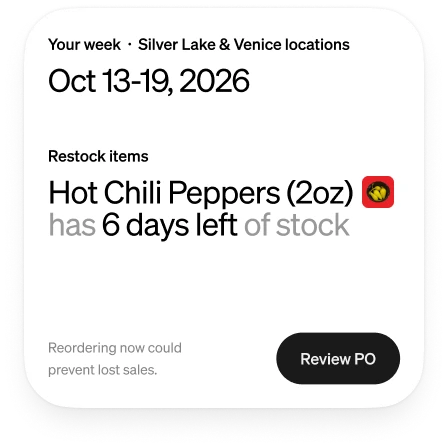
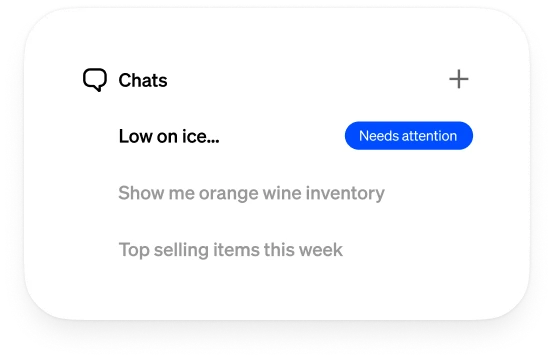
Know what you’ll need next. Square looks at what’s selling and what’s on your shelves to forecast your inventory and help you restock.
Plan your posts
Keep your feed fresh. Get a social media strategy that works with your business. Square can then draft the posts for you, with captions, format ideas, and image concepts.
Outputs
Reports, email drafts, social posts, daily briefs, campaign ideas, task summaries, and recommendations.
Sales
![]() Try it now
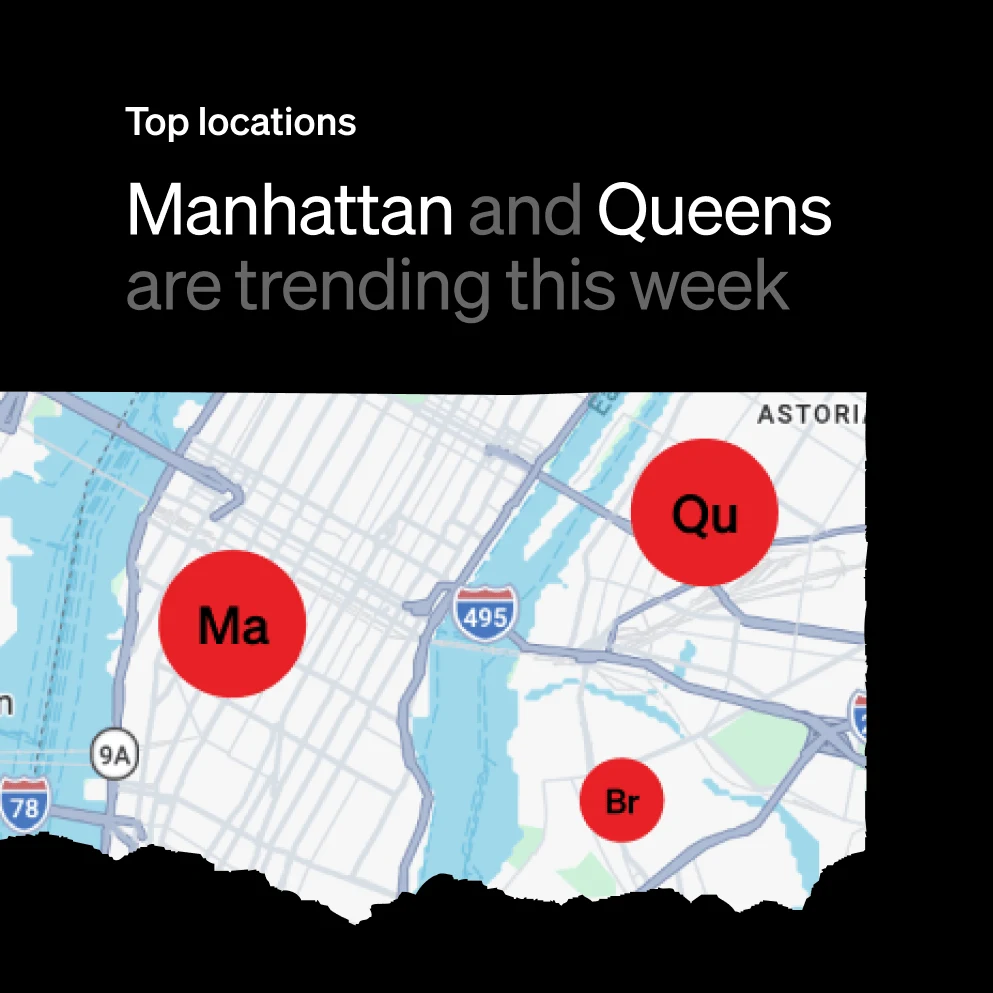
Compare your locations
Prompt: “Map my locations by sales and see which ones are trending up”
![]() Try it now
Draft marketing emails
Prompt: “Draft a marketing email to win back customers I haven’t seen in a while”
![]() Try it now
Deep dive into monthly trends
Prompt: “Show me my sales trends this month, including gross sales, average ticket, and orders”
![]() Try it now
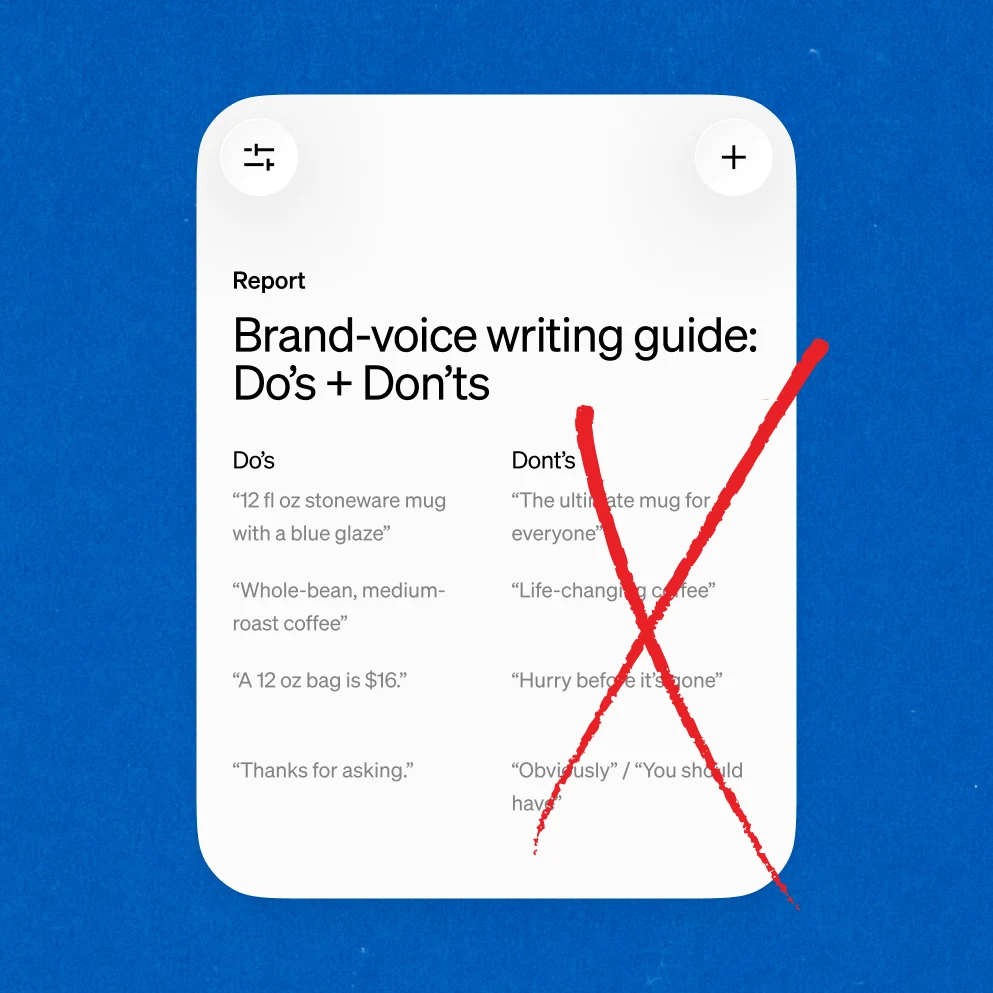
Define your brand voice
Prompt: “Create a brand voice guide for my business, with do’s and don’ts”


Inventory
![]() Try it now
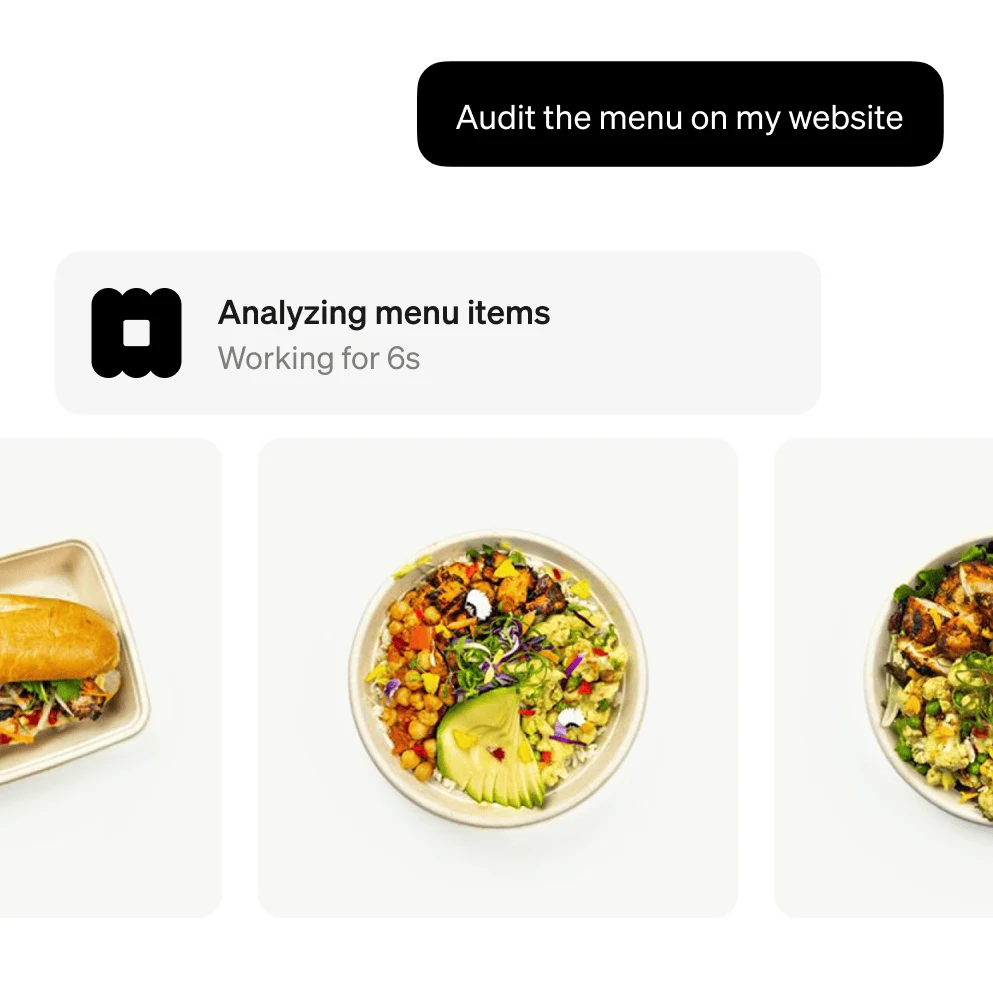
Conduct a menu audit
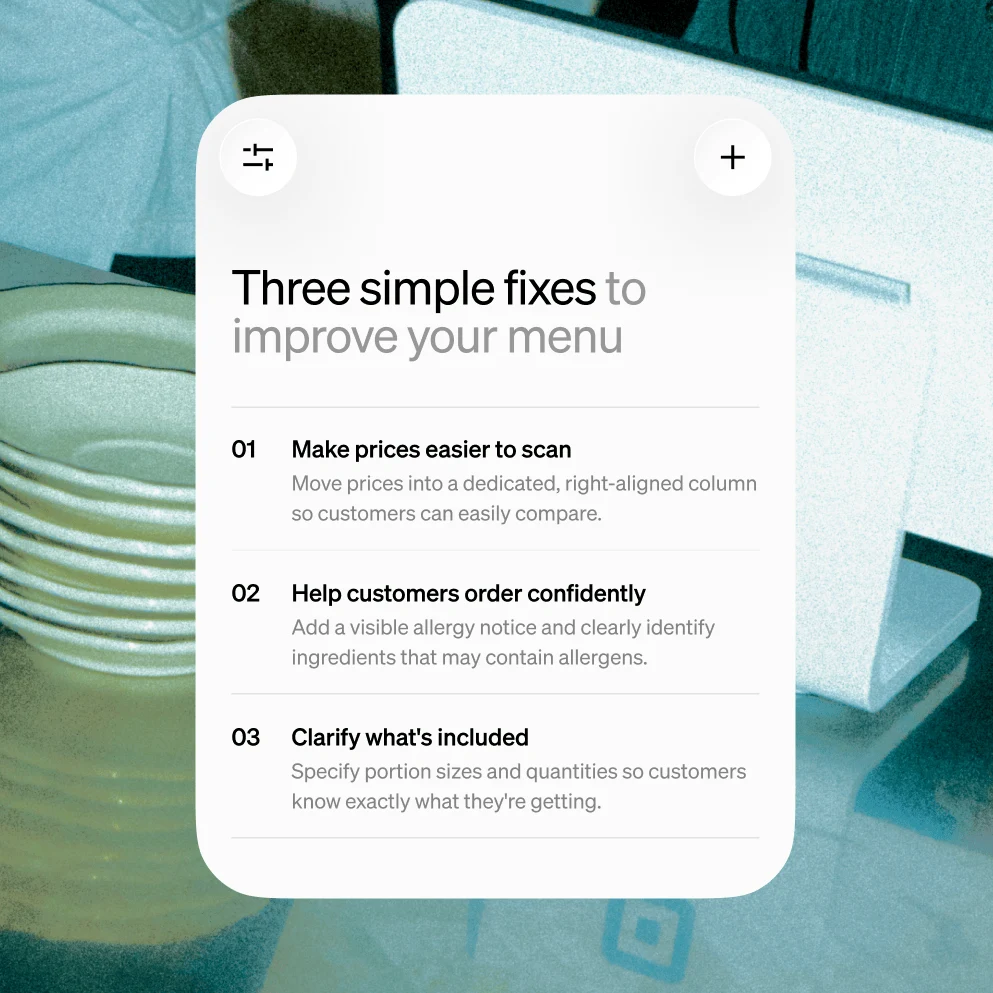
Prompt: “Audit my menu and suggest a few simple fixes to improve it”
![]() Try it now
Improve product descriptions
Prompt: “Suggest three simple fixes to make my menu descriptions clearer”
![]() Try it now
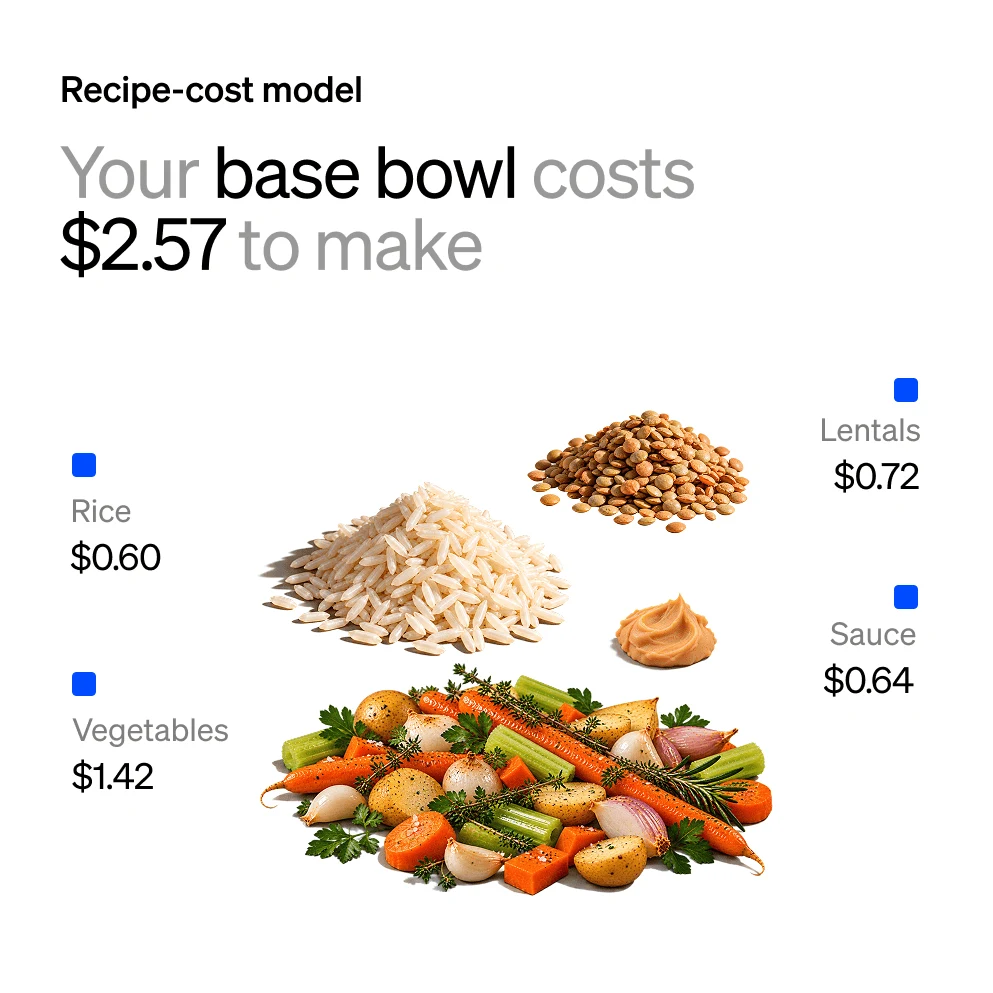
See what a dish costs to make
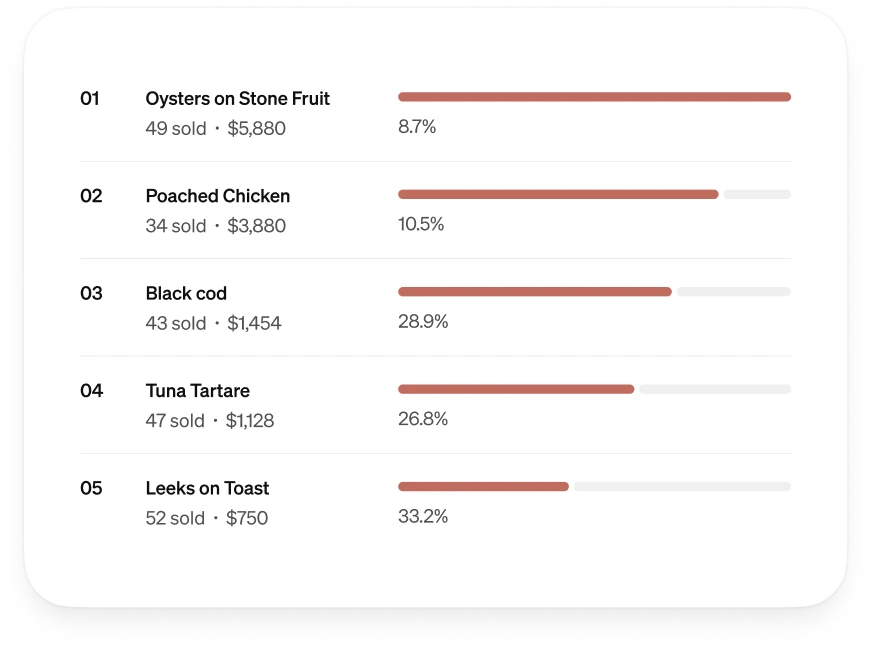
Prompt: “Break down what it costs to make my top-selling dish”
![]() Try it now
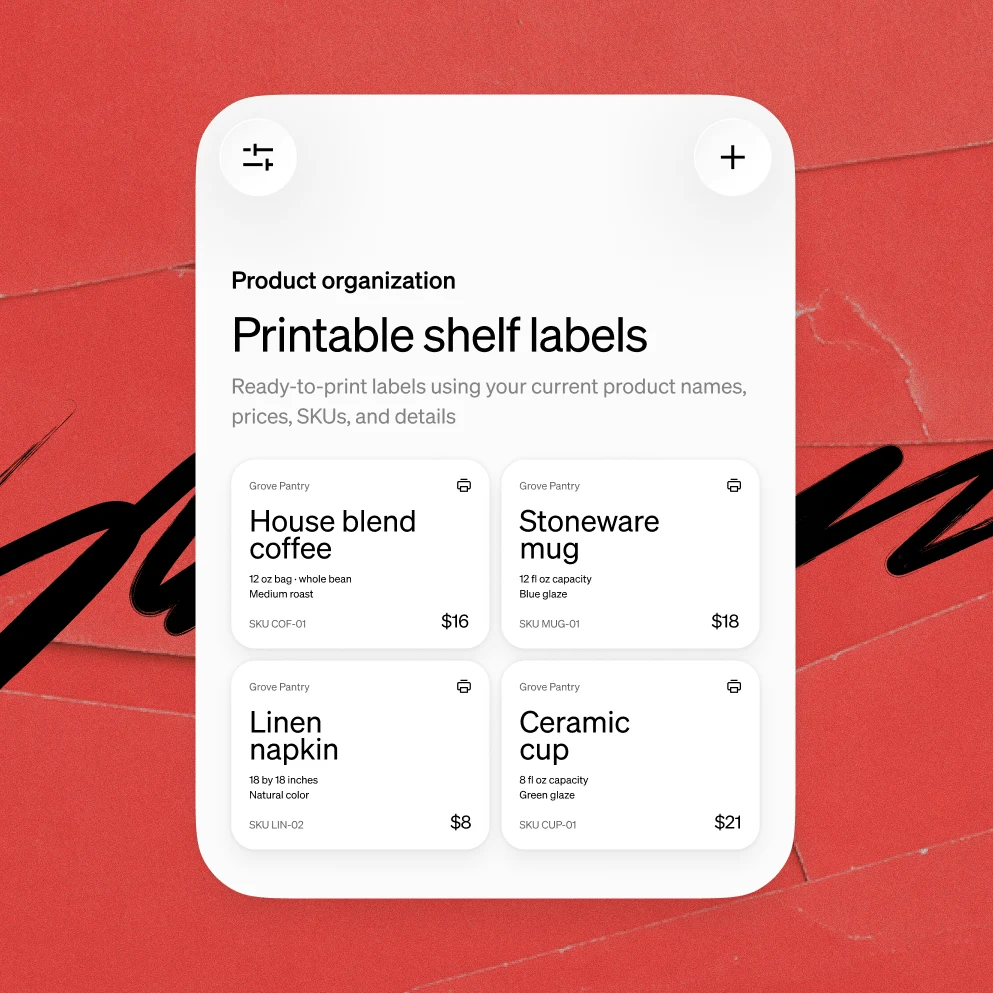
Make product labels
Prompt: “Create printable shelf labels for the products in my catalog”
Customers + Staff
![]() Try it now
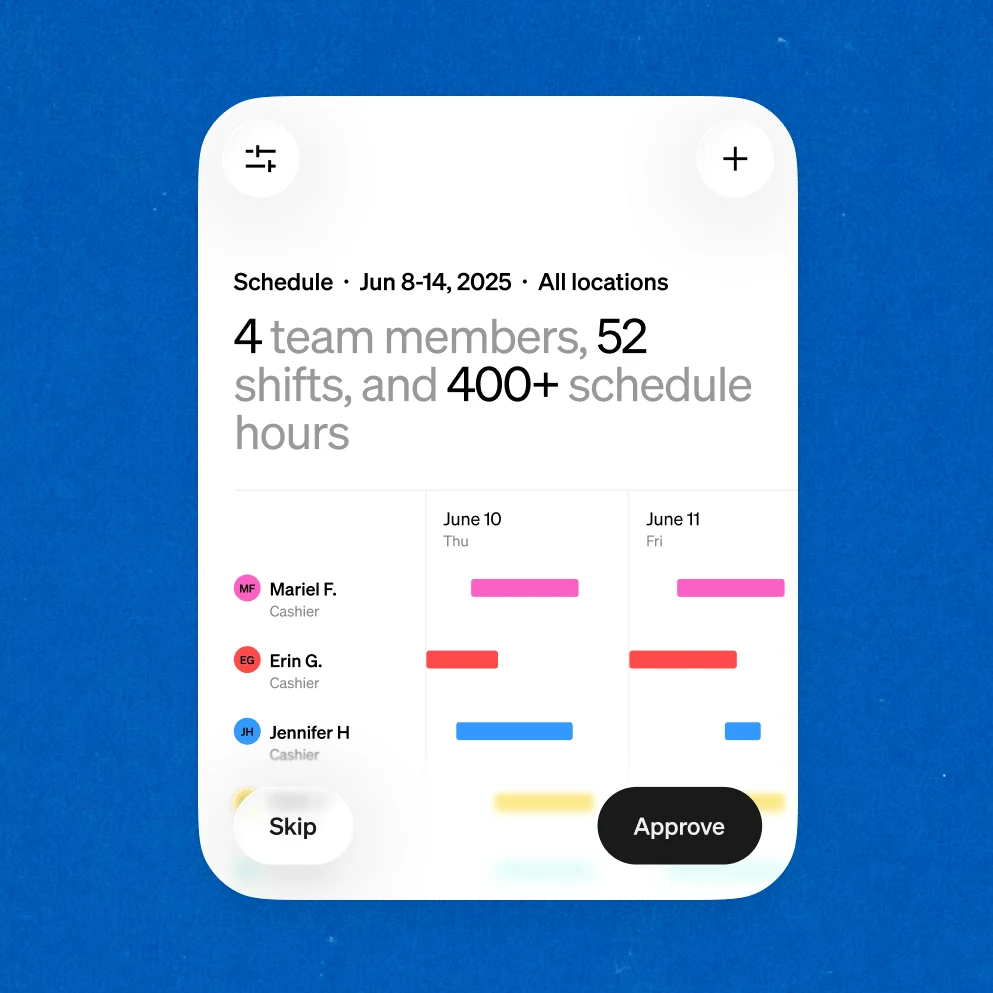
Build staff schedules
Prompt: “Build next week’s staff schedule, ready for me to approve”
![]() Try it now
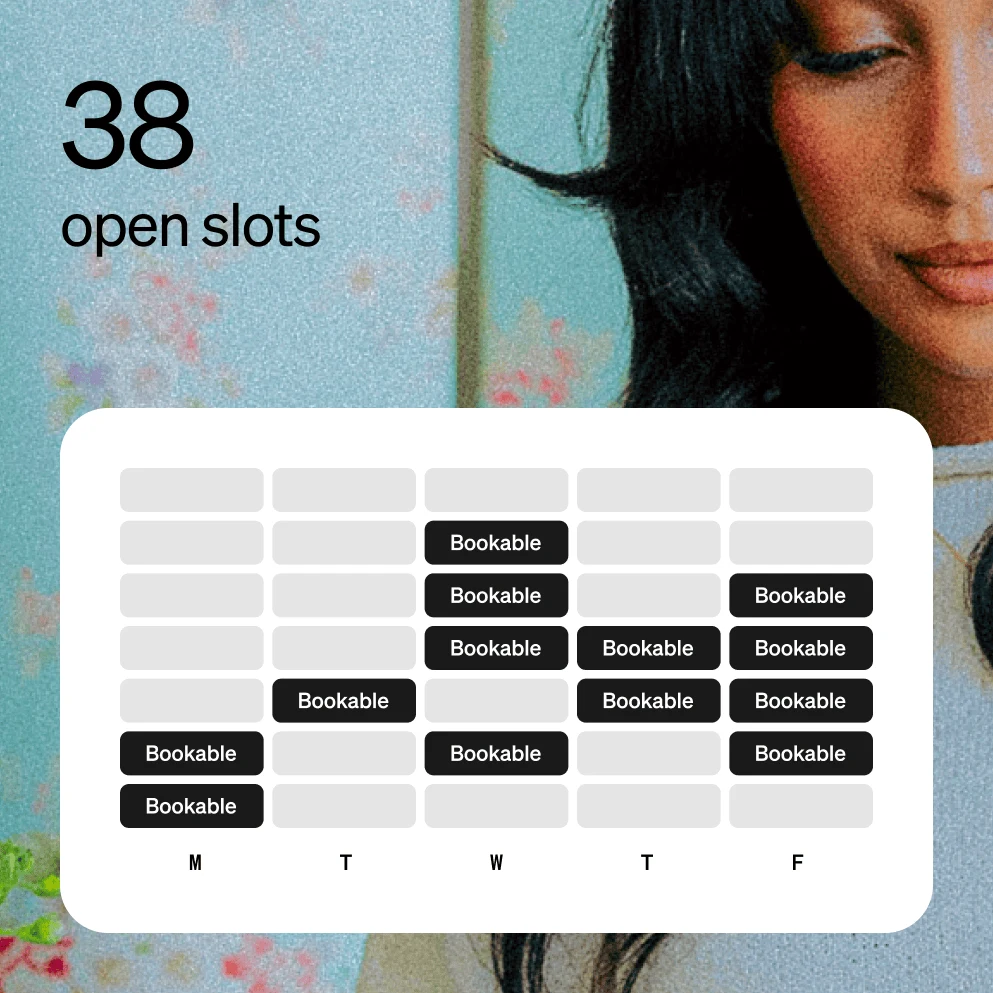
Plan next week’s bookings
Prompt: “Build a weekly appointment-capacity plan from my confirmed staff availability, existing bookings, breaks, service durations, and required buffers”
![]() Try it now
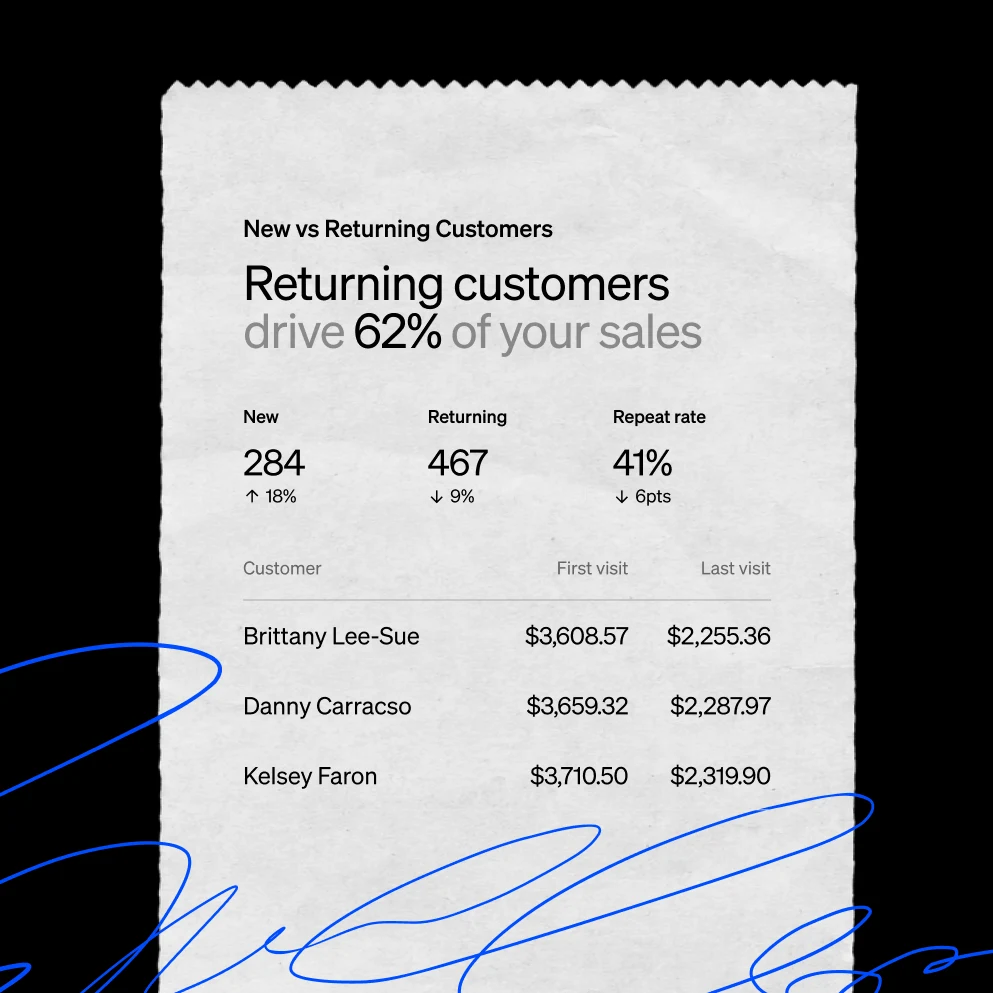
Break down customer data
Prompt: “Show how much of my sales come from returning customers”
![]() Try it now
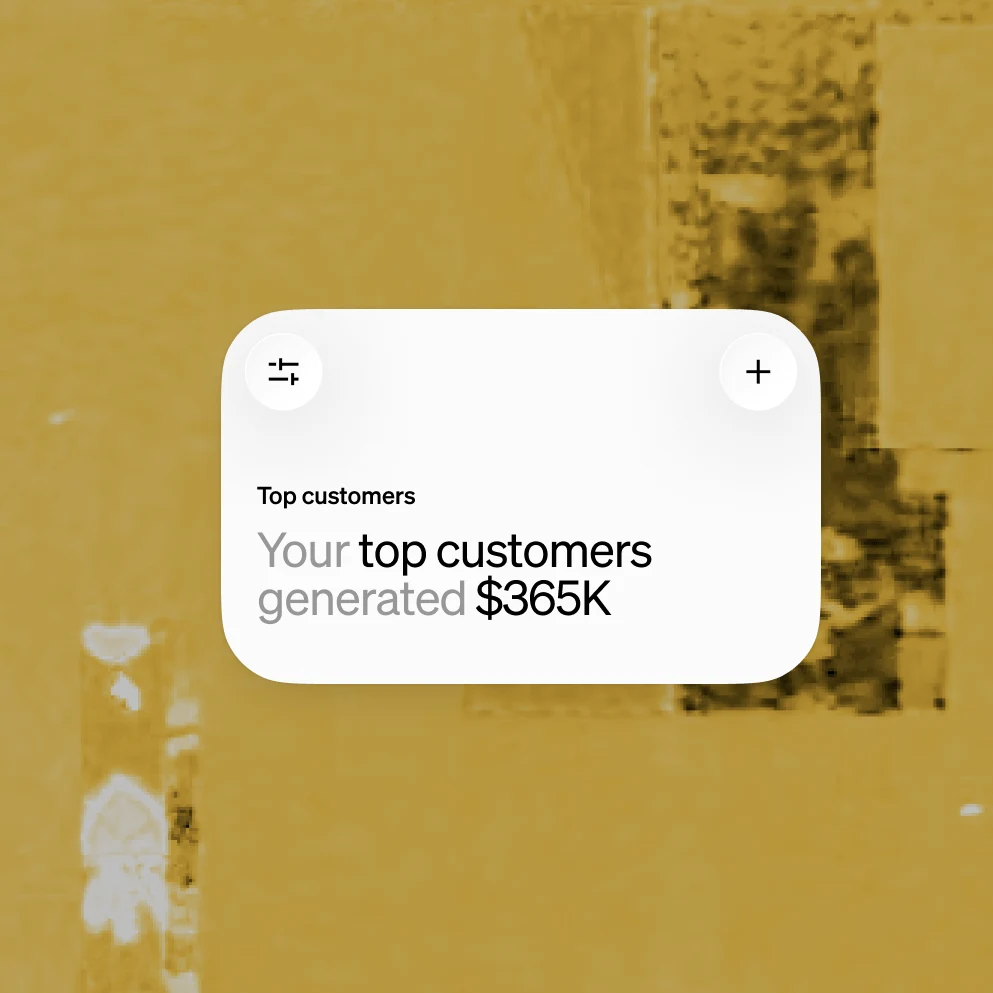
Check on top customers
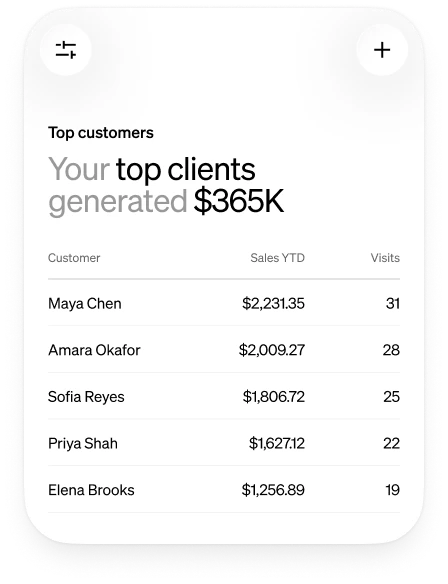
Prompt: “Show how much my top customers have generated this year”


Squaremates FAQs
Squaremates is the AI business partner built right into Square. It already knows your business, thinks things through with you, and takes on the work that follows.
The name reflects the role Square’s AI plays in your business: a capable teammate that works alongside you and your team.
Managerbot is now called Squaremates. The new name better reflects the role it plays: working alongside you and your team.
General AI assistants know about business. Squaremates knows your business. Because it’s built into Square, it works across your sales, payments, inventory, customers, staff, and marketing, and it sees how those pieces connect. It can bring things to you without being asked and help get the work done right inside Square.
No. Our AI works from the information already in your Square account, so there’s nothing to export, upload, or explain.
Squaremates asks for your approval by default, but if you prefer, you can ask it to handle simpler tasks autonomously.
It uses the information available across your Square business, such as sales, items, customers, team, and locations. Access follows the roles, permissions, and locations you’ve set.
Yes. Owners, managers, and staff have access and can use it together. What each teammate can see and do with Squaremates is based on the roles, permissions, and locations you’ve already set up in your Square account. You can disable or manage your team members’ access to Squaremates at any time in your Permissions settings in Dashboard.
No. Our AI works alongside you and your team, taking on manual and repetitive work so everyone can spend more time on the parts of the business that need people.
Like any AI, it can. Check responses before acting on them, especially for big decisions. Square doesn’t provide financial, tax, or legal advice.
Start with something you’ve been wondering about, or something you’d like off your plate. For example, you could ask it to “Break down item-level sales for this week” or “Draft a week of social media posts for my business.”
In Square Dashboard.
Squaremates does not provide financial, tax, or legal advice.