


Please update your browser.
Download the latest version of a supported browser below to get the most out of this website:
Cash drawers
USB
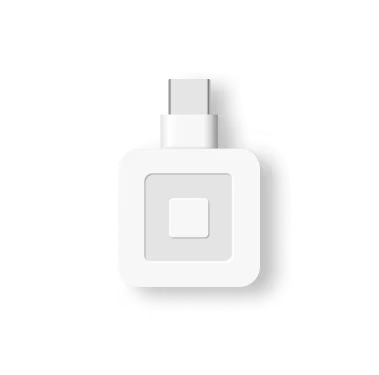
USB devices plug directly into the compatible device and generally offer very reliable connections. If you are using Square Stand, Square Register, or Square Terminal, you can plug your USB accessory directly into the USB hub on the power cord. For Android devices, you’ll need to connect through a USB OTG (On-The-Go) adaptor. Be sure to check that your Android device supports USB OTG or USB Host mode.
Ethernet
Ethernet devices plug into your router using an Ethernet cable. Once connected to your router via the Ethernet cable, your hardware accessories will connect to your device through the wifi connection. Keep in mind, you won’t be able to use Ethernet connection in Offline Mode.
Wi-Fi
Wi-Fi devices connect wirelessly to your router. Once connected to your Wi-Fi, your hardware accessories connect to your device through the shared Wi-Fi connection. Ensure that both your device and your hardware accessories are connected to the same Wi-Fi network, if they are on different networks the connection will not be successful.
Bluetooth
Bluetooth devices connect to your device wirelessly using the Bluetooth connection. Bluetooth works best in close proximity. You’ll want to make sure that your device and your hardware accessories are all within 10ft. of each other.
Printer-driven
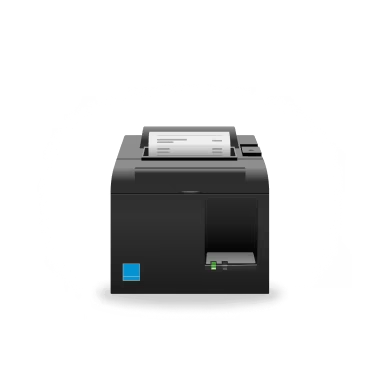
Some cash drawers connect directly to a compatible receipt printer in order to open automatically. You can manually open your cash drawer with a key if they are unplugged.
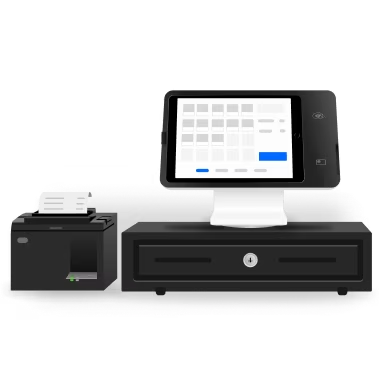
You can connect a cash drawer directly to your Square hardware or through your receipt printer. When you connect a cash drawer, it will automatically open when you accept a cash payment and you can take full advantage of Square’s cash drawer management features.


¹Combined printer and cash drawer.
²An external printer is required for Square Terminal to be compatible with a printer-driven cash drawer.
More accessories

Printers

Cash drawers

Barcode scanners

Scales
