

Please update your browser.
Download the latest version of a supported browser below to get the most out of this website:
Appointments Simplify bookings and stay organised
Say goodbye to scheduling chaos
Use Square booking software to manage appointments, staff availability and services all from one place – synced in real time.


Create a free booking site
Give customers a way to book your services 24/7 with an online booking site.

Add unlimited staff schedules
Let clients book services with any team member at any location from your booking site.

Connect your Google Calendar
Sync your Google Calendar to automatically block off personal events and avoid double bookings.

Track resource availability
Assign rooms, stations or chairs to services so they get booked when clients make appointments.

Offer class bookings
Set up individual or recurring class bookings in seconds.
Take payments in person and online
Accept payments in-studio, on the go and online with all sales connected in one system – no extra apps needed.


Take all major payment types
Let customers pay with cards, digital wallets, payment links, gift cards and more.1

Process payments with just your phone
Accept contactless cards, Apple Pay and digital wallets with Tap to Pay on iPhone or Tap to Pay on Android.

Offer customers the flexibility of Afterpay2
Give your customers the option to pay over time with Afterpay – you’ll get paid up front when they make their initial purchase.

Keep cards on file for no-show protection
Save clients’ cards on file to hold appointments, manage prepayments or charge cancellation fees.

Recover costs with automatic surcharges
Automatically pass on card and weekend/public holiday surcharges.3
Send reminders and more, automatically
Send customisable email and text messages for appointment confirmations, reminders and easy rescheduling.


Secure yourself against no-shows
Protect your time and revenue with customisable no-show policies, fees and prepayments.

Keep schedules full with waitlists
Create demand with a waitlist that automatically fills cancellation openings.

Create customer profiles
Store all your client details – preferences, birthdays, documents, images and files – with customer profiles.

Collect important client information
Receive forms and contracts from clients during booking and keep them together.
Book more clients in new ways

QR code booking
Make it quick and easy for your clients to book your services by creating QR codes which take them directly to your online booking page.

Attract clients via social
Reach customers through social media and allow them to book directly from your page.

Offer prepaid packages
Sell packages of your services to secure cash upfront and foster client loyalty.
Sell products to enhance services
Ring up products and services in the same transaction and keep track of inventory.
Explore tools for your unique craft


Choose a plan that fits you best
Free
The basics to run your business while staying ahead of schedule
$0/mo.
for a single location + processing fees
Top features:
Unlimited staff accounts
Free booking website and social media integrations
Integrated payments
Automatic text and email reminders
Automated contracts
Plus
Most popular
More advanced features for growing teams that offer top-notch service
$40/mo.
per location + processing fees
Top features:
Everything in Square Appointments Free
Customer confirmation texts and emails
Cancellation policy and fees
Class scheduling
Waitlist
Appointments reports
Premium
A complete plan that meets complex booking and staff management needs
$90/mo.
per location + processing fees
Top features:
Everything in Square Appointments Plus
Select scheduling features from Square staff
Resource management
Custom staff commissions
Custom contract fields
Custom pricing for your business
Custom plans may be available for businesses that process over $250K per year, including everything in Square Appointments Premium, a dedicated account manager and a discounted bundling of Square business tools.5 Contact sales to add tools to any subscription.
Manage all sides of your business
Build an online store
Sell online and offer in-store pickup, shipping and local delivery.

Move money fast
Transfer funds to an external bank account for free the next day or instantly for a fee.4

Manage your team
Get rostering, time tracking, payroll prep and sales all together.


Bring in new clients
Let your customers share your business through digital and physical gift cards.


Offer flexible payments
Send digital invoices in seconds via email, SMS, or a shareable link.

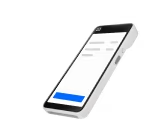
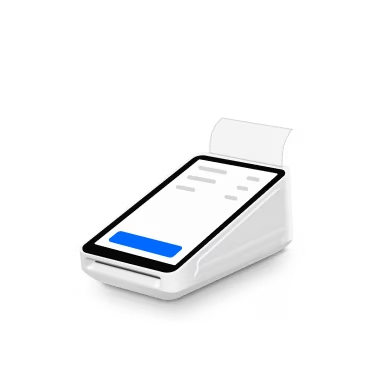
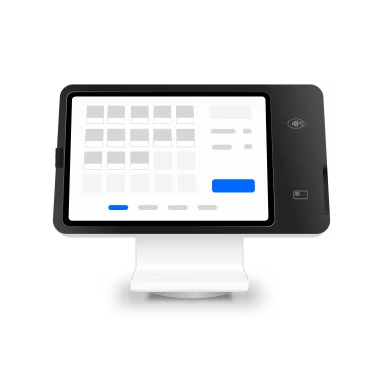
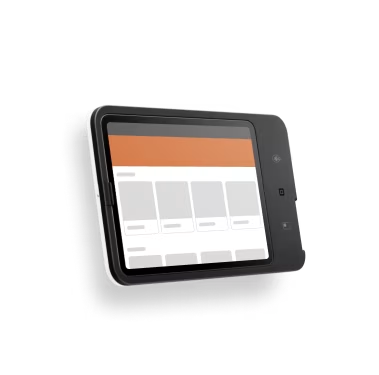
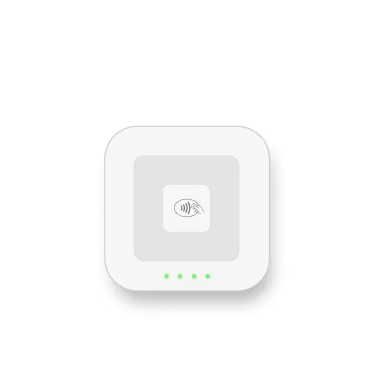
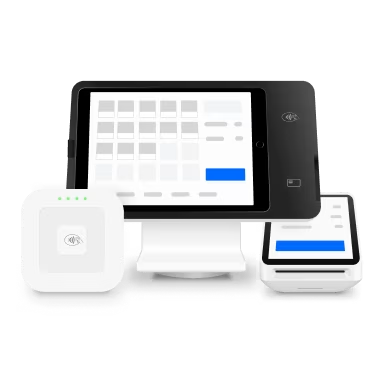
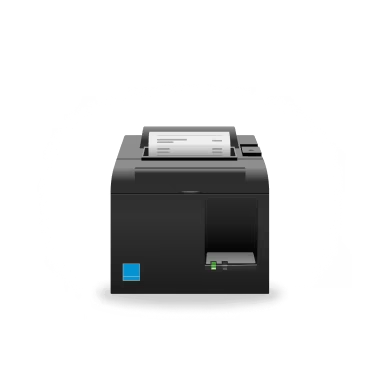
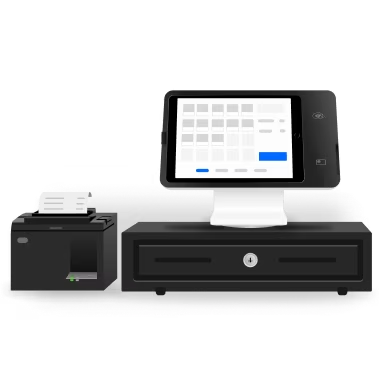
Add hardware that works wherever you do


Discover tips, read real stories and get inspired


‘Since Square has introduced a waitlist option it’s made running our columns a lot more efficient. When people try and cancel last minute, they are usually quite difficult appointments to refill. But having the waitlist available and automatically sending a text out to these people on the waitlist is another issue we don’t have to worry about.’
Dean Robertson, co-owner
Beef’s Barbers
Multiple locations, Melbourne
‘Square helped us grow by combining all our systems together. Before Square, we were using three different systems that did not link together. Now all our marketing, bookings, customer database with customer sales info and eftpos is all in the one place.’
Joshua Vas, owner
KJ Barbers
Adelaide
‘Easier bookings and analytics have helped me grow my business exponentially with a clear view of growth. It’s also very easy to use with my staff who feel a part of a legitimate system in place to help them.’
Jake Houlihan, owner
Ramble on Studio
Brisbane
‘Square has simplified how we run our business, it is a one stop for our website, POS, marketing and appointments.’
Meg Lewis, owner
The Makeup Studios
Newcastle
‘I started to use the Square Appointment system, which changed the rules of the game for me. Allowing me to leverage and automatise many aspects of my business and create an outstanding customer experience for my clients even before they visit our beauty salon.’
Cheysa Brito, Owner
Cheysa Beauty Salon
Melbourne



FAQs
Why use an online booking system?
An online booking system helps you streamline appointments management and can get you more customers.
How do you set appointments?
With a booking system, customers can choose available appointment slots on your calendar that work for them. Then you can accept and schedule the appointment straight from the software.
Is Square right for my business?
Square will work for any business that needs appointment scheduling capabilities and a point-of-sale system.
Learn more about how Square works for retail businesses. If you’re a restaurant business, you can learn more about how Square can also support your restaurant.
How can I switch from my current booking system?
Get started by creating your Square account. You can then bulk import your customer list and inventory list to get up and running quickly.
If you would like to migrate additional data from your current provider, such as appointment history or future appointments, please contact sales. You can learn more about our onboarding and data import services and pricing here.
How long will it take to set up my account?
Getting set up to accept bookings and payments on Square only takes a few minutes. Read more about getting set up.
How do you reduce no-show appointments?
Square booking software helps immensely with reducing no-show appointments. Important no-show protection features include the ability to require customers to enter their credit card at the time of booking or prepay for their appointment.
How do you increase appointments?
Increasing appointments requires the right marketing strategy. Specifically, nurturing your online presence through social media, email marketing, review sites and your website can help you increase appointments.
Ready to get started? Your next client is waiting.
1American Express is not supported for not-for-profits or charities unless registered with the Australian Charities and Not-for-profits Commission.
2Late fees, eligibility criteria and T&Cs apply. Afterpay Australia Pty Ltd Australian Credit Licence 527911.
3Limitations apply. Surcharging available on Square Point of Sale, Square for Restaurants, Square for Retail and Square Appointments. Surcharge must not be higher than your cost of acceptance. Weekend and public holiday surcharges must comply with ACCC guidelines and applicable law. See our Payment Terms for more details.
4Requires a linked, eligible bank account and cost a fee per transfer. Funds are subject to your bank’s availability schedule. Up to $5,000 AUD per day. The minimum you can transfer is $5.
5Custom pricing may be available if you process more than $250K per year. Discounts on optional add-ons. Eligibility required. Contact sales.
Tap to Pay on iPhone requires a supported payment app and the latest version of iOS. Update to the latest version by going to Settings > General > Software Update. Tap Download and Install. Some contactless cards may not be accepted by your payment app. Transaction limits may apply. Contactless Symbol is a trademark owned by and used with permission of EMVCo, LLC. Tap to Pay on iPhone is not available in all markets. For Tap to Pay on iPhone countries and regions, see: https://developer.apple.com/tap-to-pay/regions/.
Android is a trademark of Google LLC. Tap to Pay on Android is available on compatible Android devices.