

Please update your browser.
Download the latest version of a supported browser below to get the most out of this website:
Square for full-service restaurants One connected system to keep service flowing and guests delighted

Better flow and big growth opportunities


Focus on sales without compromising hospitality
Keep service moving with tableside ordering, and turn tables faster with scan-to-pay QR codes and item splits. Offer in-store or curbside pickup and delivery with no monthly fees.
Get your FOH and BOH talking
Route dine-in, takeaway and delivery orders to the right prep station via a custom kitchen display system. Improve accuracy and minimise mistakes with tailored tickets.
Invest in what the data tells you
Make smart decisions based on detailed reports on everything from kitchen prep times to sales trends. Balance labour costs with built-in staff management. Access it all right from your phone.
Take customer service up a notch
Use guest profiles to personalise hospitality for every diner. Connect reservation platforms with your POS to quickly seat customers and predict waiting times.
Designed to give you the competitive edge

100+ popular app integrations
Easily connect third-party marketplaces and get the integrations you need to
keep your business flowing.

Staff management and empowerment
Onboard and communicate with your team, create rosters and track hours.

Campaigns that perform
Set, forget and watch the customers roll in. Automated marketing tools let you email your regulars with event info, personalised offers and more.

Move money fast
Transfer funds to an external bank account for free the next day or instantly for a fee.1


“Square is obviously a lot more streamlined, a lot faster, a lot easier for multiple staff to use. Having multiple businesses of multiple sizes doing various offerings, Square just worked.”

Bridget Amor, co-founder
Seven Seeds
Multiple locations, Melbourne

“Square has a very user-friendly interface for frontend and backend users. Once we showed the staff how things are done in the POS we never had to come back to it again.”

Yuri Angele, owner and director
Brunetti Oro
Multiple locations, Melbourne

“There was a very strong alignment between what we wanted our guest experience to be, and the hardware and software that Square provides. There was an aesthetic reason as to why we went with Square, and that was the beauty and minimalism of the design. It seamlessly integrates into our restaurant setting.”

Matt Keeley, co-owner
Lunetta
Canberra



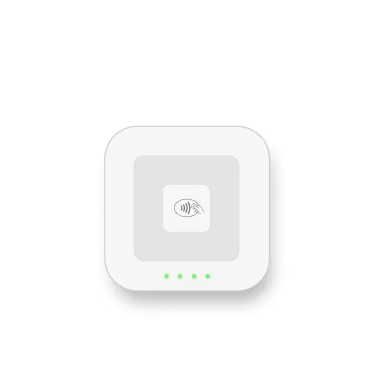
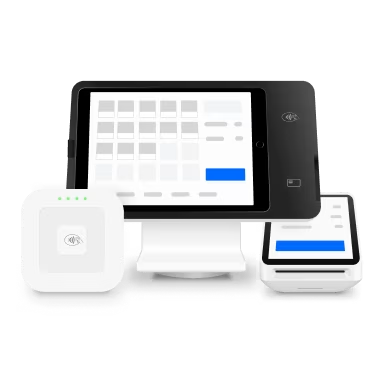
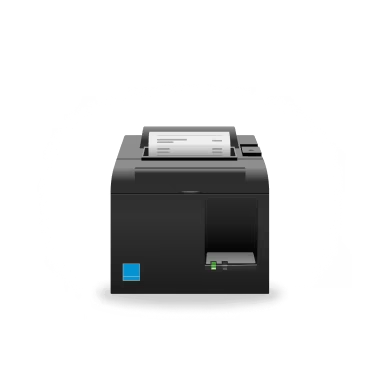
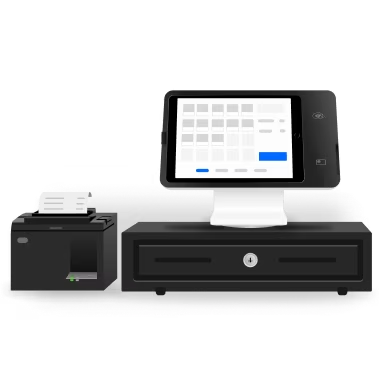
Hardware built for hospitality


Pick your plan
Free
Best for businesses that are just starting out, only need the essentials for daily service, or that have small teams with one location.
Starting from
$0/mo.
Includes
Unlimited countertop POS devices
Unlimited locations
Free phone support M–F, 9:00 am–5:00 pm AEST
Plus
Most popular
Ideal for growing businesses that have up to five locations and take orders through multiple channels.
Starting from
$129/mo.
per location + processing fees
Includes
Unlimited countertop POS devices
+$50/mo. per location for venues using mobile POS
Unlimited Square KDS devices
24/7 phone support
Premium
For established restaurants with five plus locations and counting.
Custom pricing
Includes
Businesses processing $250,000 or more in yearly payments may be eligible for custom pricing. Get in touch with our experts to learn more.⁵
Inspiration to improve your restaurant workflows


Get started with Square
FAQs
How much does Square for Restaurants cost?
We have three pricing plans.
Our Free plan covers basic day-to-day service. You can add Square KDS to your Free plan for just $25 per month per device.
For more complex needs, subscribe to our Plus plan.
You can use Square for Restaurants on one countertop POS device for $129 per month, per location.
Your Plus plan also enables you to use unlimited Square KDS devices at no additional software cost.
If you process more than $250,000 per year, contact our Sales team to get custom pricing and hardware discounts with our Premium plan.2
All Square for Restaurants plans have a processing rate of 1.6% per tap or insert. Plus and Premium plans come with a free 30-day trial. You can upgrade, downgrade or terminate your plan whenever you need. Square for Restaurants plans do not include hardware – you may use existing compatible devices or purchase new hardware from Square Shop; instalment plans available.
For more details on our plans, visit our pricing page.
Is the hardware bought or leased?
All hardware, whether purchased as a one-time cost or financed with no interest, is bought. It’s 100% yours once you’ve completed payments.
Is Square for Restaurants right for my business?
Square for Restaurants is built to work with single and multi-location full-service restaurants, quick-service restaurants, fast-casual restaurants, bars and lounges. If you use Lightspeed, Sapaad, Lavu or Openbravo, Square for Restaurants can likely fit your needs. We now offer a free version of Square for Restaurants, as well as two paid plans – Plus and Premium.
What’s included in each of the three pricing plans?
All three Square for Restaurants plans include fast order entry, menu manager, order manager, Table Management, open bills, auto gratuity, remote device management, multi-location management and Mon–Fri, 9:00 am–5:00 pm support (Melbourne time).
With the Plus plan, you get access to premium features, including close-of-day reports, automatically marking items as sold out when out of stock, item counts, shared device settings, advanced reporting, live sales reports and Square Team Plus. With Plus, you can also use unlimited Square KDS devices at no cost. Finally, your Plus plan also comes with 24/7 phone support for the moments that matter.
Premium subscribers get everything listed, above as well as custom pricing for additional Square tools, such as Square Loyalty and Square Online. Eligibility applies. Contact Sales to learn more.
To see a complete list of features for each plan, visit our pricing page.How do I set up with Square for Restaurants?
You can sign up for the free version of Square for Restaurants or start a free 30-day trial of Square for Restaurants Plus here. Please note: You’ll need to use a computer to sign up. Setup is simple, and you can self-onboard with the Free and Plus plans. But if you need help, we offer one-on-one implementation services and 24/7 customer support. To discuss a custom Premium plan, contact our Sales team.
What is Square mobile POS?
Square mobile POS enables you to take orders and payments tableside or in-queue on a handheld device. Square mobile POS is available only to Plus or Premium plan subscribers.
How do I switch from Square Point of Sale to a Restaurants plan?
You can switch from Square Point of Sale to the Free or Plus Square for Restaurants plans by subscribing here. You’ll be able to utilise your existing features and setup. The only new setup will be for added functionality that’s included with your Restaurants plan.
Is Square Register compatible with Square for Restaurants?
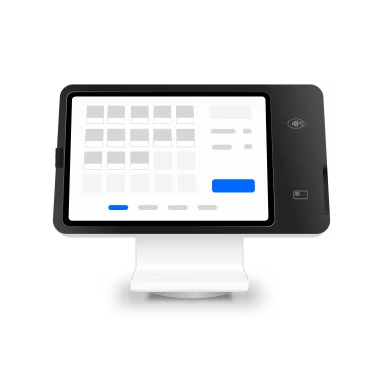
Square Register is compatible with the Square for Restaurants Free, Plus and Premium plans.
How do I set up Square for Restaurants on Square Register?
Setup on Register is simple, and this support article explains everything you need to know. Note that you’ll need to update your software to the latest version (view details) and create a device code on your Square Dashboard before signing in and following the onscreen instructions.
Is Square Terminal compatible with Square for Restaurants?
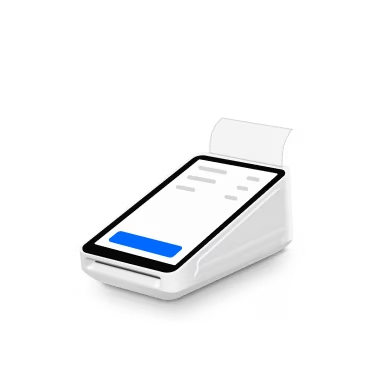
Square Terminal is compatible with Square for Restaurants. You can use Square mobile POS on one or more Square Terminal devices to take orders and payments tableside or in a queue. Square mobile POS is available only to subscribers on a Plus or Premium plan.
You’ll still need to have at least one countertop device enabled to execute closing procedures. We plan to add this functionality to Square for Restaurants mobile POS in the near future.
How do I set up Square for Restaurants on Square Terminal or Square Handheld?
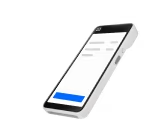
Setup on Square Terminal or Square Handheld is simple, and this support article explains everything you need to know. First, you’ll need to update your software to the latest version (details on that here) and create a Square mobile POS device code on your Square Dashboard. Then, sign in and follow the on-screen instructions. Try the mobile POS demo here.
1 Requires a linked, eligible bank account and cost a fee per transfer. Funds are subject to your bank’s availability schedule. Up to $5,000 AUD per day. The minimum you can transfer is $5.
2Custom pricing may be available if you process more than $250K per year. Discounts on optional add-ons. Eligibility required. Contact sales.
3All payment plans are issued by Square AU Pty. Ltd. All plans are interest-free. First payment will be due at checkout. Available plan lengths vary from 3, 6 and/or 12 instalments based on purchase amount. All plans subject to credit approval.