


Please update your browser.
Download the latest version of a supported browser below to get the most out of this website:
Square for Electricians Run electrical jobs from quote to paid

Send electrical invoices from the field or the office


Take payments on the go
Accept card payments and supported digital wallet payments at the shop or in the field. Use portable hardware to take payments when the work is complete and provide receipts on the spot.
Turn quotes into jobs
Create clear digital estimates, then move approved work into invoicing without re-entering details. Pair invoices with contracts so scope, pricing and approvals stay organised from first visit to final payment.
Send invoices quickly
Create professional electrical invoices from your phone or computer and send them by email, SMS or shareable link. With Square Invoices, you can bill for labour, call-out fees, materials and GST without chasing paperwork at the end of the day.
Automate repeat billing
Set recurring invoices for maintenance work, strata jobs or ongoing service agreements, and request deposits before work starts. You can also save cards in your customer directory to charge approved recurring work more efficiently.
Track business performance
Track sales, payments, and customer activity from one dashboard. Use reporting and analytics to monitor trends and stay informed about day-to-day operations.
More tools for your electrical business

Keep customer info organised
Keep contact details, saved cards and payment history together so repeat work is easier to bill and collect. The customer directory updates as you take payments, helping you stay organised without separate CRM work.

Create an online presence
Showcase services online and give customers a convenient way to connect with your business outside of regular working hours.

Take remote card payments
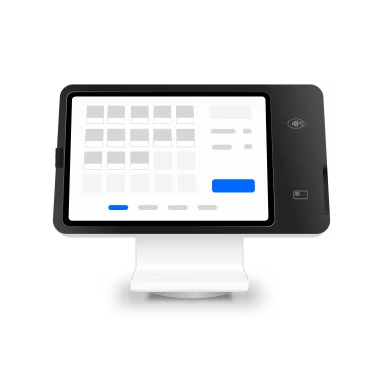
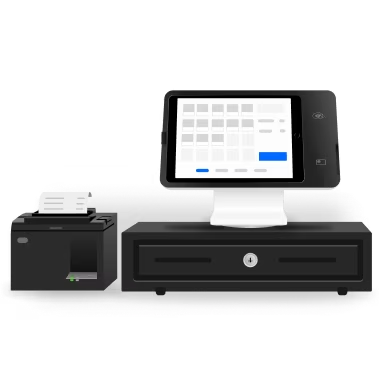
If a customer wants to pay over the phone or after-hours, you can process card-not-present payments from your computer. A computer POS setup gives office staff a simple way to take payment without extra hardware.

Connect the tools you use
If you already rely on industry software or accounting tools, Square can fit into that workflow with integrations.


"In our industry, sometimes when you’re in a rural area people think they have to pay cash, but being able to use Square allows us to have more flexibility on the payments side."
Calvin Valdovinos
GDNC Nursery & Landscaping
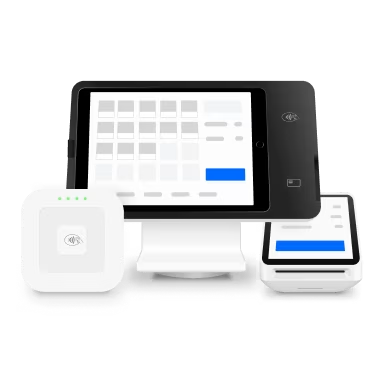
Hardware that helps you get paid on the spot

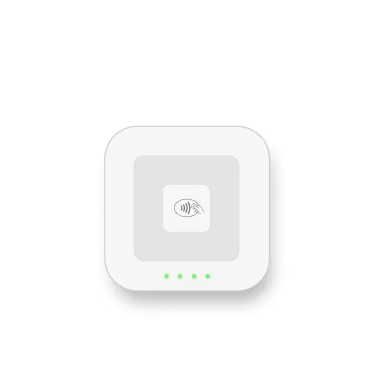
Square Reader
Be ready for any sale, anywhere, with a portable design that pairs with your device.

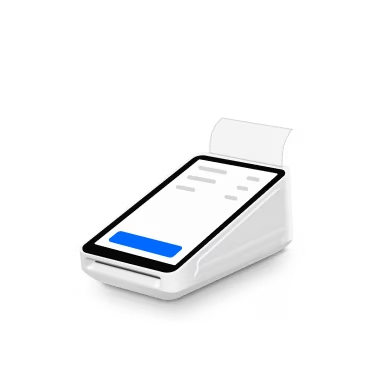
Square Terminal
Sell where it makes sense for you with a compact, all-in-one device that also prints receipts.

Square Reader
Be ready for any sale, anywhere, with a portable design that pairs with your device.

Square Terminal
Sell where it makes sense for you with a compact, all-in-one device that also prints receipts.

Plans for any stage
Free
Have what you need to get paid faster
$0/mo
Includes:
Unlimited invoices, estimates and contracts
Unlimited user accounts
Unlimited customers
Project tracking
Accessible from anywhere
Payment link sharing
24/7 payment acceptance
Plus
Most popular
Continue to grow your business with advanced, time-saving features to streamline work and billing
$30/mo
Includes:
Everything in the free plan
Milestone-based payment schedules
Multi-package estimates
Estimate to invoice conversion
Custom invoice templates
Custom fields for invoices and contracts
Batch invoices



Next steps for electricians managing invoices and cash flow


Start sending invoices with Square.
FAQ
What is invoicing software for electricians?
Invoicing software for electricians is software that helps you create, send and track invoices for electrical work. It replaces paper invoices and spreadsheets with digital tools for labour, materials, call-out fees, deposits and payment collection. With Square Invoices, you can send invoices by email, SMS or link and see payment status in one place.
Can electricians send invoices from the job site?
Yes, electricians can send invoices directly from the job site using a phone, tablet or laptop. That means you can finish a job, create the electrical invoice while details are fresh, and send it before you leave. If the customer wants to pay right away, you can also take payment in person with Square Terminal or a mobile reader.
Can customers pay an electrical invoice online?
Yes, customers can pay an electrical invoice online as soon as they receive it. Square lets them pay with card and supported digital wallets, including Apple Pay and Google Pay, and eligible payments can also use Afterpay. That gives customers more flexibility and helps you accept payments without back-and-forth admin.1
Can I take deposits before electrical work starts?
Yes, you can request a deposit before work starts. This is useful for larger installations, switchboard upgrades or jobs where you need to order materials in advance. Square Invoices lets you set a deposit amount and a separate due date for the remaining balance, so payment terms are clear from the start.
Does Square support recurring invoices for maintenance work?
Yes, Square supports recurring invoices for ongoing electrical maintenance and service agreements. You can schedule invoices daily, weekly, monthly or yearly, which helps if you service strata, commercial sites or repeat residential customers. Saving cards in your customer directory can help streamline recurring billing.
How do I know if an invoice is overdue?
You can view invoice status, including paid, unpaid and overdue. That makes it easier to follow up without checking multiple systems or guessing what is still outstanding. You can manage invoice activity and business performance from your dashboard, which helps keep accounts receivable visible.
1Late fees, eligibility criteria and T&Cs apply. Afterpay Australia Pty Ltd Australian Credit Licence 527911.
Pricing and features referenced reflect available Square information for Australia invoicing tools and hardware at time of writing. Processing fees vary by payment type in Australia: 1.6% per in-person transaction, 2.2% per online transaction and 2.2% per manually entered or card-on-file transaction. Next-day transfers are available at no extra cost. Afterpay fees apply to eligible transactions. Late fees may apply. Eligibility criteria apply. See afterpay.com for more details. Refunds can be issued within one year of the original transaction date; processing fees for the original payment are not returned to the seller when a refund is issued.
Apple, the Apple logo, and Apple Pay are trademarks of Apple Inc., registered in the U.S. and other countries. Google Pay is a trademark of Google LLC. Android is a trademark of Google LLC.