




Table of contents
Credit card processing is the series of steps that enables businesses to accept card payments and receive money from their customers.
Taking a credit card payment may seem simple enough: a customer hands over their card, you process it and with Square, the money lands in your account the next business day. But under the hood, there’s a lot more going on. And this is where the card processing system comes into play.
From the moment you tap or insert the card to the moment the money is deposited, there are a number of different parties involved – each of them handling a crucial step in the card processing chain. In this credit card processing guide, we’ll help you understand how this all works and where you might incur fees, so you can make an informed decision when you choose a credit card processing system for your business.
The parties involved in credit card processing
Imagine you’ve popped into your local cafe and bought a coffee on your card. Here are the official names of the players involved in the transaction:
- The cardholder: this is the person with the credit card (like you)
- The credit card: the small plastic or metal card with your payment credentials on it (e.g. Barclaycard or American Express)
- The merchant: the business accepting your credit card as payment for goods or services (the cafe)
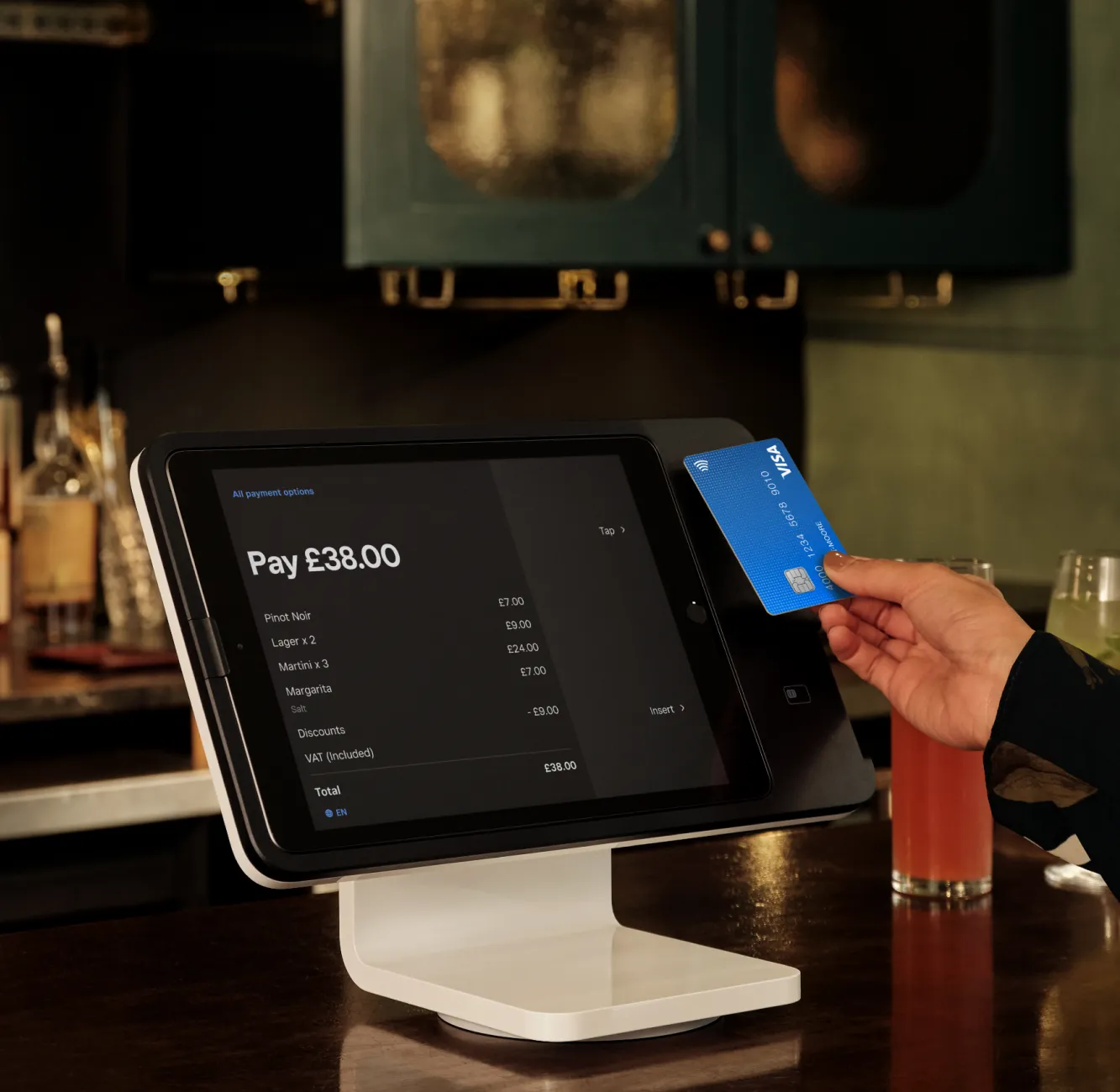
- The point-of-sale (POS) system: the interface used by the merchant to accept the credit card payment (e.g. Square Reader)

Now let’s zoom in for a second. There are a few additional parties represented on the credit card and in what’s happening during the transaction itself. These are integral to how credit card processing works. They are:
- The issuing bank
- The acquiring bank
- The merchant services provider
Let’s look at each of these credit card or cc processing parties in more detail:
What is an issuing bank?
The issuing bank is the financial institution that provides you with your credit card and accompanying line of credit. It’s basically your credit card company. Issuing banks act as middlemen between you and the credit card networks by issuing contracts with cardholders for the terms of the repayment of transactions. For example, your issuing bank could be Barclays and your credit card network could be Visa
What is an acquiring bank?
The acquiring bank (also known as a merchant bank or acquirer) is the bank that sends the transactions to the network, which then passes it on to the issuing bank.
What is a merchant services provider?
A merchant services provider is an entity that allows businesses to accept payments by credit card, debit card and also NFC mobile wallets (like Apple Pay, Samsung Pay and Google Pay).
As part of the credit card processing journey, a merchant services account is established with an organisation that has relationships with the issuing and acquiring banks. Your merchant services provider allows the processing of electronic payments when your customers want to pay for things.
How do you get a merchant services account?
Conventionally, if you wanted to start the credit card processing journey, you’d apply for a merchant services account at a bank, which could be a cumbersome process. After you were approved, you would then associate your point-of-sale system with your merchant account and could start accepting credit cards.
But with Square, things work differently. Square itself has a merchant services account with acquiring banks. We essentially act as one giant merchant services account for all businesses that use Square.
What is a high-risk merchant services account?
In the credit card processing world, some types of businesses may be considered ‘high risk’. High-risk merchant services accounts can have steeper fees and stricter terms. Institutions may also deny high-risk merchants an account.
There’s no hard rule, but certain types of businesses tend to be flagged as high-risk merchants more than others. These can include businesses that sell goods or services like membership clubs, credit counselling or repair services and businesses that engage in questionable marketing tactics.
Read the Square user agreement and terms of service for more information.
What is a payments gateway?
If your local cafe has an online store to sell things like coffee beans and mugs, a payments gateway would be involved in processing those online credit card transactions.
A payments gateway facilitates the transfer of information between a payment portal (like an eCommerce website) and the acquiring bank. It encrypts sensitive information like card numbers to make sure everything is secure throughout the process.
How does credit card processing work?
Now that we’ve gone through all the parties involved in credit card processing, we’ll walk through how everything actually works. Let’s go back to your local cafe. You hand the barista your card and she processes it. What happens next in the card processing chain?
Here’s how a credit card is processed with Square:
Step 1: Initiation
The credit card processing journey begins when a customer presents their card for payment. The merchant uses their card reader or POS system to capture the customer’s card details.
Step 2: Data transmission
When a merchant taps, inserts or swipes a customer’s card, the payment information is encrypted and transmitted securely to Square.
Step 3: Authorisation request
Square sends the transaction to the acquiring bank, which then forwards it to the card network (Visa, Mastercard, etc.). The card network routes the request to the issuing bank.
Step 4: Authorisation
When the authorisation request reaches the issuing bank, it checks for sufficient funds and runs the transaction through fraud models to determine if the transaction is safe (to protect the cardholder and the issuing bank). The issuing bank then sends an approval or decline response back through the same chain.

Step 5: Batching
When the money from a transaction is sent to the acquirer to begin the process of depositing it into the merchant’s account. It’s called batching because payments are sent in a large group.
Step 6: Cardholder billing
The issuing bank adds the approved transaction to the cardholder’s account, which will appear on their next credit card statement. The cardholder then pays their credit card bill according to their agreement with the issuing bank.
Step 7: Funding (aka settlement)
The funding (or settlement) step in card processing is when businesses get the money from a credit card sale deposited into their account. Square deposit schedule will usually deposit the money into your bank account the next business day.
With Square’s quick and efficient transfers service, ultra-fast payment transfers come as standard. That means your money is placed in your bank account as early as the next working day for free, with no additional fees involved.
However, if you need your money even faster, our instant transfers have the answer. For just 1% of the total transfer amount, money can be sent to your bank account within 20 minutes. And that applies whether you want to make instant transfers at the weekend or outside of your normal business hours.
Learn more about Square fast transfer options.
Credit card processing fees
First of all, what is a credit card processing fee? It’s a fee that a credit card processing company can charge a business for enabling them to process card payments.
Many companies have a tonne of hidden credit card processing fees. These can include transactional fees (like interchange reimbursement fees and assessments), flat fees (like setup fees, PCI fees, early termination fees and monthly minimum fees) and incidental fees (like chargebacks or refunds). Square, on the other hand, has none of these card processing fees.
|
Fee category |
Average fee |
|
Transactional fees: |
|
|
Interchange fee |
0.2% (debit cards) – 0.3% (credit cards) per transaction |
|
Assessment fee |
0.13% – 0.16% per transaction |
|
Flat fees: |
|
|
Setup fee |
Up to £100 (one-off) |
|
PCI fee |
£2.50 – £5 per month |
|
Early termination fee |
Depends on length of contract – could be thousands of pounds |
|
Monthly minimum fee |
£10 – £20 per month |
|
Incidental fees: |
|
|
Chargeback fee |
£10 – £20 per incident |
|
Refund fee |
£10 – £20 per incident |
Types of payments
Today, businesses can accept payments through various channels, each suited to different customer needs and transaction types.
In-person vs online payments
In-person payments occur at a physical location using card readers or POS systems, offering immediate confirmation and face-to-face service. Online payments happen through websites or apps, giving customers the convenience of shopping whenever suits them, from wherever they are.
Physical cards vs digital wallets
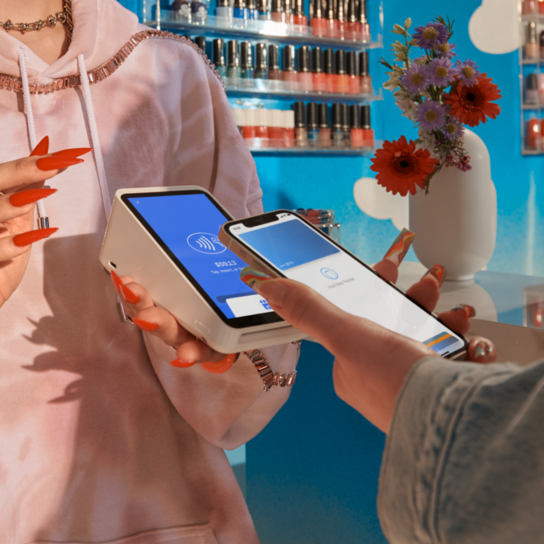
Physical card payments involve customers presenting their debit or credit card to tap, insert or swipe. Digital wallets like Apple Pay and Google Pay store card details on smartphones and smartwatches, allowing customers to pay by simply holding their device near a card reader. Both methods offer secure transactions, but digital wallets provide added convenience as customers don’t need to carry physical cards.
One-off vs recurring payments
One-off payments are single transactions for immediate purchases. Recurring payments automatically charge customers at regular intervals, ideal for subscriptions, memberships or service contracts. This payment type reduces administrative work for businesses and provides predictable revenue streams, whilst offering customers the convenience of automatic billing without needing to process each payment manually.
Accepting credit cards
What is a credit card machine?
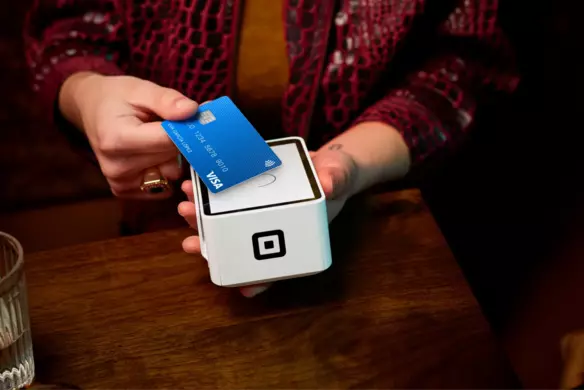
A card machine, aka a POS, is a device that interfaces with payment cards to make electronic fund transfers. Newer POS systems like Square’s also accept mobile NFC payments like Apple Pay, Google Pay and Samsung Pay.
Credit card machine prices
Some credit card machines can cost hundreds of pounds. Square Reader, on the other hand, costs just £19 (+ VAT) and our POS software comes free.

Mobile credit card machines
Many POS systems are big and clunky, but Square’s products are light, sleek and completely mobile. They’re designed to look great on the countertop at your bricks-and-mortar shop, and they can fit in your pocket if you’re selling on-the-go.
All-in-one payment terminals
The Square Reader isn’t the only device we offer to help small businesses seamlessly accept credit card payments.
The Square Terminal is an all-in-one card machine that goes well beyond the basics. While accepting chip + PIN, mobile and contactless card payments, it allows you to print customer receipts too. Our free, built-in POS software also helps you manage other elements of your business, such as overseeing your inventory and creating discounts.
The Square Register goes even further. This fully integrated POS till system allows you to manage card, online and click-and-collect transactions all in one place, not to mention deliveries. It also offers two screens to make in-person transactions as smooth as possible: one for you and one for your customers.
How to set up credit card processing for your small business
If you’re new to all this, or you’re just starting your first business, don’t fret about getting set up to process credit card payments. Nowadays, with companies like Square, it’s very easy to start accepting credit cards at your small business. In fact, all you need is your iPad or smartphone. Square works directly with the device you already have to accept credit card payments and, with our 2nd generation reader, NFC payments like Apple Pay.
Start accepting credit card payments, step-by-step:
- Order the Square Reader and tell us where to deliver it.
- Create your free Square account.
- Download the free Square app and link your bank account for fast deposits.
- Connect the reader to your smartphone or iPad and start taking payments.
How to process credit cards
Credit card processing varies based on the type of card. If you’re selling from a store, you’ll usually be taking chip + PIN (with the card inserted vertically into Square Reader throughout the transaction) and contactless payments (where the card is tapped to the Reader, completing the transaction in seconds).
What other types of payments should you accept?
The more payment choices you give your customers, the more reasons they have to make a purchase. If you operate from a physical location, you should definitely have the ability to process chip + PIN, contactless and mobile payments.
If you work remotely, you can get set up with software like Square Virtual Terminal to take ‘card not present’ payments. In this instance, you manually type in the cardholder’s details – meaning you can take payments wherever you are.
In the digital age, your business will also need an online presence to keep up with your rivals. Not all your target customers will be able to visit your store in person, so think hard about how you can bring your products directly to them through eCommerce services and online payment tools.
Square offers a range of eCommerce solutions to help you accept card payments over the web. Checkout links allow you to sell products and take payments online by simply creating a link, QR code or buy button. And our integration service means you can easily add secure Square payment tools to an existing website.
Alternatively, if you feel an entirely new website is in order to show off your products and enable credit card transactions, Square Online helps you to do just that. Design an eye-catching website and list your products for free. Then tailor your delivery and shipping options, or even set up a click-and-collect service.
Whichever you end up using most, it really pays to accept as many different types of payment as possible – and clearly understand how card processing works in practice.
Credit card processing FAQs
What is a credit card processing company?
A credit card processing company (like Square) handles credit and debit card transactions for businesses.
How does credit card processing work?
Credit card processing works through several parties. These include issuing banks, acquiring banks and the merchant services provider.
How much are credit card processing fees?
Square’s card processing pricing is fair and transparent:
- 1.75% for each tapped (contactless), inserted (Chip + PIN), or swiped card-present transaction
- 2.5% for payments manually keyed-in to the Square Point of Sale app, recurring payments facilitated via Online Checkout links, Square Invoices and Virtual Terminal
- 1.4% + 25p for transactions with UK cards and 2.5% + 25p for transactions with non-UK cards for our online payment products, including Square eCommerce API, Square Online, Online Checkout, subscription payments and purchases of digital gift cards.
How can I accept credit card payments?
To accept credit card payments, you need a credit card reader. The Square Reader is just £19 (+ VAT), and accepts chip + PIN, contactless and mobile payments.


