


The all-in-one point of sale for booking, payments and more.
We handle the admin while you do more of what you love.
Simplify scheduling
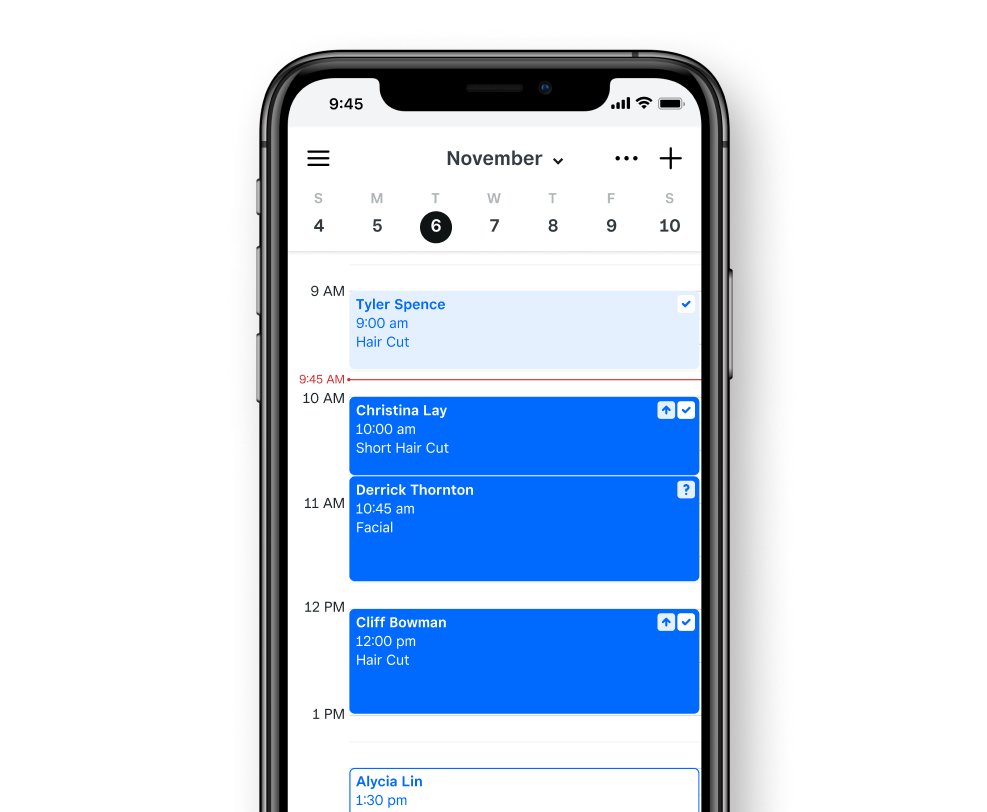
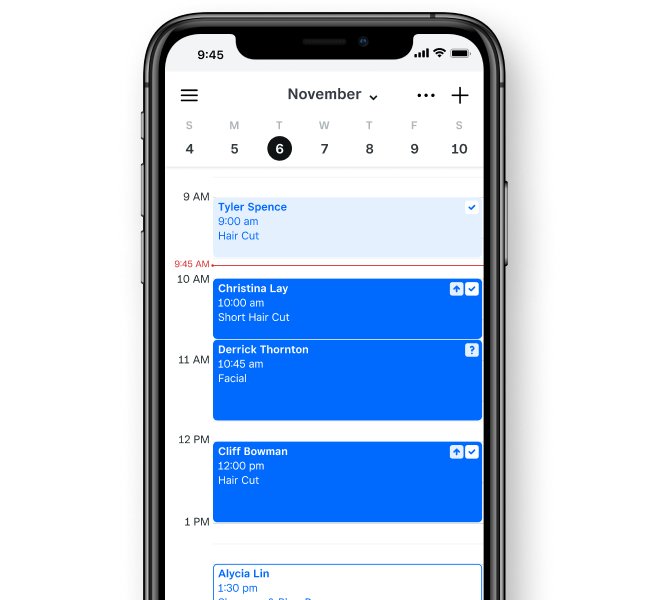
Manage your availability from the app and enable customers to book appointments or classes online.
Simplify scheduling
- Mobile app for iOS and Android to manage appointments on the go
- Free customer booking website
- Automated email and SMS reminders with Square Assistant
- Recurring appointments
- Multi-location management
- Instagram and Google integration
- Cancellation and no-show fees
- Let clients book multiple services with different providers online
- Class booking
Maximize your POS
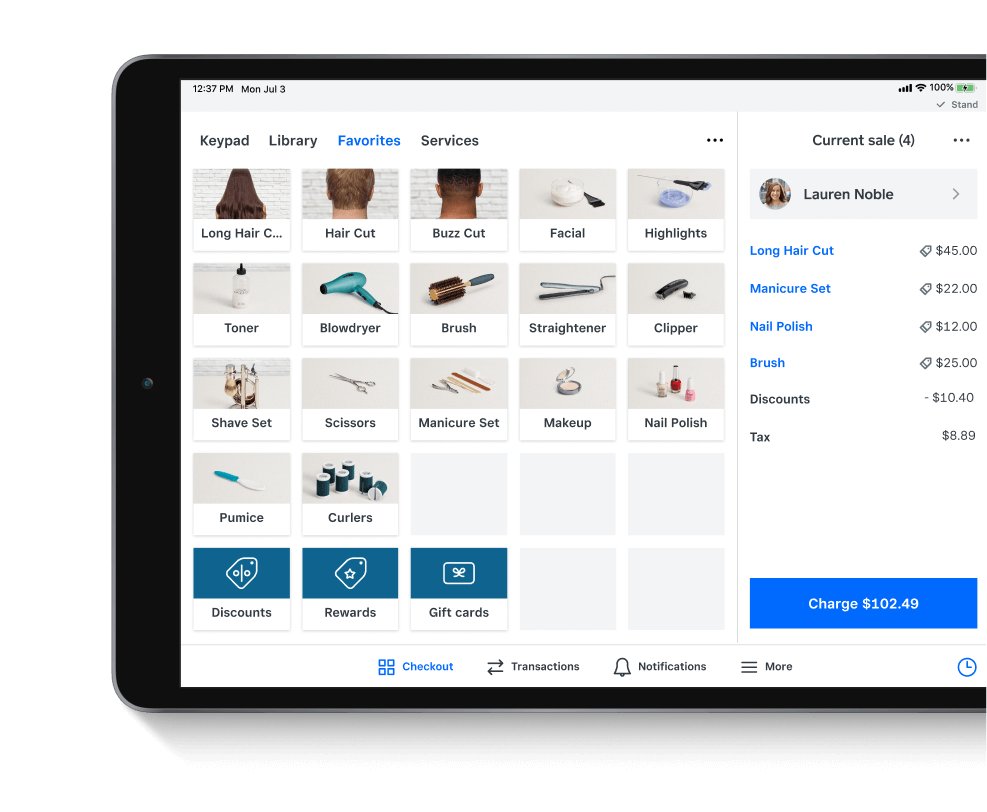
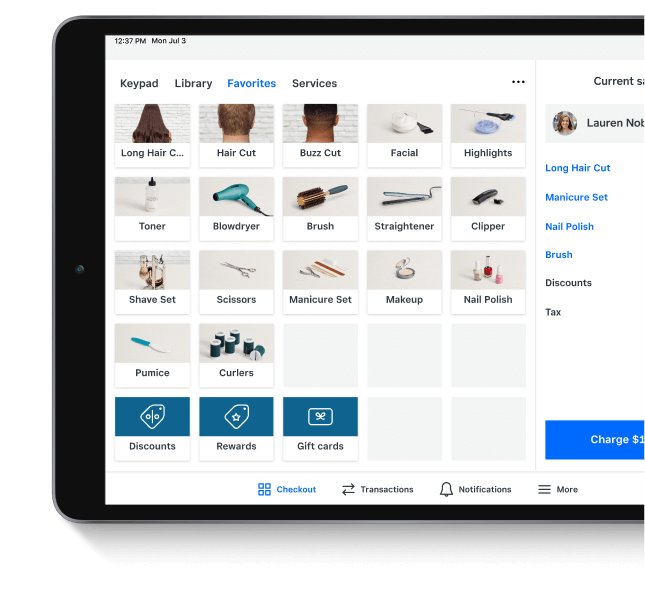
Check out at the counter, keep a card on file or send an invoice—our point of sale is flexible.
Maximize your POS
- Contactless, in-person payments
- Card on File
- Prepayment before visits
- Unlimited items and item search
- Key in payments
- Professional invoices
- eGift Cards and plastic gift cards
- Accept offline payments
- Data security (PCI) compliance
Put people first
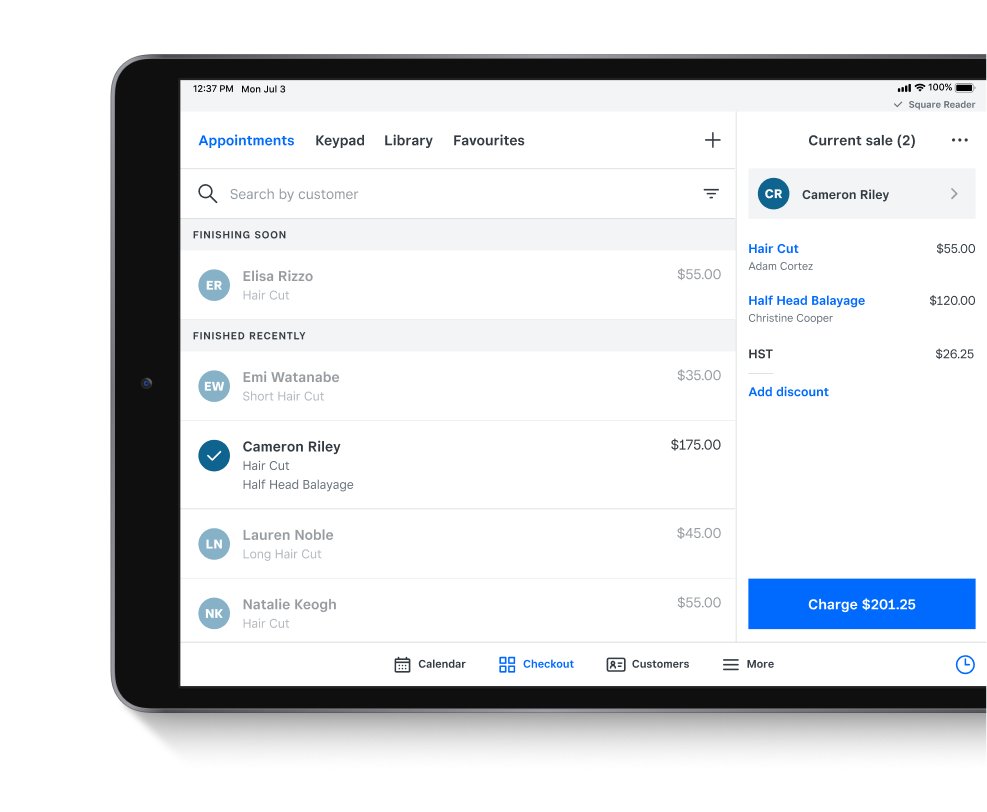
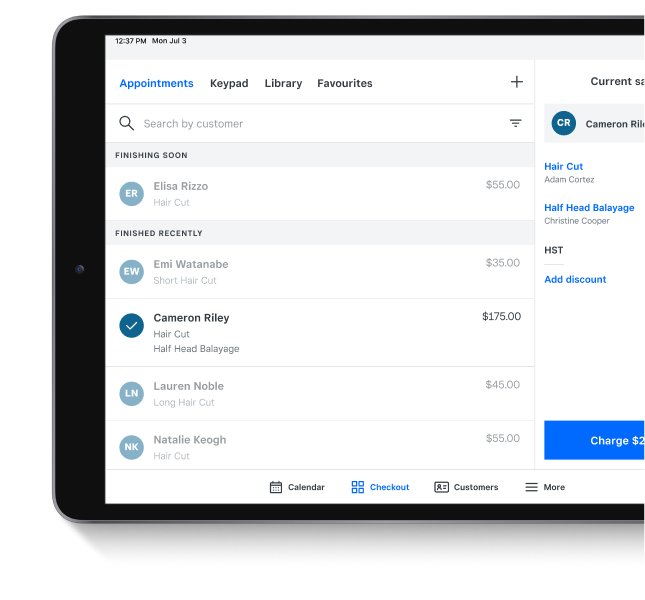
Prioritize your customers and your staff with client profiles and team management tools.
Put people first
- See all customer history, texts and emails in one place with Square Messages
- Time tracking
- Timecard reporting
- Auto-created customer profiles
- Customer notes and reminders
- Attach contracts and files with key information
- Customer loyalty program add-on
Run your business
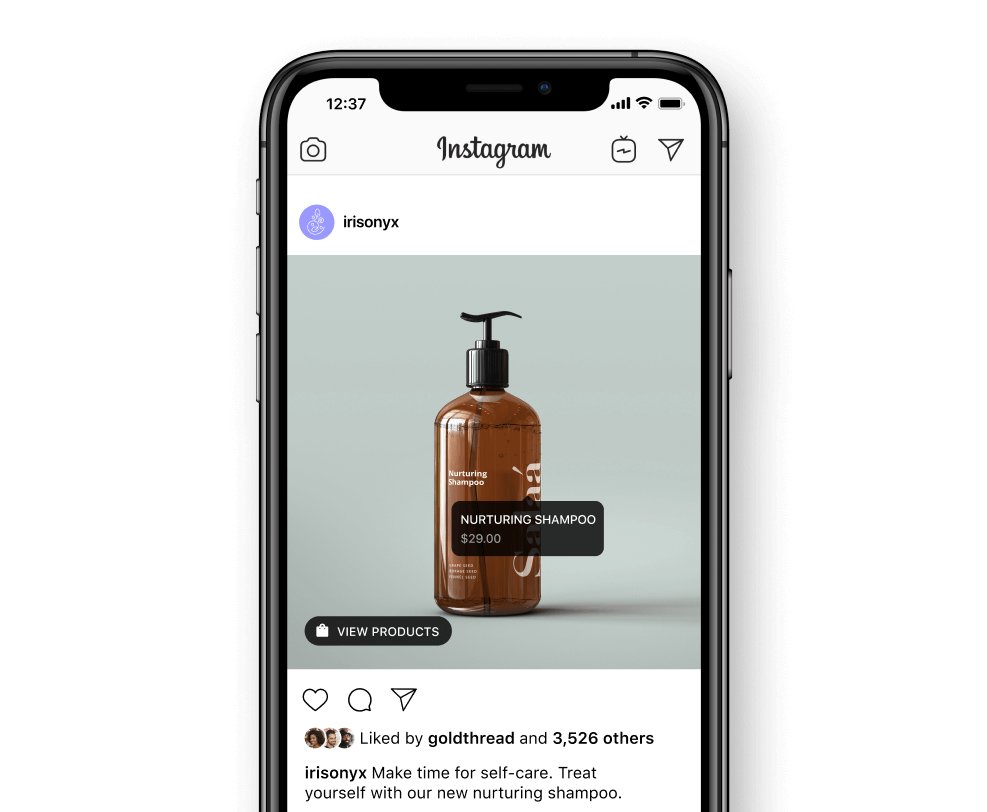
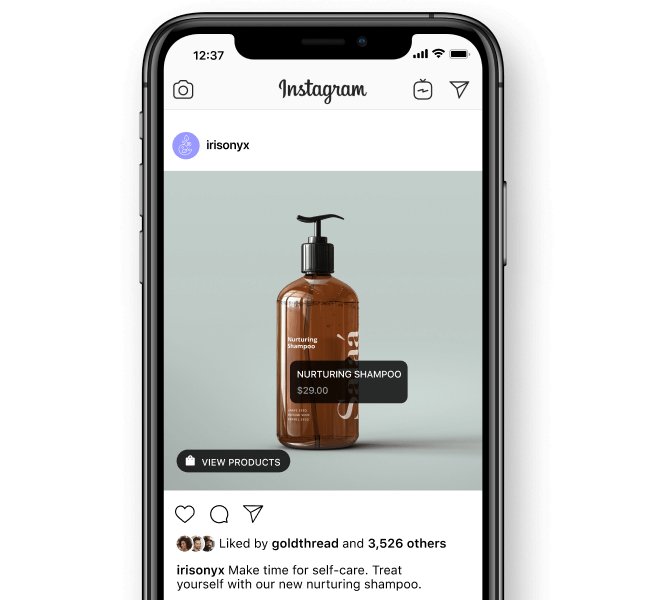
Sell on Instagram, sync your inventory and set up shipping without the added office time.
Run your business
- Run custom reports
- Free Square Online site
- Sell products on Instagram
- Offer pickup, delivery and shipping
- Automatic inventory sync
- Multi-location stock management
The all-in-one point of sale for booking, payments and more.
We handle the admin while you do more of what you love.
Simplify scheduling
Manage your availability from the app and enable customers to book appointments or classes online.
Simplify scheduling
- Mobile app for iOS and Android to manage appointments on the go
- Free customer booking website
- Automated email and SMS reminders with Square Assistant
- Recurring appointments
- Multi-location management
- Instagram and Google integration
- Cancellation and no-show fees
- Let clients book multiple services with different providers online
- Class booking
Maximize your POS
Check out at the counter, keep a card on file or send an invoice—our point of sale is flexible.
Maximize your POS
- Contactless, in-person payments
- Card on File
- Prepayment before visits
- Unlimited items and item search
- Key in payments
- Professional invoices
- eGift Cards and plastic gift cards
- Accept offline payments
- Data security (PCI) compliance
Put people first
Prioritize your customers and your staff with client profiles and team management tools.
Put people first
- See all customer history, texts and emails in one place with Square Messages
- Time tracking
- Timecard reporting
- Auto-created customer profiles
- Customer notes and reminders
- Attach contracts and files with key information
- Customer loyalty program add-on
Run your business
Sell on Instagram, sync your inventory and set up shipping without the added office time.
Run your business
- Run custom reports
- Free Square Online site
- Sell products on Instagram
- Offer pickup, delivery and shipping
- Automatic inventory sync
- Multi-location stock management
New
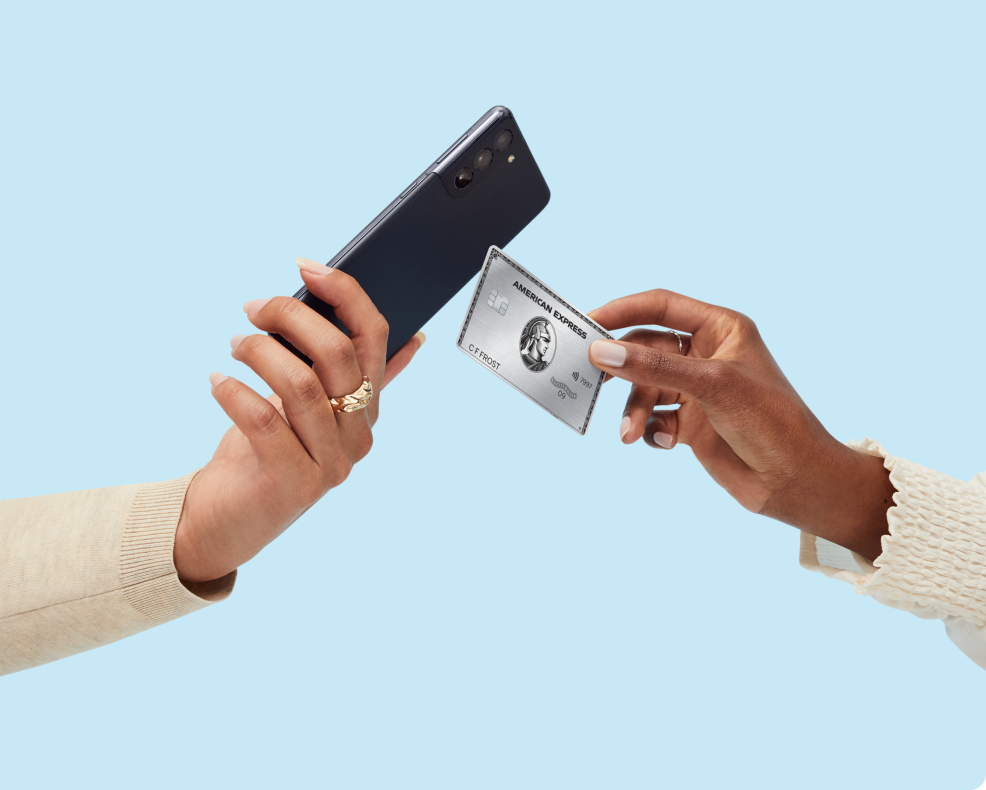
Take payments with your phone.
Accept contactless payments and digital wallets with just a tap – no extra hardware needed. It’s quick, easy and secure.
Made to match your craft.
Select a business type to find out how Square Appointments could work for you.

Hair and beauty salons
For people who work magic with hair care.


Spas and nail salons
For people who believe we should treat ourselves.


Professional services
For people who do what you can’t learn on the Internet.

Home repair and cleaning
For people who save homes from DIY disasters.

Pick the plan for you.
No hidden fees. Change or cancel any time.
Custom pricing and discounts are available for qualifying businesses.
Free
The basics to run your own business while staying ahead of schedule.
$0/mo
for a single location.
Per transaction:
2.5% for in-person credit card transactions
0.75% + 7¢ for Interac chip & PIN or tap
Top Free Features:
- Unlimited staff accounts
- Custom booking website and social media integrations
- Integrated payments
- Automatic text and email reminders
- Automated contracts
Plus
More advanced features for growing teams that offer top-notch service.
$35/mo
per location.
Per transaction:
2.5% for in-person credit card transactions
0.75% + 7¢ for Interac chip & PIN or tap
Top Plus Features:
- Everything in Free
- Customer confirmation texts and emails
- Book with multiple staff
- No-show protection
- Processing time
- Schedule classes
Premium
A complete plan that meets complex booking and staff management needs.
$85/mo
per location.
Per transaction:
2.5% for in-person credit card transactions
0.75% + 7¢ for Interac chip & PIN or tap
Top Premium Features:
- Everything in Plus
- Advanced Access
- Select scheduling features from Square Staff
- Resource management
- Custom staff commissions
Contact sales for custom pricing
Custom pricing is available for businesses that process over $250K in credit card sales per year. This plan includes everything in Premium, a dedicated Account Manager and discounts on optional business tools, such as Square Online, Square Loyalty and more. Contact sales
For payments taken online, by invoice or keyed in manually, see card-not-present processing rates.
Easy integrations.
Integrate with other Square products and popular third-party apps like Wix, Quickbooks and JotForm to meet your customers’ needs.

Wix

Quickbooks

JotForm
Don’t know where to start? Check out our curated collection here
Want to see additional partners we work with? See our Integrations page here
Hardware built for every business.
Quick to set up, reliable during the busiest checkouts and so flexible you can accept every major kind of payment. Find the right POS hardware and make your day-to-day even easier.


Download the Square POS app.
It’s free and manages all your payment and booking needs.


Stay up to date.
Get tips on industry trends, tools and updated features.
We’re here for you.
Browse Square resources or reach out with more questions.
FAQ
An online booking system helps streamline your business by automating scheduling, confirmations and payments. With Square Appointments, your clients can book 24/7, freeing you from back-and-forth messages or missed calls. You’ll spend less time managing your schedule and more time serving clients. Plus, the system integrates with Square’s point of sale and payment tools—ideal for Canadian service businesses looking to grow.
With Square’s appointment scheduling software, clients can view your availability and book online in seconds. Appointments are confirmed instantly and added to your calendar. Automated reminders, waitlists and rescheduling tools help reduce no-shows and keep your schedule organized.
Square Appointments will work for any business that needs appointment scheduling capabilities and a point-of-sale system. For retail businesses, learn more about how Square POS for retail works, and if you’re a restaurant business you can learn more about our all-in-one restaurant POS system, Square POS for restaurants.
Get started by creating your Square Appointments account. You can then bulk-import your customer list and inventory list to quickly get up and running.
If you would like to migrate existing data from your current provider, such as appointment history or future appointments, please contact sales. You can learn more about our onboarding and data import services and pricing here.
Getting set up to accept bookings, credit and debit cards on Square only takes a few minutes. Read more about getting set up.
Square’s scheduling software helps immensely with reducing no-show appointments. Important no-show protection features include the ability to require customers to enter their credit card at the time of booking or prepay for their appointment.
Increasing appointments requires the right marketing strategy. Specifically, nurturing your online presence through social media, email marketing, review sites and your website can help you increase appointments.
An online booking system lets your clients book appointments directly through your website, social media or a booking link—anytime, from any device. Square Appointments automatically updates your calendar, confirms bookings and sends reminders to reduce no-shows. Payments and customer details are securely managed in one place, making it easy for Canadian business owners to stay organized and save time.
Any business that books time with clients can benefit from appointment scheduling software. Square Appointments is designed for a wide range of service-based businesses across Canada—like salons, spas, barbershops, fitness studios, health and wellness professionals, consultants and more. With online booking, automated reminders and integrated payments, you can manage your schedule and clients all in one place, whether you’re a solo operator or running multiple locations.
You can easily set up recurring appointments (daily, weekly or monthly) directly from your calendar to keep your schedule full. For loyal clients, Square also allows you to manage class passes or packages. This lets customers pay up front for a set number of sessions, which improves your upfront cash flow and helps guarantee future bookings without manual invoicing.
Yes. Square Appointments supports class booking, allowing you to set a maximum capacity for a specific time slot. Multiple clients can book into the same session online until the class is full. This is ideal for yoga studios, workshops or group training sessions where you want to manage attendance automatically.
Your Square Dashboard provides real-time appointments reports that go beyond simple scheduling. You can track your busiest times, top-performing staff members and client retention rates. These insights help you make data-driven decisions on staffing levels and marketing campaigns to ensure your business is as profitable as possible.