

Please update your browser.
Download the latest version of a supported browser below to get the most out of this website:
Square Point of Sale A POS ready for what you’ve got


Get up and running with a POS personalised for however you do business.
Explore modes for
Hospitality modes
Run your restaurant with the right features for quick service, full service and bar service. Keep the front and back-of-house talking to serve customers faster.
Get quick access to features like:
Quick order entry
Table and course management
Floor plan customisation


Seamless selling from one location to one hundred

Take any payment
Get paid in person, online or over the phone, then access your funds instantly.1 Make checkout a breeze with features that help you keep the queue moving.
Take any payment
Payment types
Accept major credit cards, Afterpay, contactless payments, keyed-in payments, cash and Square Gift Cards.2
Offline payments
Keep making sales even when you lose service or internet connection. We’ll store your offline payments and receipts for 24 hours.3
Fast transfers
Transfer funds to an external bank account for free the next day or instantly for a fee.1
Receipts
Send digital receipts over email or text and offer printed receipts. Customise the look of your receipts to fit your brand.
Tap to Pay on iPhone and Tap to Pay on Android™
Turn your phone into a payment-taking device. Accept contactless cards, Apple Pay and other digital wallets in person. No additional hardware needed.
Automatic discounts
Create automatic discounts for specific items, categories, quantities, daily specials or limited-time offers.
Built-in security
Fraud protection, data security, dispute management and PCI compliance are built into your POS.

Sell with ease
Add menu items, products, services or custom packages to a single item library. Ring up sales quickly with a custom item grid and always know what’s in stock.
Sell with ease
Custom item grid
Quickly access frequently used items, discounts or categories to speed up checkout.
Item modifiers
Customise your menu with toppings, add-ons or special requests. Any modifier applied will show up on receipts.
Categories
Group items together in categories to help you organise your item library and fine-tune your sales reports.
Itemised refunds
Refund specific items from a transaction. The amount refunded will reflect any applicable taxes and discounts for the selected item(s).
Inventory management
Know what’s in stock across all your locations with low-stock alerts and inventory reports you can export anytime.

Move fast and stay organised
Get up and running quickly with an intuitive POS that’s easy to use for you and your team. No training required.
Move fast and stay organised
Ready to use for different business types
Choose a mode to quickly access the features you need for your business.
Integrated sales
See all in-person, online and third-party app sales from your POS.
Remote device management
Manage all your POS devices from anywhere through your Square Dashboard.
Team access and permissions
Let your team clock in at your POS with a personal passcode. Set permissions for your team and view all activity.
Built-in rewards
Create a custom loyalty program, let customers enrol and redeem rewards right from your POS.

Learn and grow with each sale
Get real-time data and business insights on all aspects of your business – your sales, your team and your customers.
Learn and grow with each sale
Square Dashboard
Track business performance and manage your sales and POS settings from any computer.
In-app reporting
Access top-line metrics by time period, such as gross sales, sales count and refunds, directly from your app.
Top-selling items
See a complete breakdown of sales in organised reports so you know what items are most popular.
Customer insights
Understand customers better by seeing your most frequent and most recent visitors and average spend.
Hardware to upgrade your every day


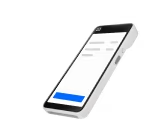
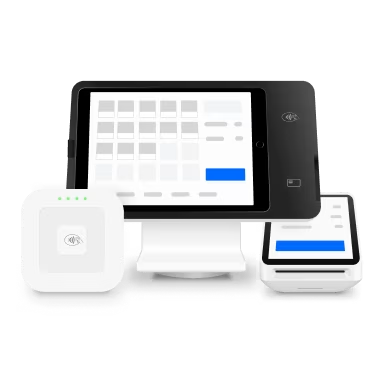
Square Handheld
Take payments, tableside orders and manage inventory with a powerful POS that’s built to do more.
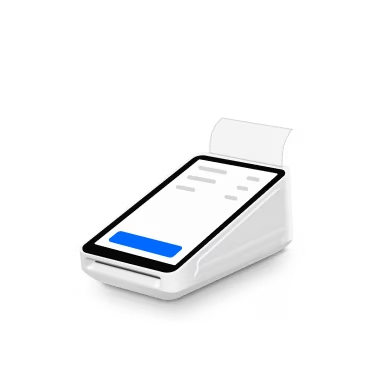
Square Terminal
Sell where it makes sense with a compact, countertop device that also prints receipts.
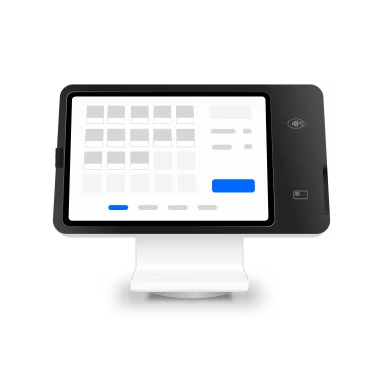
Square Register (2nd generation)
Two responsive screens for lightning-fast checkout.
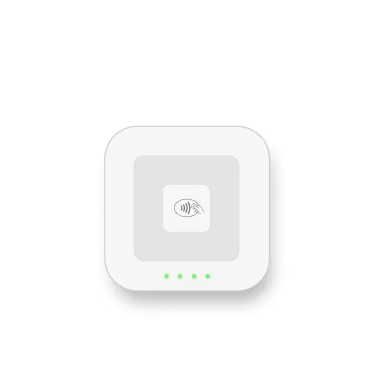
Square Reader
Be ready for any sale, anywhere, with a super portable design that pairs with your device.
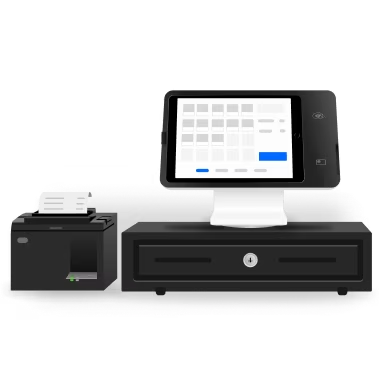
Square Stand
Simplify checkout in just one swivel with an iPad POS you already know how to use.
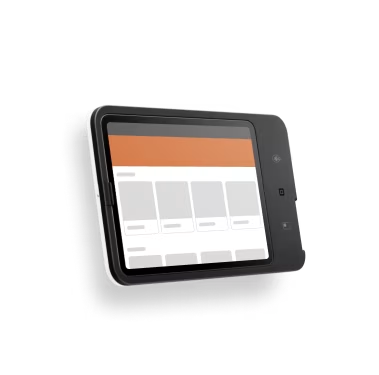
Square Kiosk
Bust lines and free up staff with an iPad-run kiosk that you can set up entirely on your own.
Get more done with Square
Manage your team
Get rostering, time tracking, payroll prep and sales all together.

Move money fast
Transfer funds to an external bank account for free the next day or instantly for a fee.1

Build an online store
Sell online and offer in-store pickup, shipping and local delivery.


Plans to fit every business
Free
Sell in person, online, over the phone or on the go. Only pay when you take a payment.
$0/mo.
Plus
Get advanced features designed specifically for your industry. Upgrade or cancel anytime.
$40/mo.
Premium
Talk with our team to build a plan that meets the complexity of your operations.
Custom



FAQs
How do I take payments with Square Point of Sale?
Download the Square Point of Sale app to get started. Build up your item library or simply ring up custom amounts to start taking payments today. The single app is built to serve any type of business, no matter how big or small, with streamlined modes to get you right to the features you need.
How long does it take to set up my point of sale?
Most businesses can get up and running in just a few minutes. No phone calls required. If you need help or want to speak with our team, you can always contact sales.
How does Square Point of Sale work for different business types?
When setting up your POS, select a mode to get quick access to features for your business type, from small businesses to complex operations. If you’re switching gears, it’s easy to switch between modes on your POS system. Square POS has a standard mode with all the essential POS features, as well as modes built for different industries: bars, quick- and full-service restaurants, retail, health and beauty, and professional services. Whether you need table and course management, invoicing or booking, it just takes a tap to customise your POS system with the right features.
Can I change my plan after I choose one?
Of course. You can upgrade, downgrade or cancel your plan anytime. With Square, there are no hidden fees or lock-in contracts.
Do I need to purchase hardware to use Square Point of Sale?
Nope. Hardware is not required to take payments with Square Point of Sale. You can accept contactless payments with just your phone using Tap to Pay on iPhone or Tap to Pay on Android. You can also key in a customer’s credit card over the phone.
Try Square
¹Requires a linked, eligible bank account and cost a fee per transfer. Funds are subject to your bank’s availability schedule. Up to $5,000 AUD per day. The minimum you can transfer is $5.
2American Express is not supported for not-for-profits or charities unless registered with the Australian Charities and Not-for-profits Commission.
3You can process transactions through offline payments for up to 24 hours in a single offline session. Your offline payments will be declined if you do not reconnect to the internet within 24 hours of the start of your first payment. By enabling offline payments, you are responsible for any expired, declined or disputed payments accepted while offline. Square is unable to provide customer contact information for payments declined while offline. eftpos-only cards, Square Gift Cards and Afterpay transactions do not work with offline payments. Offline payments are not supported on older versions of Square Reader (1st generation – v1 and v2). Learn more on [identifying your contactless reader] or how to [enable and use offline payments].
4Limitations apply. Weekend and public holiday surcharges must comply with ACCC guidelines and applicable law. See our Payment Terms for more details.