


Release notes
Vol 16 | 5 November 2026 | v 7.32
Draggable ticket reordering, Expo course firing, faster account switching, and more
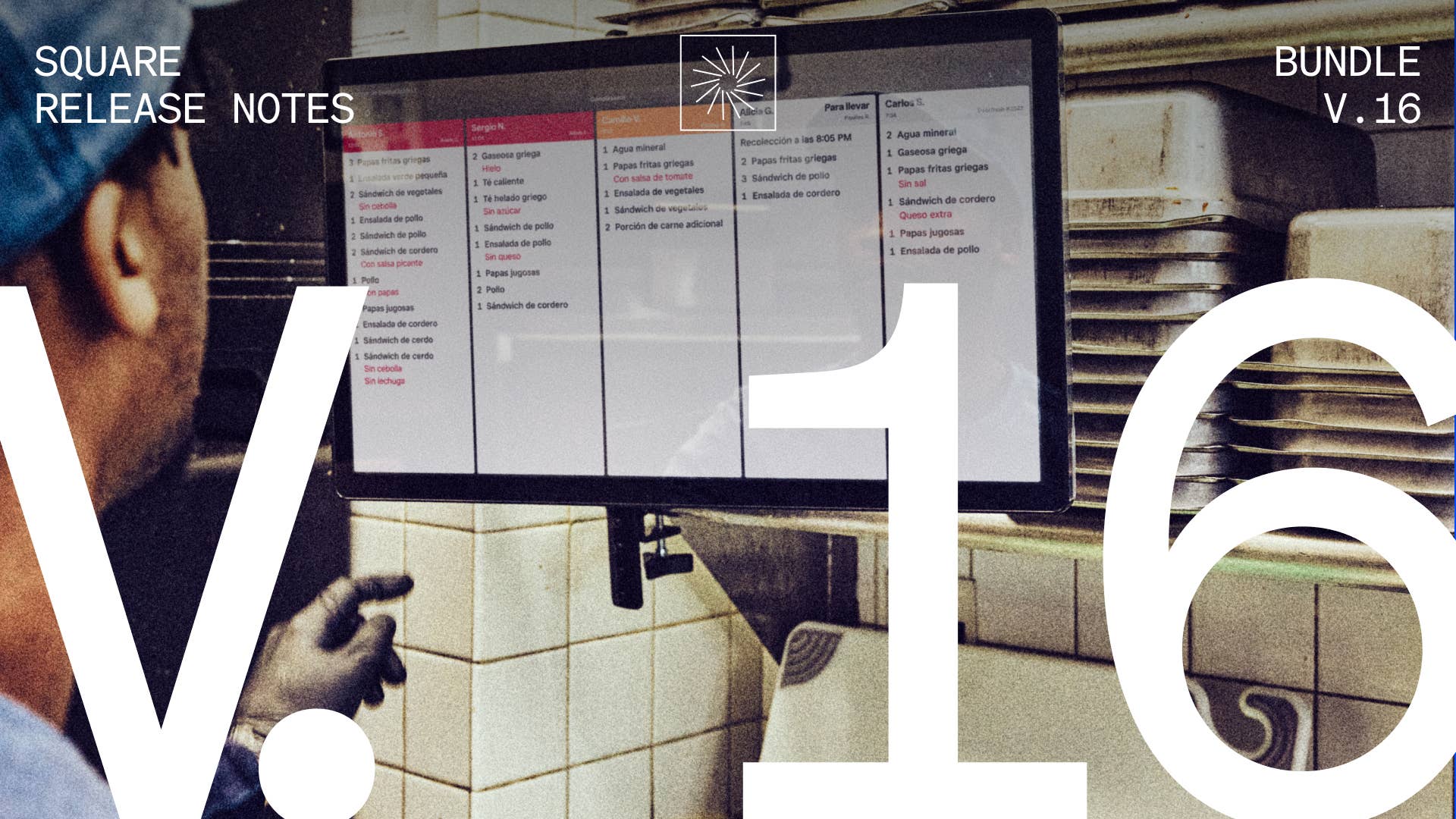
Drag kitchen tickets into a new sequence on Kitchen Display System (KDS)
What changed: Kitchen staff drag a ticket to a new position on the KDS screen, and the screen shows the ticket moving as it's dragged. The new sequence is saved and syncs to other KDS devices at the same location that use the same sort mode. Dragging works on Prep and Expo KDS screens.
Why it matters: The sequence tickets arrive in doesn't always match prep priority. Moving the ticket that needs to go first to the top lets the kitchen work on it next while the rest of the line stays in sequence.
Access: On each KDS device, go to Settings > Layout > Ticket sequence and select Manual. Select Default to turn off dragging on that device. Sequence changes made on other devices still sync to it.
Fire held courses from an Expo Kitchen Display System (KDS)
What changed: Kitchen staff fire a held course from an Expo KDS by tapping the course header. A short countdown runs before the course fires, and a second tap during the countdown cancels it.
Why it matters: The expeditor watches the pass and decides when the next course should start cooking. Firing a held course from the Expo KDS keeps that call at the station where it's made, without stepping away to Square Point of Sale mid-service.
Access: In Square Dashboard, go to Service Settings > Courses > Hold/Fire and turn on Allow Firing from Expo KDS. The setting is turned on separately for each location.
Switch faster between Square accounts in Square Dashboard
What changed: An always-visible account selector in Square Dashboard switches directly between Square accounts.
Why it matters: Switching between multiple businesses no longer requires a return to Launchpad.
Access: The account selector appears automatically for owners and team members added to two or more Square accounts. No setup is needed.
Set item option colours from the item page
What changed: A colour picker sits next to each colour-based option on the item page, so sellers set swatch colours while creating or editing the item.
Why it matters: Products sold in several colours need a swatch for each one. Choosing those colours on the item page keeps colour setup part of creating the item, so the catalogue entry is finished in one go.
Access: In Dashboard, open an item and add or edit a colour-based option to choose its colours.
Split pooled tips by points assigned to each role
What changed: Sellers assign a point value to each role in a tip pool, and pooled tips are divided in proportion to those points. At the end of a shift, the points for participating team members are added together, and each person's share of the pool follows their own point total. Points-based splitting sits alongside equal, percentage-by-job, and hours-worked splits.
Why it matters: Responsibility varies from one role to the next, and sellers want the tip split to reflect that. Weighting each role with points lets the split track the roles a seller has already defined.
Access: In Square Dashboard, go to Staff > Tips settings and set a point value for each role in the pool.
See how points-based tip pooling works: Article