Take contactless payments with just your iPhone
Start easily. Sell on the go.

SELL ON THE GO.NO EXTRA HARDWARE NEEDED.NEVER MISS A SALE.
Ready? Start selling.
Accept contactless cards, Apple Pay and other digital wallets in person with Tap to Pay on iPhone. Available on iPhone XS or above running iOS 16.4 or later.
- Download the free Square Point of Sale app.
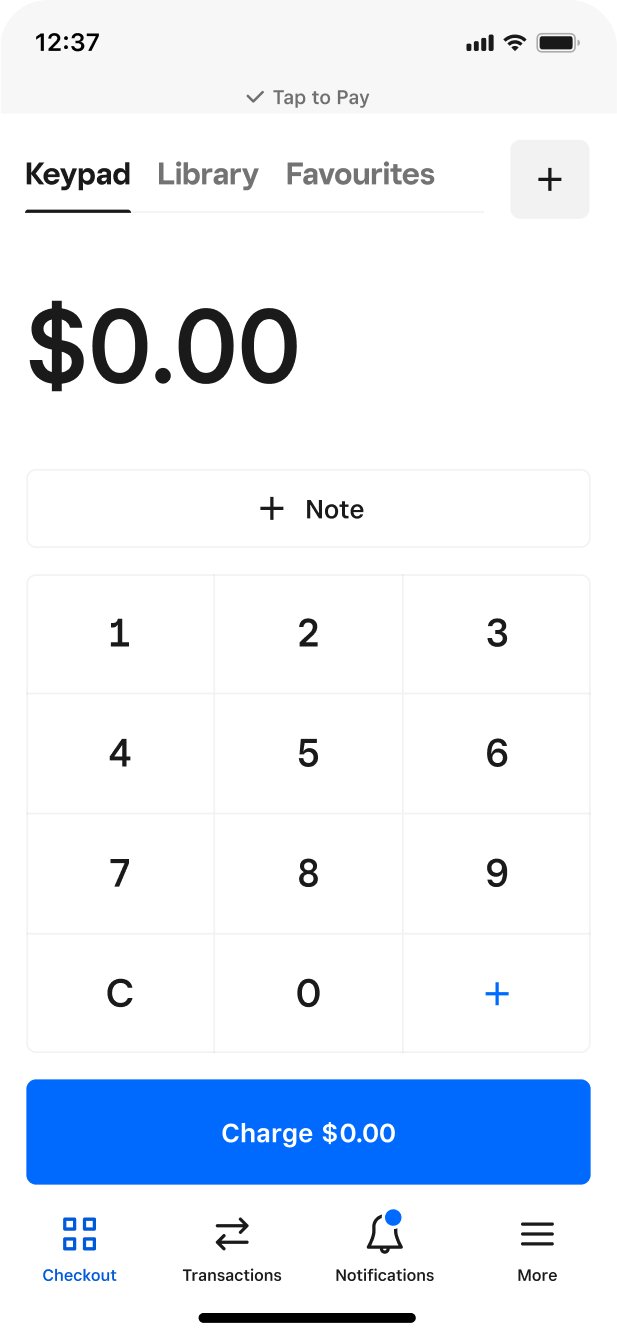
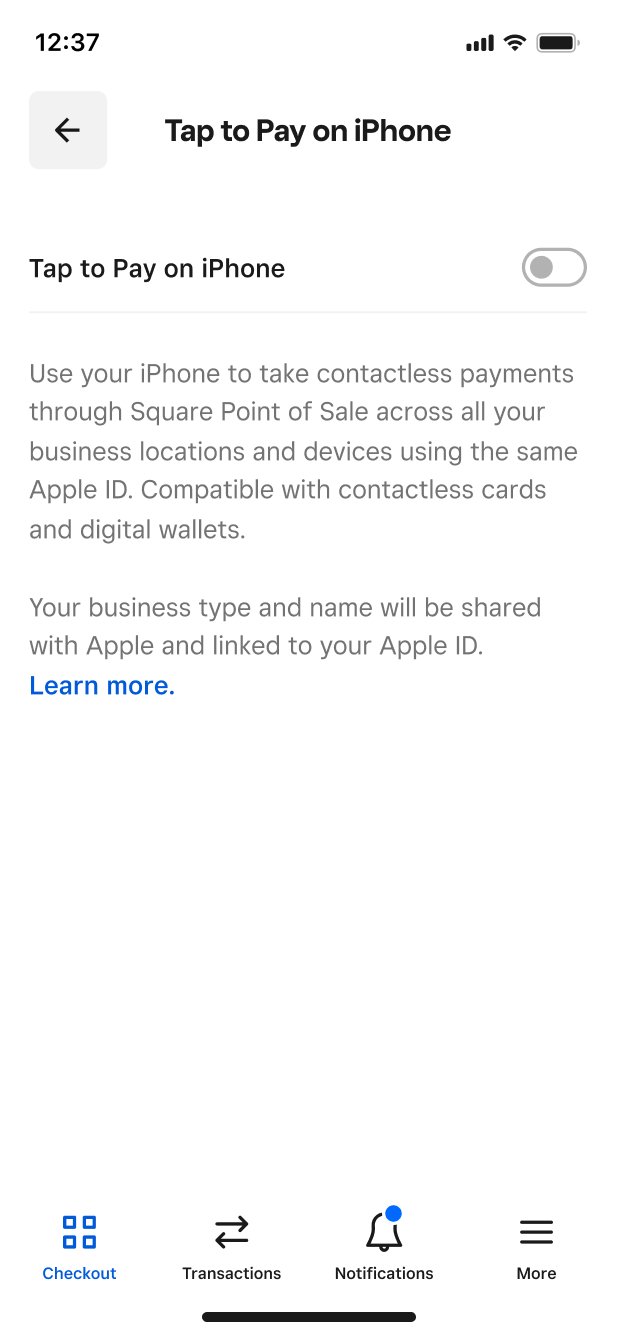
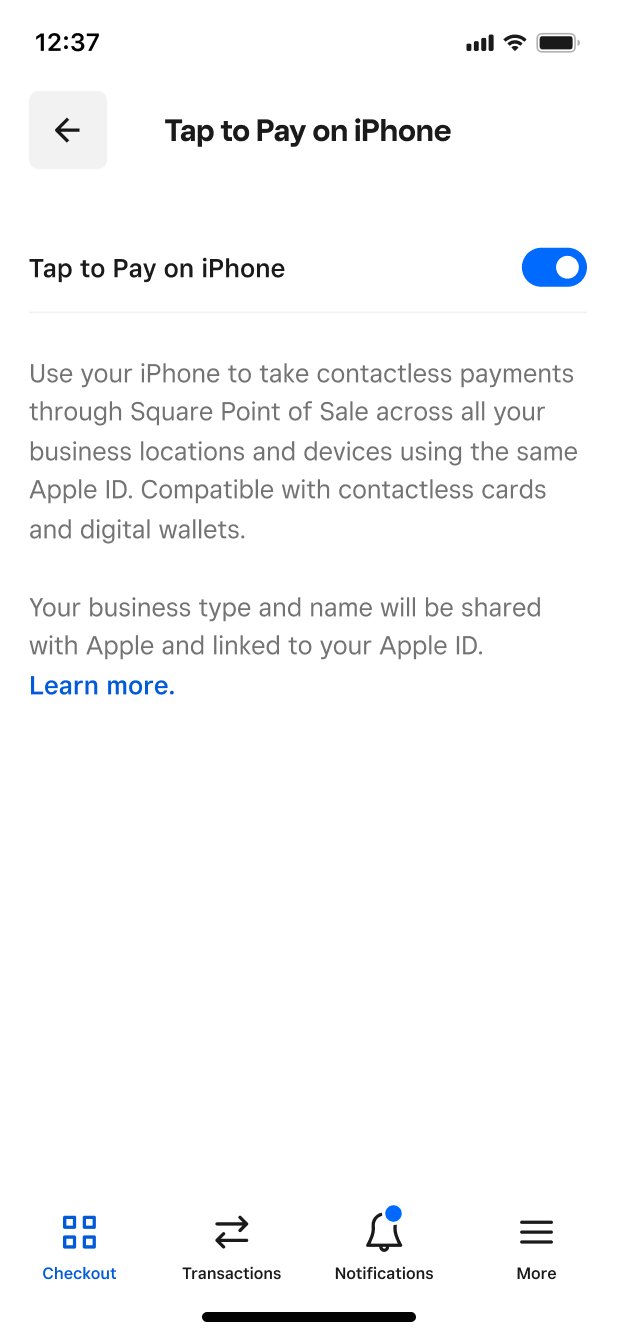
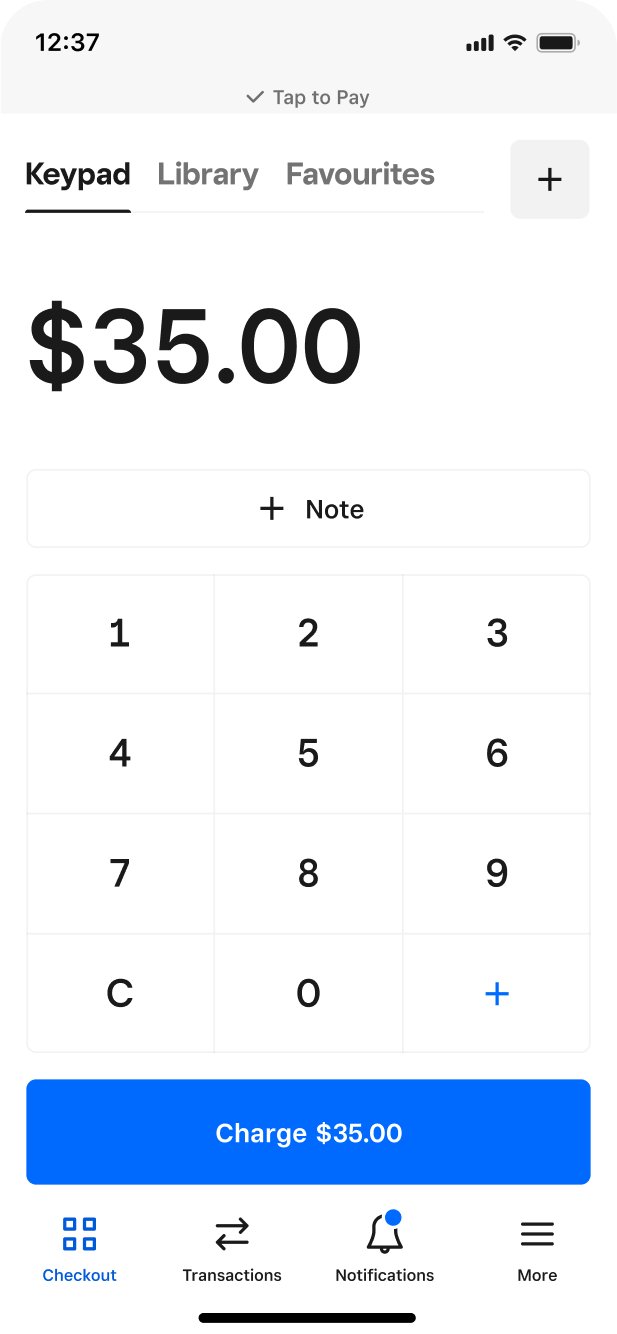
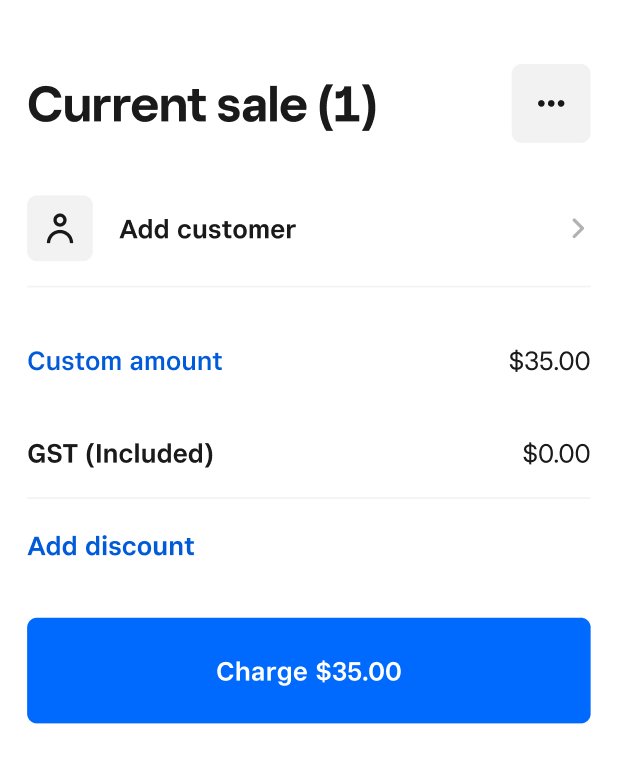
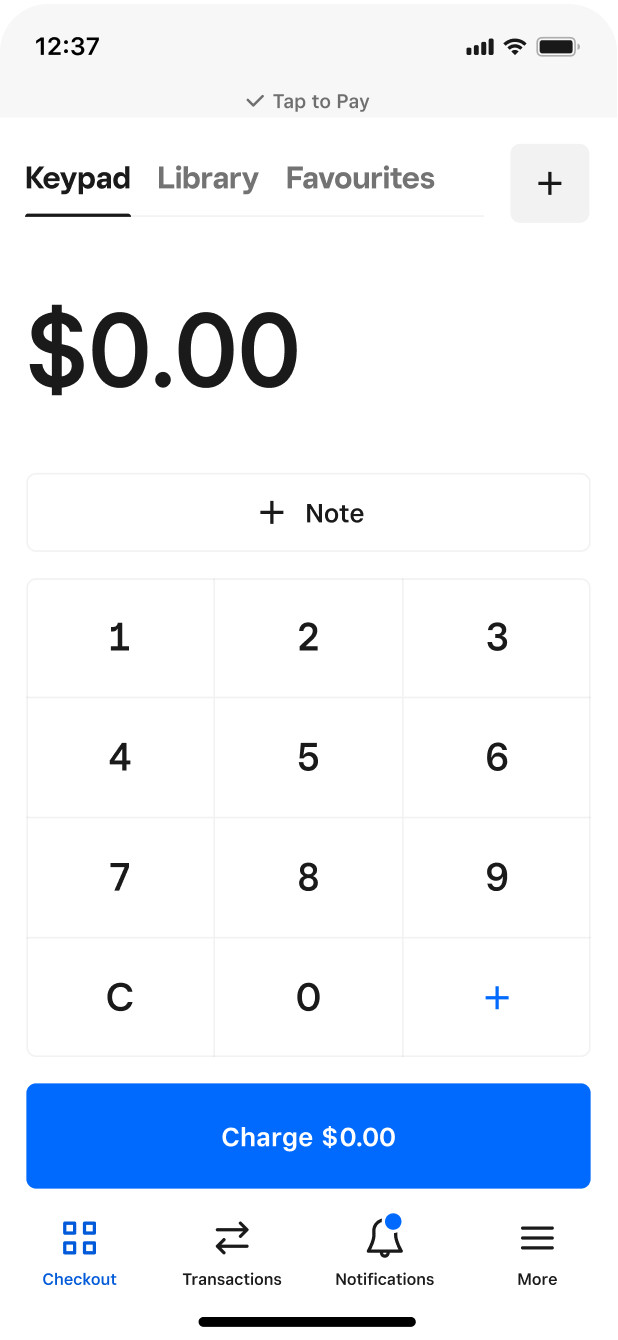
- Enable Tap to Pay on iPhone, then add an item or key in an amount.
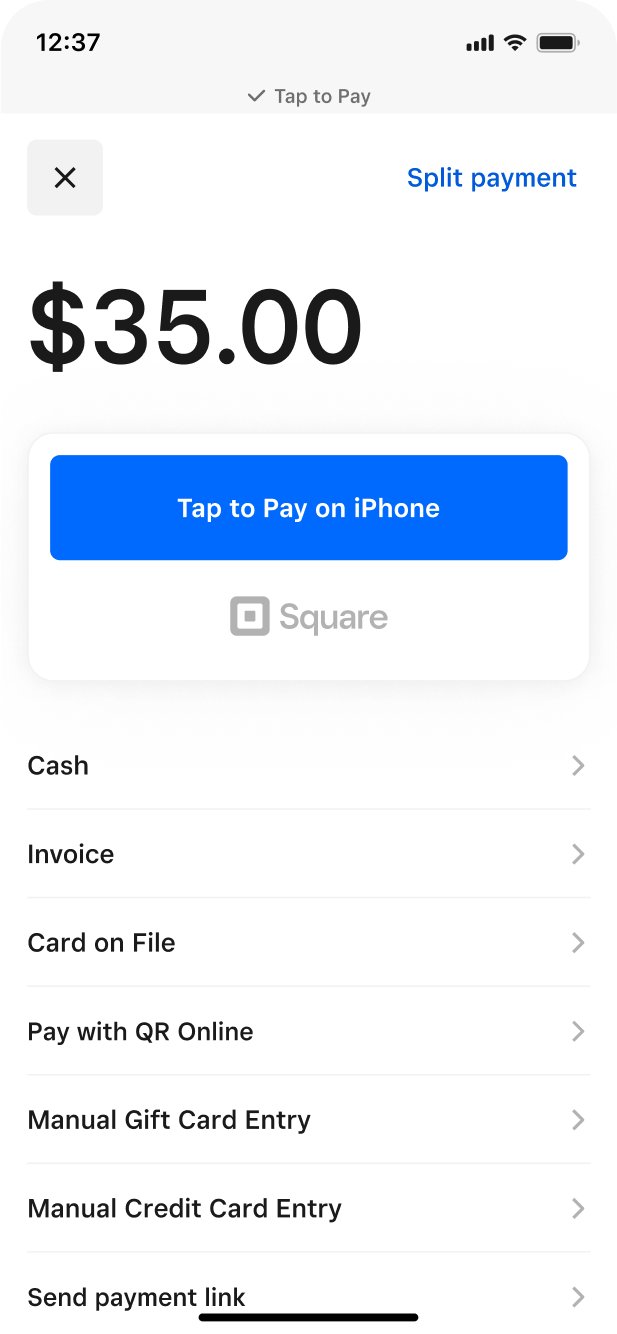
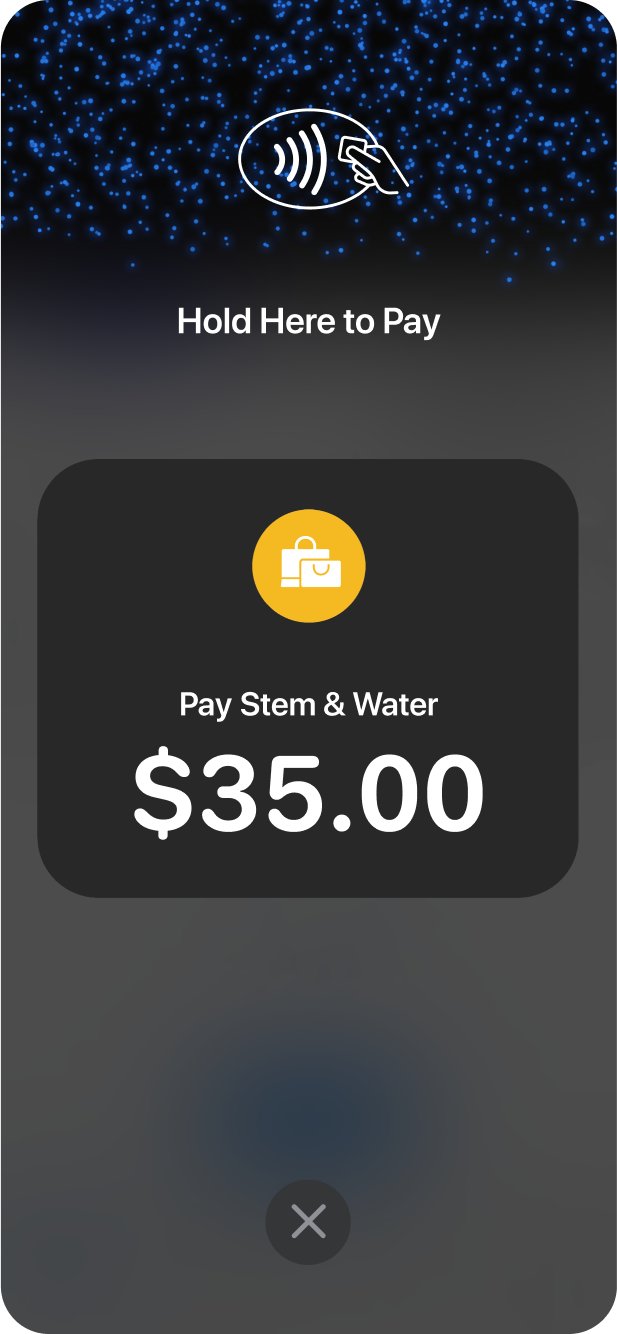
- Ask your customer for a contactless payment method.
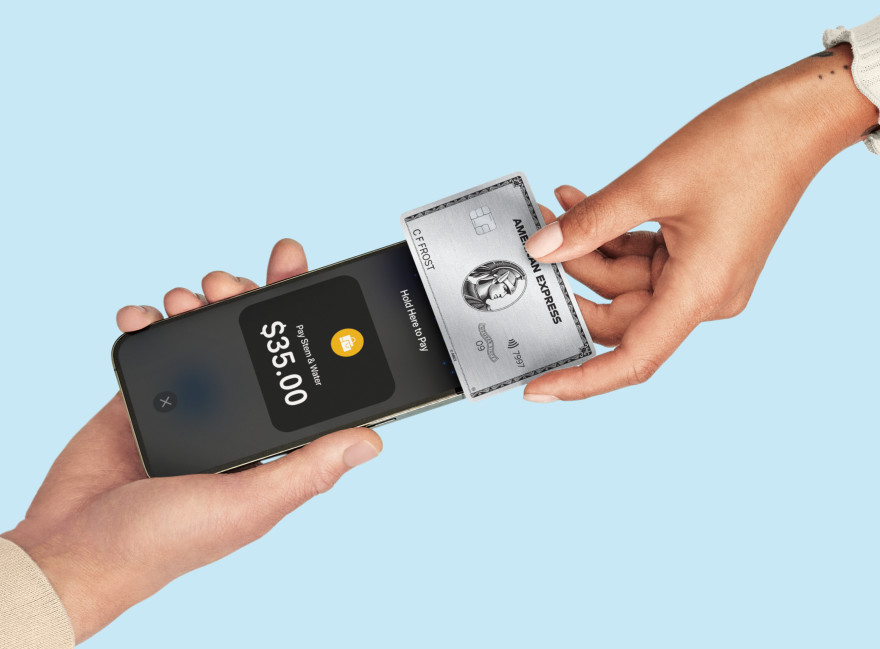
- Have them hold it at the top of your iPhone over the contactless symbol.



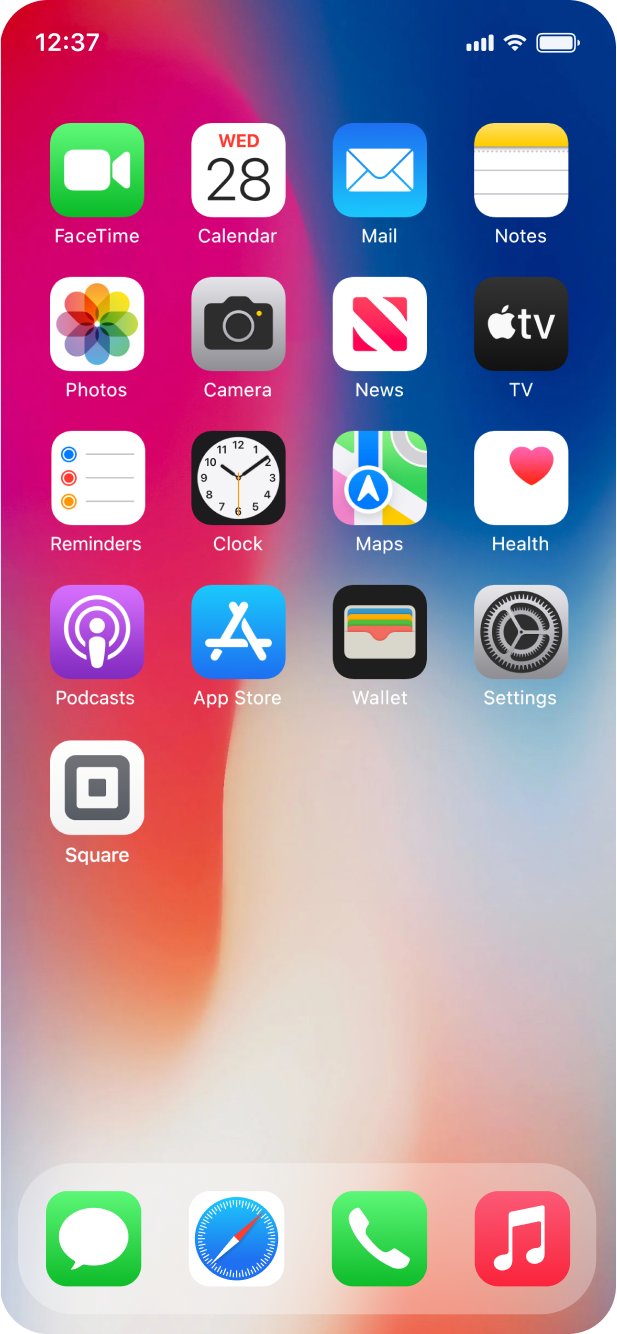
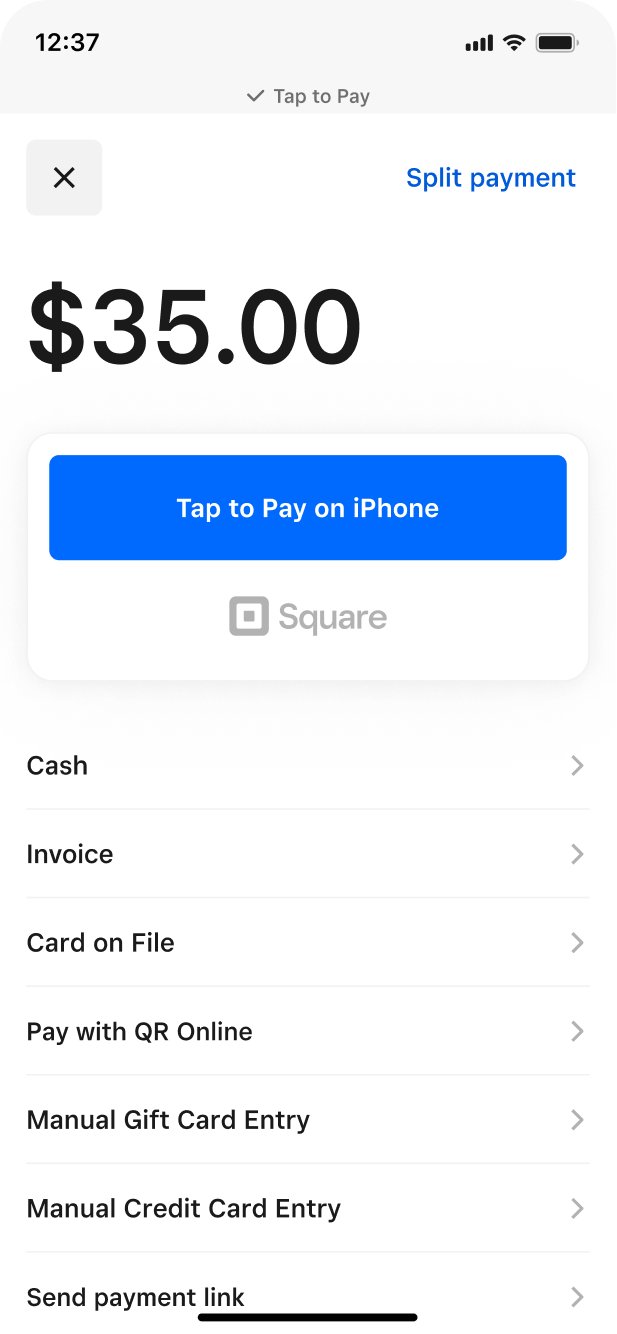




Download the free Square Point of Sale app.

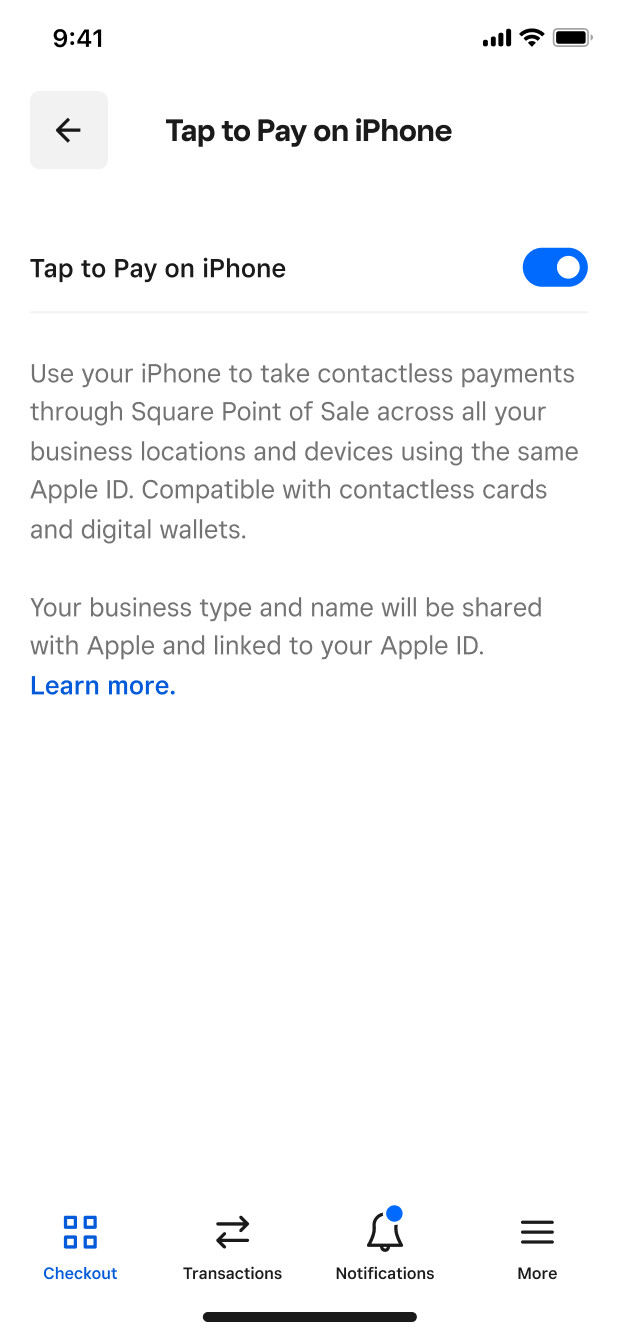
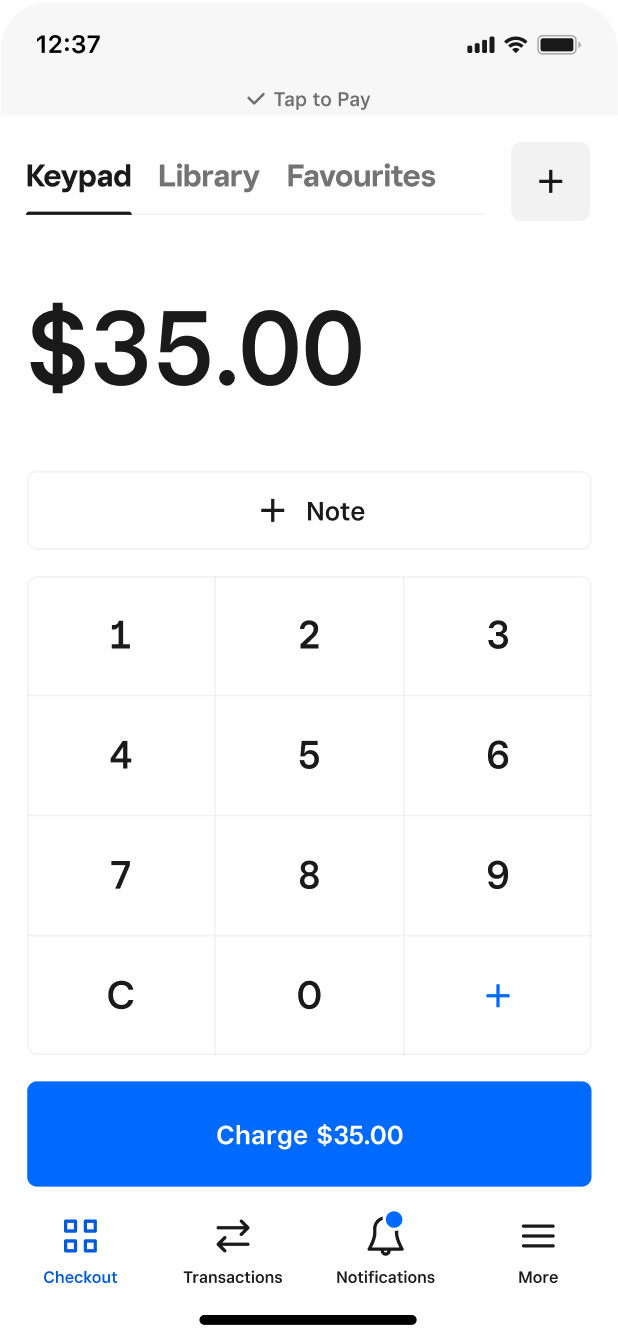
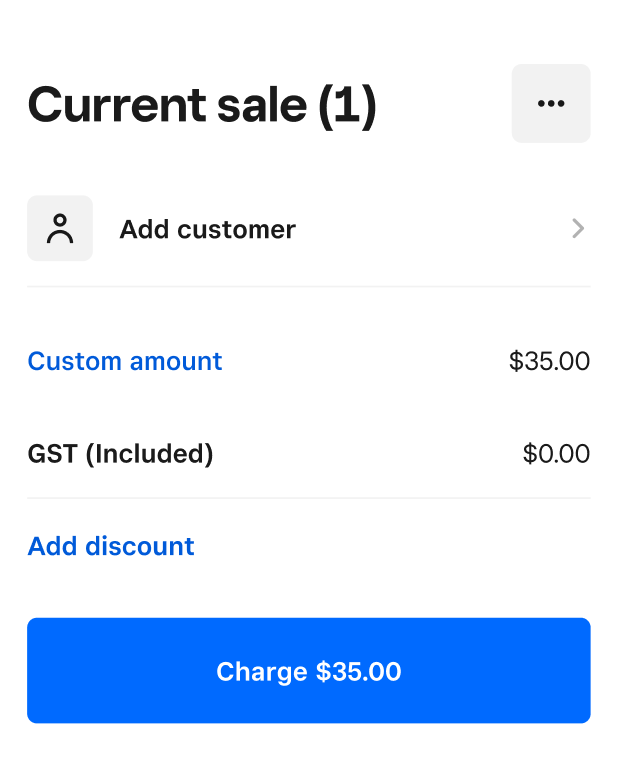
Enable Tap to Pay on iPhone, then add an item or key in an amount.
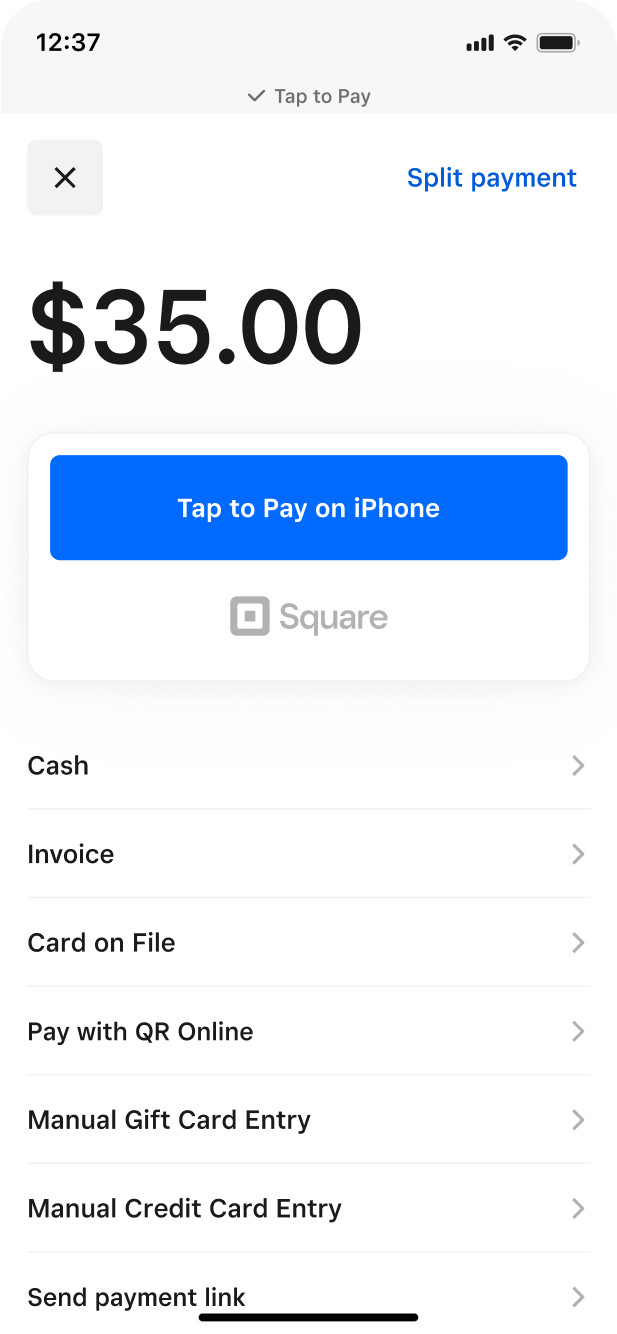
Ask your customer for a contactless payment method.
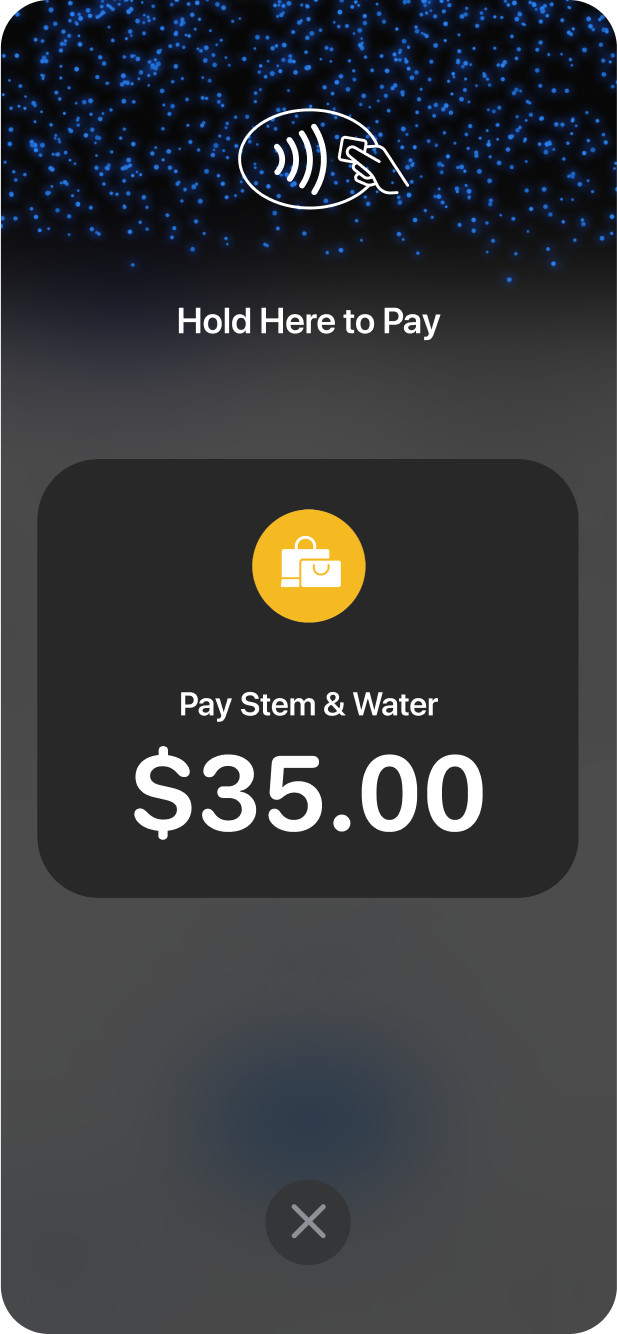
Have them hold it at the top of your iPhone over the contactless symbol.
Sell on the go
Tap to Pay on iPhone streamlines payments, so you can sell anywhere in Australia. If you have an internet or mobile connection and an iPhone, you’re in business.


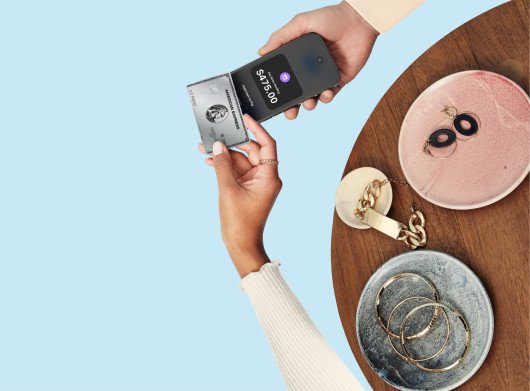
At your jewellery shop.At your client site.At your boutique.At your beauty salon.At your market stall.At your coffee van.At your studio.
Let customers pay how they want
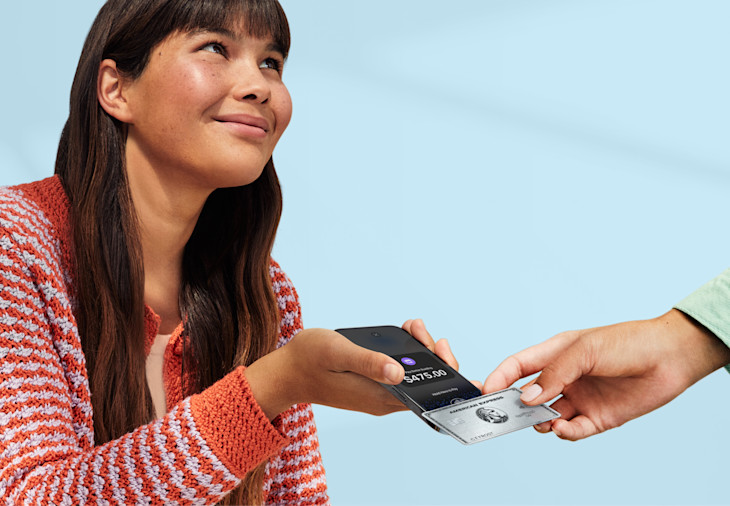
Take in-person contactless payments right on your iPhone, from debit and credit cards, to digital wallets like Apple Pay.

Take in-person contactless payments right on your iPhone, from debit and credit cards, to digital wallets like Apple Pay.
Security is engineered into every payment.


Accept payments, now with the security of iPhone.
Apple doesn’t store card numbers or PIN information on your iPhone or on Apple servers, helping protect your business and customer data.
Combine that with Square security standards: fighting fraud for you, managing disputes and supporting your PCI compliance.

Transparent pricing. Always.
1.6% per tap
What business likes surprises? None. That’s why Square processing rates are clear from the start. One flat rate by payment method. Take Tap to Pay on iPhone at our standard in-person rate: 1.6% per tap. There’s no additional cost. No hidden fees. No long-term contracts.






All the tools to get the job done

Everything you need to run a business
Make informed decisions with Square Analytics. Reach out to customers with Square Marketing. Go online with Square Online. Do it all from your phone.
Plays well with others
Think of Tap to Pay on iPhone as just another way to take payments. It works with any Square hardware you use, sending the money you make to the same Square account.
FAQ
Tap to Pay on iPhone is a secure and convenient feature that lets businesses accept contactless payments directly through their iPhone—no additional hardware required. Customers simply tap their contactless card or mobile wallet (such as Apple Pay or Google Pay) onto the merchant’s iPhone to quickly and securely complete a purchase. It’s ideal for businesses wanting an easy and mobile-friendly payment solution.
Tap to Pay on iPhone uses the built-in security and privacy features of iPhone to help protect your business and customer data. When a payment is processed, Apple doesn’t store card numbers or PIN information on iPhone or on Apple servers. So merchants and customers can rest assured that their data stays theirs.
Additionally, for Square payments, security is engineered into our products. We follow industry requirements to monitor your account for suspicious activity and support your PCI compliance.
After you download the Square Point of Sale app, you’ll be prompted to connect your Apple ID. Once that’s done, you’re ready to accept contactless payments with Tap to Pay on iPhone.
The technology works with contactless cards, Apple Pay, and other digital wallets. To determine if a card can make contactless payments, look for the contactless symbol. If your customer does not have a contactless payment method, you can also accept payments with manual card entry, a QR code, or checkout link.
Available on iPhone XS or above running iOS 16.4 or later.
When you take a payment with Tap to Pay on iPhone, the fee is 1.6% per tap. That’s it. No hidden fees. No long-term contracts. Just one flat rate.
Helpful resources
The Contactless Symbol is a trademark owned by and used with permission of EMVCo, LLC.
1.6% card present rate applies for Square Sellers who sign up on or after 30 May 2024. The rate of 1.9% will apply for Square Sellers who signed up prior to this date when using Square Reader, Square Stand or Tap to Pay, as listed in the Square Fee Schedule.
Tap to Pay on iPhone requires a supported payment app and the latest version of iOS. Update to the latest version by going to Settings > General > Software Update. Tap Download and Install. Some contactless cards may not be accepted by your payment app. Transaction limits may apply. Contactless Symbol is a trademark owned by and used with permission of EMVCo, LLC. Tap to Pay on iPhone is not available in all markets. For Tap to Pay on iPhone countries and regions, see: https://developer.apple.com/tap-to-pay/regions/.