

“Keep my tab open.” Music to a bartender’s ears. More often than not, it means more sales — and bigger tips. But managing tabs can be a pain.
Sellers, especially bars and restaurants, often rely on a manual paper system to keep track of open tabs. Each night you might be filling up an index card filing box with dividers to keep customers’ cards organized. Every time a customer orders a new drink, you have pull out the box, find the card, write down the new drink, and put the card back.
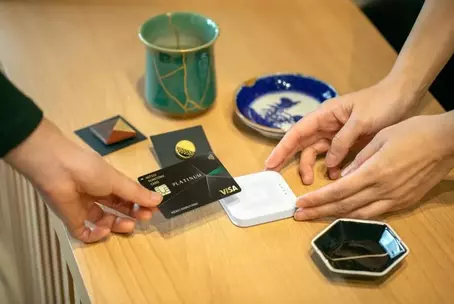
There’s an easier way. We added the Open Tickets feature to Square Point of Sale for you to keep your customers’ tabs open with just the tap of a button. Now your bartenders can do their jobs much faster, which means they can serve more drinks (read: more tips). All they have to do is swipe or insert a customer’s credit card to create a new ticket.
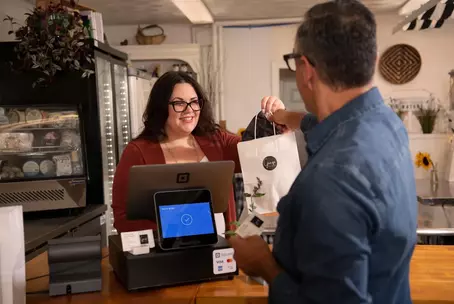
In addition to Open Tickets, Square Point of Sale offers all the tools you need to run a bar efficiently. Its items system is easy to set up and navigate — so you can quickly ring up everything from a craft cocktail to a Molson Canadian, and then move on to the next guest at the bar. Square POS also features robust analytics and inventory management tools, so you can monitor your sales and inventory levels in real time. And you can check historical sales information to see what you might need to order more or less of.
We want bars and restaurants to make every sale possible. And we’re excited to toast to that with Open Tickets!