


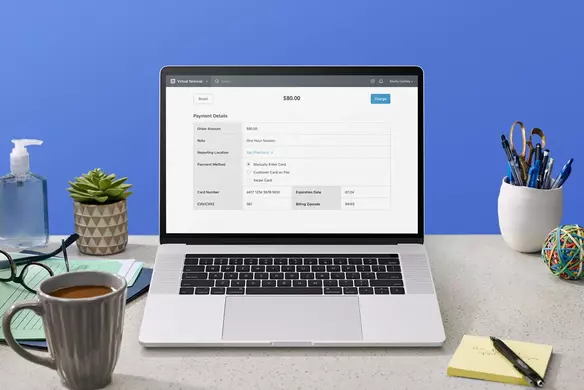


Accepting payments anytime, anywhere is possible with a virtual POS.
What is a virtual POS (VPOS)?
A virtual POS, or a VPOS, is a virtual point-of-sale terminal that allows you to process payments without a credit card reader, app, or special hardware.
It allows you to accept payments via email, phone, or fax without storing or writing down shoppers’ credit card information. The technology also enables you to see all your payments in one place, streamlining the entire process.
What kind of businesses typically use a virtual POS?
A virtual POS can be a useful tool for many types of businesses and for different types of transactions. Here are some examples:
- Large wholesale orders: A virtual POS can be especially helpful for small businesses — whether or not they have a brick-and-mortar store — when they are processing massive orders.
- White-glove service: With a more personalized level of service comes a more deliberate ordering process. A virtual POS makes sense for transactions in which you are guiding customers through every aspect of the sale, from purchase to shipping to delivery and setup.
- Remote billing over phone or fax: It’s not possible for every transaction to take place in person, and a virtual POS enables businesses to offer customers the flexibility of remote transactions.
- When billing clients for hours worked: For businesses that offer services like marketing or consulting, a virtual POS provides a way to process payments from clients in a faster, more efficient way than invoicing.
- Incremental sales or customer support orders: A virtual POS also comes in handy for nontypical payments and transactions.
How our free VPOS terminal works
Using Square’s VPOS — called Virtual Terminal — is a simple, seamless process. There are no monthly fees and no need for extra software. Pay only 3.3 percent + 15 cents for each remote keyed-in credit card payment you accept with Virtual Terminal. Here’s how to get started:
- Sign up for Square.
- Log in to your online virtual terminal via Dashboard.
- In the left-side panel, click Virtual Terminal.
- Click Take a Payment.
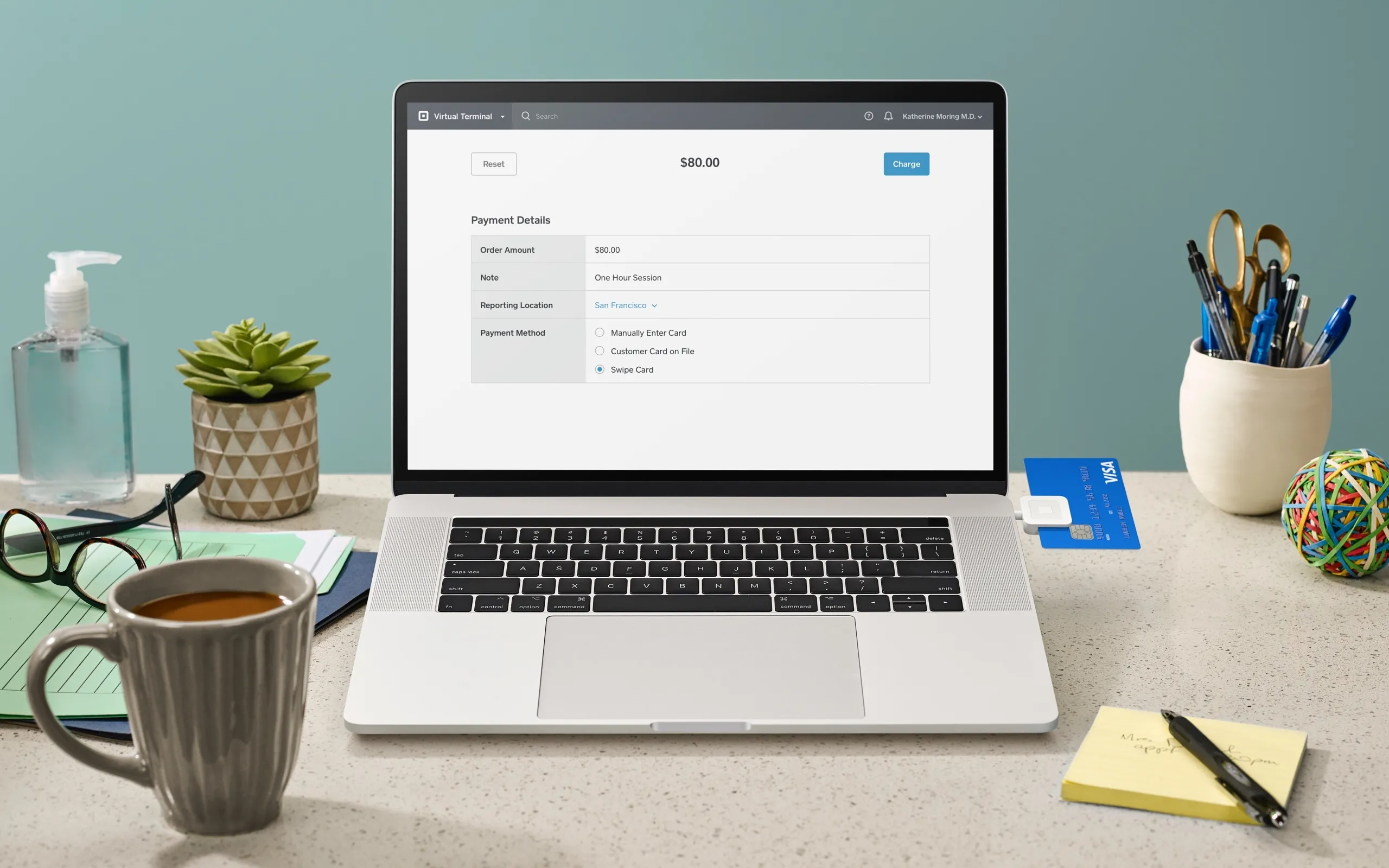
- Enter the payment details for the transaction. You need to enter the final order amount, and the customer’s credit card number, expiration date, CVV, and billing Postal code (the optional note field is great for leaving a personal thank-you or itemizing the charges).
- Click Charge.
FAQ
Can I use Virtual Terminal with Square’s other payment products, like Square Point of Sale?
Yes, you can accept payments via any of Square’s payment products with one account. All earnings are collected and reported in your account.
How much does it cost to use your virtual point of sale?
Accept in-person credit card payments at a rate of 2.5% for every swipe and remote keyed-in credit card payments for 3.3% + 15¢ per transaction. Opening an account is free, and there are no monthly fees or merchant account fees.
Can I itemize the bill or only charge a single lump sum?
You can charge a single lump sum only, but you can itemize the purchase in the notes field under the payment details.
Do I need a separate merchant account or payment gateway?
No. Using Virtual Terminal is no different than accepting payments via your Square Reader.