Use accessibility features on Square Kiosk
About Square Kiosk accessibility features
Square Kiosk offers two features designed to support accessibility that customers can enable for their ordering session:
Text to speech: When using plugged-in headphones, Square Kiosk’s voice capabilities can read on-screen text aloud. Touch features help operate the device without relying on sight.
Easy reach: Makes all interactive elements on the screen reachable when installed on the Square Kiosk floor stand or mounted at the equivalent height.
Before you begin
Customers can enable accessibility features directly on Square Kiosk. No additional action is needed from sellers to enable these features from the device or from Square Dashboard.
Connecting headphones to Square Kiosk automatically turns on the text to speech feature. The headphone jack is located on the right hand side of Square Kiosk when facing the device.
Accessibility features automatically turn off when an order is completed or canceled. Customers can choose which features to use for their session.
Purchase and use of the new Square Kiosk requires an active Square Plus or Premium subscription. Subscribers on other plans will be able to continue to use their existing Square Stand models with their existing plan. While Square Kiosk is not currently available with legacy pricing plans, such as Restaurants POS Plus or Premium, please reach out to your Account Manager for help with Square Kiosk order and setup.
Use accessibility features on Square Kiosk
Customers can follow these steps to enable each feature on Square Kiosk:
- Advance past the idle screen to the screen with the Start order button.
- Tap the accessibility icon toward the bottom of the screen.
- Toggle on Text to speech, Easy reach, or both.
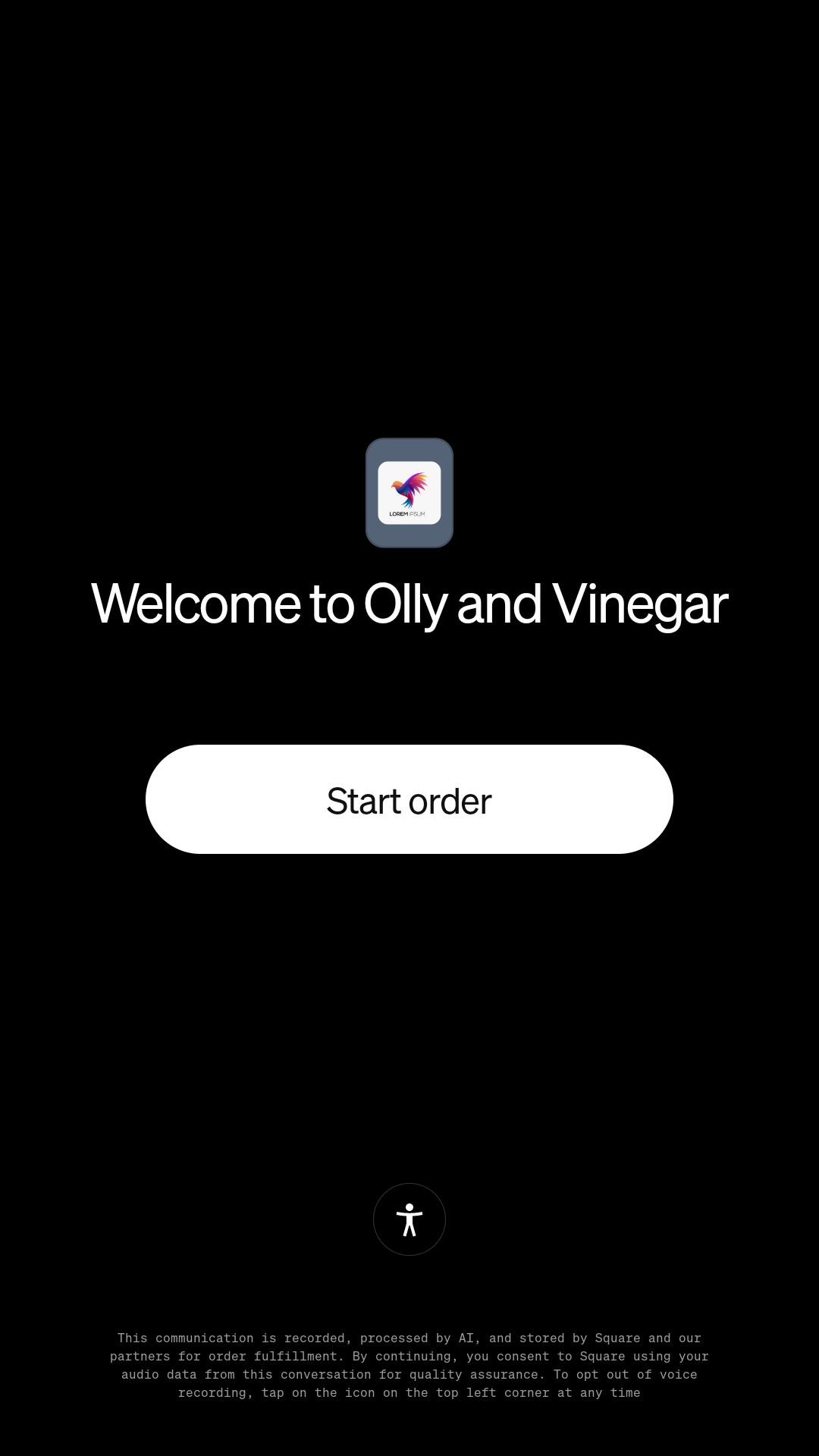
The selected features stay on for the ordering session. They turn off automatically when the order is completed or canceled.