




Actualiza tu navegador.
Descarga la última versión de un navegador compatible debajo para obtener el mayor beneficio de este sitio web:
Agentic Commerce Show up and sell through AI
When a customer asks AI for a recommendation, your business shows up, shows what's available, and takes their order – all through the Square tools you already use.
Show up where customers are searching

Get discovered by AI assistants
When customers ask ChatGPT, Claude, or Ask Maps where to eat near them, your Square listings put your business in the recommendation. Your existing Square presence does the work.

Show your real-time menu in chats
AI assistants pull from your live Square catalog (items, prices, modifiers, and availability) so customers always see what's actually in stock.

Use the hardware you already have
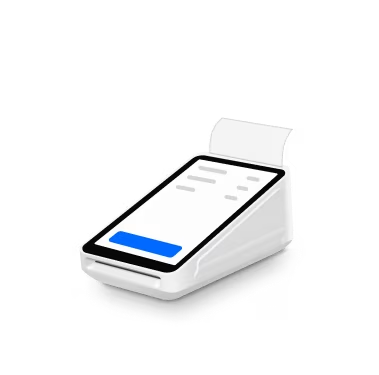
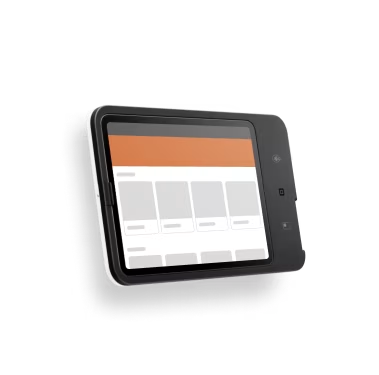
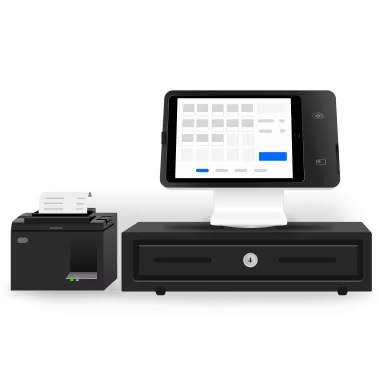
Orders from AI assistants flow into Square POS, register, or KDS alongside every other online order. Your team works exactly as they do today.
Customers are already shopping through AI
58%
of Millennials either use AI to shop or plan to do so.1
90%
of Gen Z shoppers who use AI say it improves their shopping experience.1
$385 billion
potential U.S. eCommerce spending from agentic shoppers by 2030.2
How it works
1. Use your existing Square setup
Your Square catalog — hours, location, menu, inventory — is already what AI assistants read from. If it’s current, there’s nothing more to do.
2. Connect your ordering channels
Activate a Square Online Ordering profile so customers can browse your menu and start an order through supported AI experiences. To drive orders through Google Maps via Ask Maps, also connect your Google Business Profile and enable Order with Google through Square.
3. Show up accurately in AI
Customers can discover your business, browse your menu, and start an order all from supported AI tools.
4. Start receiving orders
Orders land in your Square dashboard just like every other online order. No extra steps or new workflows – just another way for customers to find and order from your business.
Customers are already asking AI where to go. Now your business is the answer.
Preguntas frecuentes
What is agentic commerce?
Agentic commerce is the wave of shopping that happens through AI agents — assistants like ChatGPT or Claude — that discover products, compare options, start an order, and in some cases check out on a customer's behalf.
Square gives you the infrastructure to be discovered and to accept those agent-initiated orders without changing how you run your business.
How does Square help my business show up in AI?
Your Square profile — hours, menu, inventory, location, and online ordering profile — is read by the AI partners we're integrated with. Keep your account current and you're indexable everywhere our partners ship.
How do my business operations work with AI and agentic ordering?
Agentic orders are routed through the same Square systems as any online order. You'll see them in your Dashboard, Square for Restaurants, or Point of Sale — tagged by source so you know where they came from.
How is the order handled end-to-end?
The exact experience may vary depending on the AI tool a customer is using. In many cases, customers can browse a seller's menu and start an order directly within the AI experience. When they're ready to check out, they may either complete their purchase within the AI experience or be taken to the seller's online ordering page with their selected items already added. Once the order is placed, it flows into the seller's existing Square setup and is processed just like any other online order.
Will I be charged additional fees for orders placed through AI?
AI-initiated orders are billed at your existing Square online processing rate. There are no platform fees from Square for being discoverable by AI agents.
Which businesses are supported today?
Eligible U.S. food & beverage businesses can get started today with an active Square Online Ordering profile. To accept orders through Google Maps via Ask Maps, you'll also need to connect your Google Business Profile and enable Order with Google through Square. Support for retail, services, and appointment-based businesses is coming soon.
Can I preview my business and menu in these tools?
Yes. The preview experience varies by platform.
ChatGPT: Add the Order by Cash App plugin from the ChatGPT app store. Then ask ChatGPT to order from your business and use Order by Cash App to start the ordering experience.
Claude: Add the Order by Cash App plugin from the Claude directory. Then ask Claude to order from your business to preview the experience.
Google Maps via Ask Maps: If your business is eligible and you've connected your Google Business Profile and enabled Order with Google, prompt the Ask Maps feature within Google Maps to order from your restaurant. Select Order by Cash App from the pickup and delivery options to preview the ordering experience.
How can I see and manage this new online channel sales channel?
Open Square Dashboard → Online Channels → AI assistants. You can toggle settings on or off if you prefer to opt-out of agentic ordering.
1Source: Capital One: AI Shopping Statistics Report, 2026.
2Source: Morgan Stanley: Agentic Commerce Market Impact Outlook, 2025.