Unpublish Your Weebly Website
Who is this article for?
What if you change your mind after publishing your site, or you just want to take it offline temporarily? Not a problem! You can unpublish your website from the Settings tab within the site editor. Just click on the General section, and scroll to the bottom to find the unpublish button.
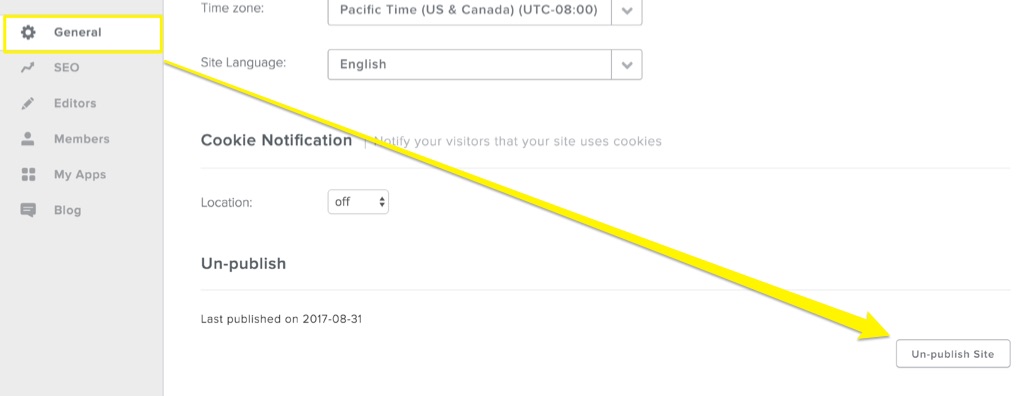
If you change your mind again, you can re-publish the site at any time using the Publish button in the upper right corner of the editor.