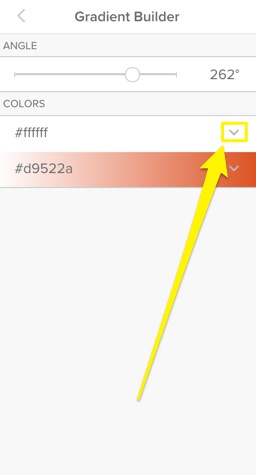
Add a Colour Gradient Background
Adding a gradient background is an easy way to make your content stand out. Just like solid colour backgrounds, gradients can be added to individual sections on a page or to a single section to fill the whole background area.

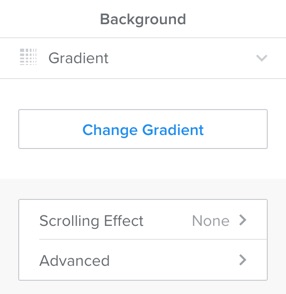
Click on the section you want to add a gradient to, and click Edit Background. Select Gradient, and then click on Change Gradient to add your colours and adjust the settings.
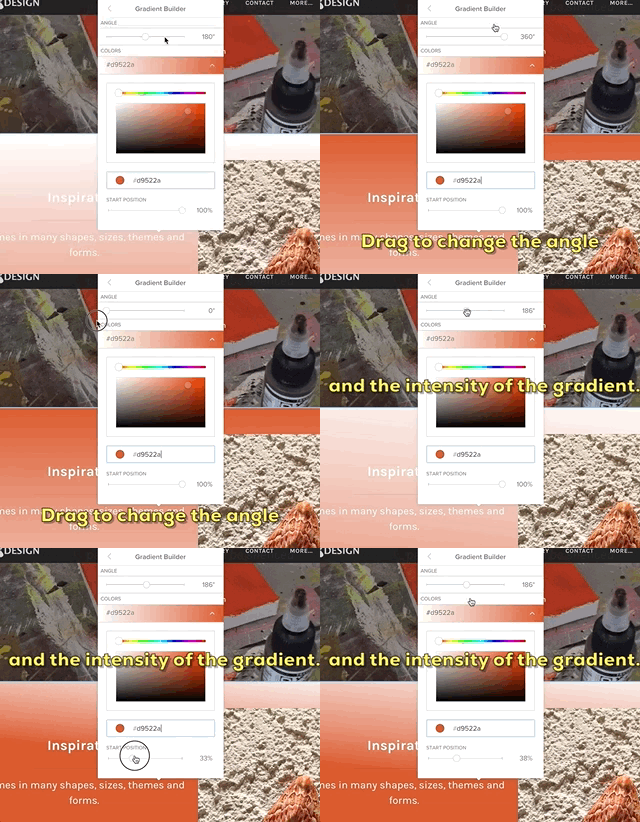
You can change the colour by dragging the slider across the spectrum bar at the top and then fine tune the lightness and saturation of the colour by dragging the circle around the colour swatch field below. You can also enter a hex code if you know exactly what colour you want. Once you’ve chosen a colour, drag the angle and start position sliders to adjust the angle and intensity of the gradient.
When you’re done, click the arrow on your first colour to go back and pick a second colour using the same process. You can change the start position for the second colour individually, but the angle setting applies to the entire gradient.